
I tried both OLED 360Hz and LCD 360Hz ULMB2 and I prefer the ULMB2 for comp games but im not sure how monitor response time works when it comes to strobing? For example the PG27AQN has a 3.0 response time at max Hz, how does that relate to strobing? Does it stay 3 MS response time if ULMB2 at 360Hz?
Currently I have pulse width on 80 as it starts to get a bit dark if I go below that but yeah does response time (also is monitor response time same as MPRT?) remain the same with ULMB on vs off?
It feels like response time is comparable to the OLED I was trying but I think my brain is playing tricks on me, perhaps its the motion clarity of ULMB that is making me react quicker which is making me think that response time is lowered with ULMB on when in fact its just smoother motion than OLED and non-strobed LCD = faster reaction time
How does monitor respoonse time work in the context of strobing?
-
Supermodel_Evelynn
- Posts: 281
- Joined: 21 Aug 2022, 14:28
Re: How does monitor respoonse time work in the context of strobing?
MPRT eliminates the ghosting by either hiding it with a black frame or turning off a backlight or increasing the FPS and HZ which allows pixels to transition faster hence less blur and ghosting.
pixels are like a light bulb when you turn off a light bulb home there is a faint glow that takes a while to disappear, if you close your eyes for a second and reopen it there should only be a very very faint glow this is strobing at say 200 nits and if you close your eyes for 2 seconds and reopen this is strobing at 100 nits extreme
And if you close your eyes for 4 seconds and reopen this is max strobing ultra at about 50 nits because you are only seeing for a very short amount of time so that the pixels get enough time to change colors without seeing the previous after glow which is the blur
This is MPRT when strobing, this is why even crappy LCD with strobing can look better than a 360 HZ OLED
So even if a LCD has crappy response time which they all do, strobing hides it.
pixels are like a light bulb when you turn off a light bulb home there is a faint glow that takes a while to disappear, if you close your eyes for a second and reopen it there should only be a very very faint glow this is strobing at say 200 nits and if you close your eyes for 2 seconds and reopen this is strobing at 100 nits extreme
And if you close your eyes for 4 seconds and reopen this is max strobing ultra at about 50 nits because you are only seeing for a very short amount of time so that the pixels get enough time to change colors without seeing the previous after glow which is the blur
This is MPRT when strobing, this is why even crappy LCD with strobing can look better than a 360 HZ OLED
So even if a LCD has crappy response time which they all do, strobing hides it.
Re: How does monitor respoonse time work in the context of strobing?
Oh I see, makes tons of sense thanksSupermodel_Evelynn wrote: ↑03 Oct 2024, 12:29MPRT eliminates the ghosting by either hiding it with a black frame or turning off a backlight or increasing the FPS and HZ which allows pixels to transition faster hence less blur and ghosting.
pixels are like a light bulb when you turn off a light bulb home there is a faint glow that takes a while to disappear, if you close your eyes for a second and reopen it there should only be a very very faint glow this is strobing at say 200 nits and if you close your eyes for 2 seconds and reopen this is strobing at 100 nits extreme
And if you close your eyes for 4 seconds and reopen this is max strobing ultra at about 50 nits because you are only seeing for a very short amount of time so that the pixels get enough time to change colors without seeing the previous after glow which is the blur
This is MPRT when strobing, this is why even crappy LCD with strobing can look better than a 360 HZ OLED
So even if a LCD has crappy response time which they all do, strobing hides it.
-
nuninho1980

- Posts: 189
- Joined: 26 Dec 2013, 09:49
- Contact:
Re: How does monitor respoonse time work in the context of strobing?
- Normal *response* time = GtG: less GtG belongs harder fade but not reduce the motion blur - non-eye tracking.
- Persistence time = MPRT: lower MPRT belongs to reduce the motion blur - with eye tracking.
- Persistence time = MPRT: lower MPRT belongs to reduce the motion blur - with eye tracking.
CPU: i7-12700KF@stock without E-core
RAM: 2x16GB DDR4@3600MHz
MB: MSI PRO Z690-A DDR4
GPU: Zotac RTX 4090 non-OC <3
Opt. disc: LG BD-RE writer BH16NS40
HDD: SATA 1TB
SSDs: OCZ RD400 0.5TB+Crucial MX500 2TB
PSU: AEROCOOL 1kW 80+ Gold
Disly: ViewSonic XG2431 23.8" NEW!
RAM: 2x16GB DDR4@3600MHz
MB: MSI PRO Z690-A DDR4
GPU: Zotac RTX 4090 non-OC <3
Opt. disc: LG BD-RE writer BH16NS40
HDD: SATA 1TB
SSDs: OCZ RD400 0.5TB+Crucial MX500 2TB
PSU: AEROCOOL 1kW 80+ Gold
Disly: ViewSonic XG2431 23.8" NEW!
-
Supermodel_Evelynn
- Posts: 281
- Joined: 21 Aug 2022, 14:28
Re: How does monitor respoonse time work in the context of strobing?
Yeah but strobing on LCD fixes G2G issues and make it seem like it's instant look below for proofnuninho1980 wrote: ↑04 Oct 2024, 08:06- Normal *response* time = GtG: less GtG belongs harder fade but not reduce the motion blur - non-eye tracking.
- Persistence time = MPRT: lower MPRT belongs to reduce the motion blur - with eye tracking.
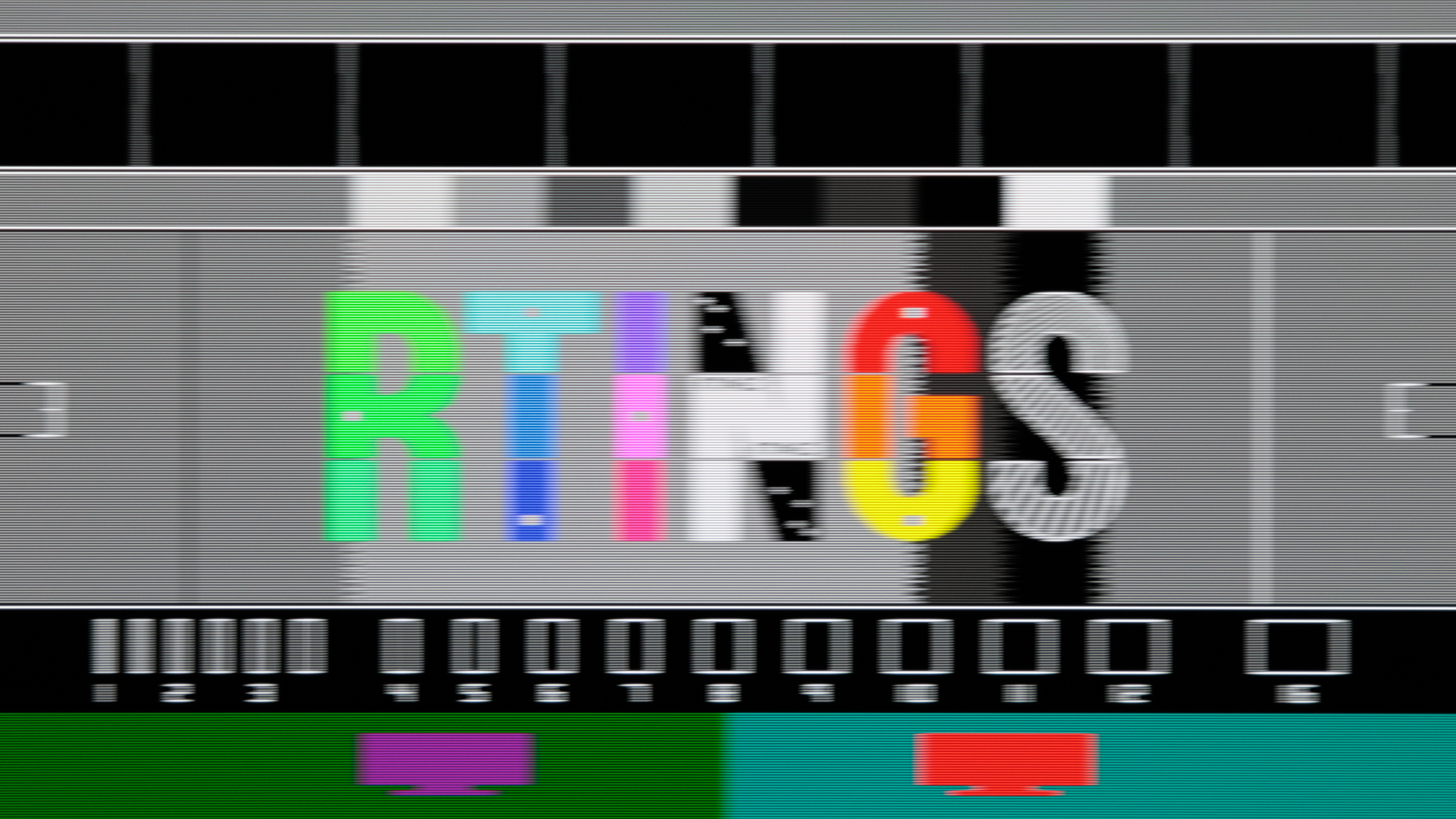
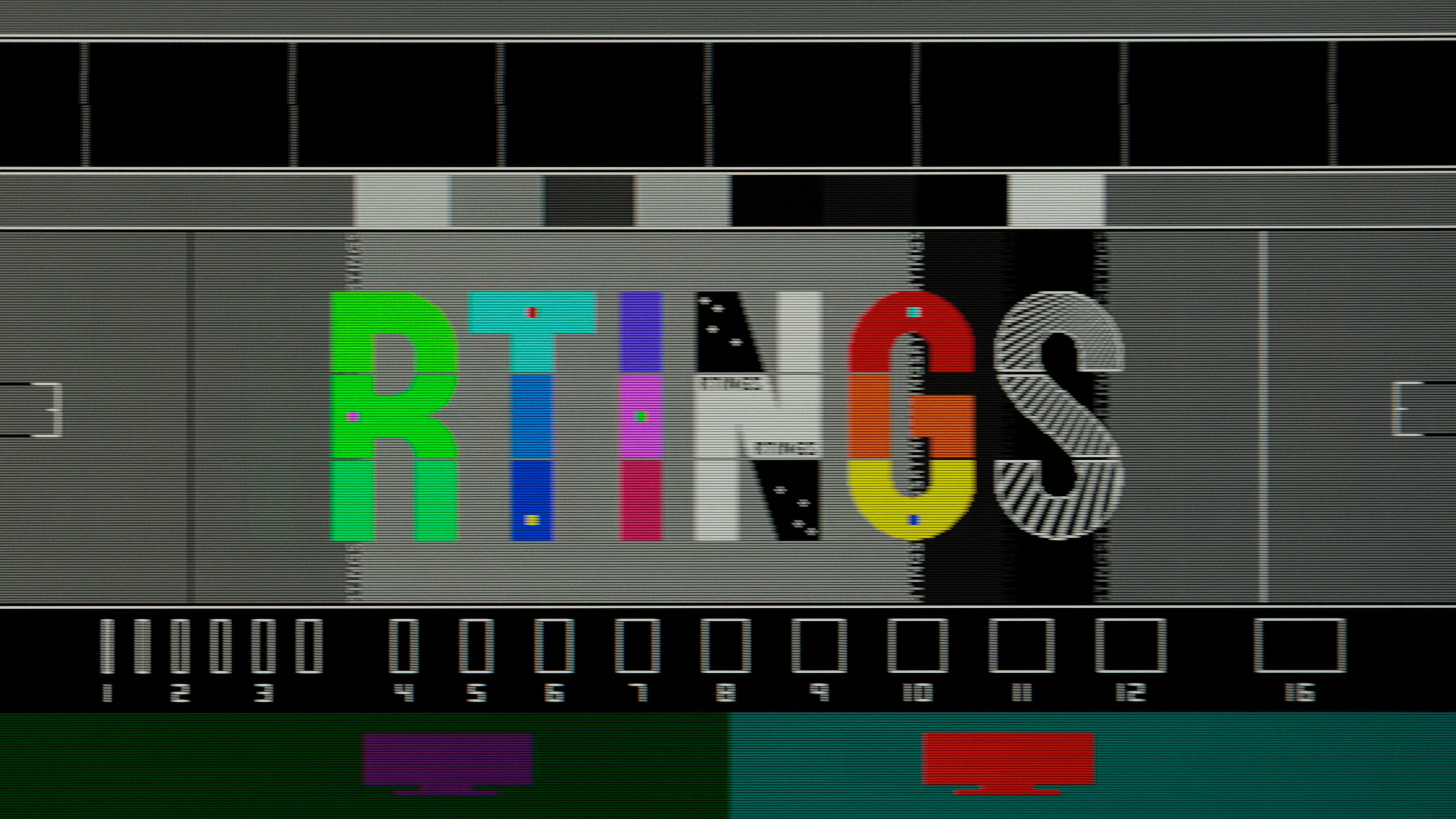
Crappy LCD with strobing has less overall blur than OLED without BFI
My XG2431 at 60 HZ Pure XP Ultra has way better motion clarity than 480 HZ OLED
^ 480 HZ OLED
60HZ LCD XG2431 strobed
-
HumanAI_004
- Posts: 7
- Joined: 29 Jan 2024, 07:28
Re: How does monitor respoonse time work in the context of strobing?
Imagine the response of a pixel as a raising curve (intensity will increase) with a plateau followed by a decline. From near 0% (start) to near 0% (end) this can be many milliseconds like 10 or 15ms or even longer. Raise time is defined typically from 10% amplitude to 90% amplitude of the raising flank only and is much shorter like 5ms.
ULMB is like putting a near rectangular filter over this pixel response curve (Mathematically it is a convolution of one function with a rectangular function). Only the part of the pixel response curve within the ULMB rectangular will be visible for your eyes.
Reducing ULMB pulse width will reduce brightness. Let’s say at setting 80 the width would be like 2ms. This means that the ULMB window let only 2ms of the pixel response curve pass.
As pointed out here already this ULMB window time will be your persistence time. It is more important than response time. But a short response time can be beneficial (see below).
The problem is now where to put that ULMB filter function in time relation to the pixel response curve. At optimum you want that to be on the plateau of the pixel response curve. But now there are different response curve for top and bottom part of your screen! (now it gets complicated because a rolling scan is typically involved, and I also don’t understand that part to 100%).
ULMB2 tries to optimize this and to find the best compromise for all available pixel response curves for the monitor (you can check NVIDA ULMB 2 scheme for more information).
A shorter response time will enable a larger plateau width of the pixel response time. This increases the probability of same intensity level for top and lower part of the screen and improves image quality (at least it would guarantee same pixel intensity for the same pixel content shown top and bottom).
Re: How does monitor respoonse time work in the context of strobing?
LCDs that are strobed have reduced blurriness. When you look at moving objects with constant LCD illumination, the start and end of the frame smear the image, whereas if the frame is flashed at you during the period you see the image at the intended position only - as for context, you see whatever state the LCD pixels have rotated to by the flash time (so obviously it should flash at the end of the frame), better response is a more complete image. OLED should be multiplexed and should flash also but I have not done proper research on them.