

NVIDIA G-Sync Pulsar monitor - Asus ROG Strix XG27AQNGV
-
brownvim
- Posts: 228
- Joined: 22 Jun 2020, 04:15
Re: NVIDIA G-Sync Pulsar monitor - Asus ROG Strix XG27AQNGV
Glad your here
5800X3D, RTX 5080 FE, OLED AW3423DW + Acer Pulsar XB273U F5
-
mawi
- Posts: 95
- Joined: 03 Jan 2026, 08:10
- Location: Palatine, Germany
Re: NVIDIA G-Sync Pulsar monitor - Asus ROG Strix XG27AQNGV
Thank you very much for giving us an update on so many of these matters.ManuelG_NVIDIA wrote: ↑20 Apr 2026, 03:30
-Regarding the double image behavior observed on G-SYNC Pulsar displays when operating within the 100–180 FPS range, a fix has been implemented and will be included in an upcoming G-SYNC Pulsar firmware update version 1.1.6.
Are there any updates planned for RTX30/40 users which suffer a lot with black screens due to handshake problems (when using alt+tab but sometimes also ingame) when running the display with 360 Hz? Running the monitor with 240 Hz improves the situation but it can still happen.
There are some solutions like disabling displaytiling via registry (which also enables custom resolution and DSR), but this still forces you to run with 240 Hz. As an RTX40 owner it should be possible to run games with 360 Hz without blacking out all the time.
As 300 Hz (8-bit) works via custom resolution without tiling (single-head output), in my opinion the perfect case would be to add a 300 Hz Pulsar mode which enables you to run the display without tiling, no black screens (even when switching to full screen exclusive)+ DSR capability etc. at almost full refresh rate.
7800X3D, RTX 5070 Ti, XG27AQNGV Pulsar
-
edgintheledge

- Posts: 49
- Joined: 03 Feb 2026, 02:11
Re: NVIDIA G-Sync Pulsar monitor - Asus ROG Strix XG27AQNGV
Yes please! This is my biggest problem currently. Most times the monitor is fine, but I really shouldn't be questioning whether a monitor marketed towards competitive gaming doesn't go blank in the middle of said competitive gaming. I have forgotten about it running at 360hz before and had it blank in the middle of a game and that can completely sway a match between a win or loss.mawi wrote: ↑20 Apr 2026, 03:59Are there any updates planned for RTX30/40 users which suffer a lot with black screens due to handshake problems (when using alt+tab but sometimes also ingame) when running the display with 360 Hz? Running the monitor with 240 Hz improves the situation but it can still happen.
-
kyube

- Posts: 1016
- Joined: 29 Jan 2018, 12:03
Re: NVIDIA G-Sync Pulsar monitor - Asus ROG Strix XG27AQNGV
What's preventing you from updating the current QHD@360Hz models to HDMI 2.1 FRL6 bandwidth?
Why is the Mediatek MT9810 artifcially limited to TMDS bandwidth?
I also refuse to believe no one on Nvidia has noticed the large disrepancy between the 60Hz ULMB2 & 120/240/360Hz ULMB2 modes, especially the large “mishap” (deliberate design decision) of fusing both options (Pulsar/ULMB2) into a single setting...
This idea is even more enforced by the fact that 60Hz ULMB2 is a separate setting...

evaluating xhci controller performance | audio latency discussion thread | "Why is LatencyMon not desirable to objectively measure DPC/ISR driver performance" | AM4 / AM5 system tuning considerations | latency-oriented HW considerations | “xhci hand-off” setting considerations | #1 tip for electricity-related topics | ESPORTS: Latency Perception, Temporal Ventriloquism & Horizon of Simultaneity | good lcd backlight strobing implementation list | display vs gpu scaling
-
BLooDS_inc
- Posts: 59
- Joined: 12 Apr 2026, 15:02
Re: NVIDIA G-Sync Pulsar monitor - Asus ROG Strix XG27AQNGV
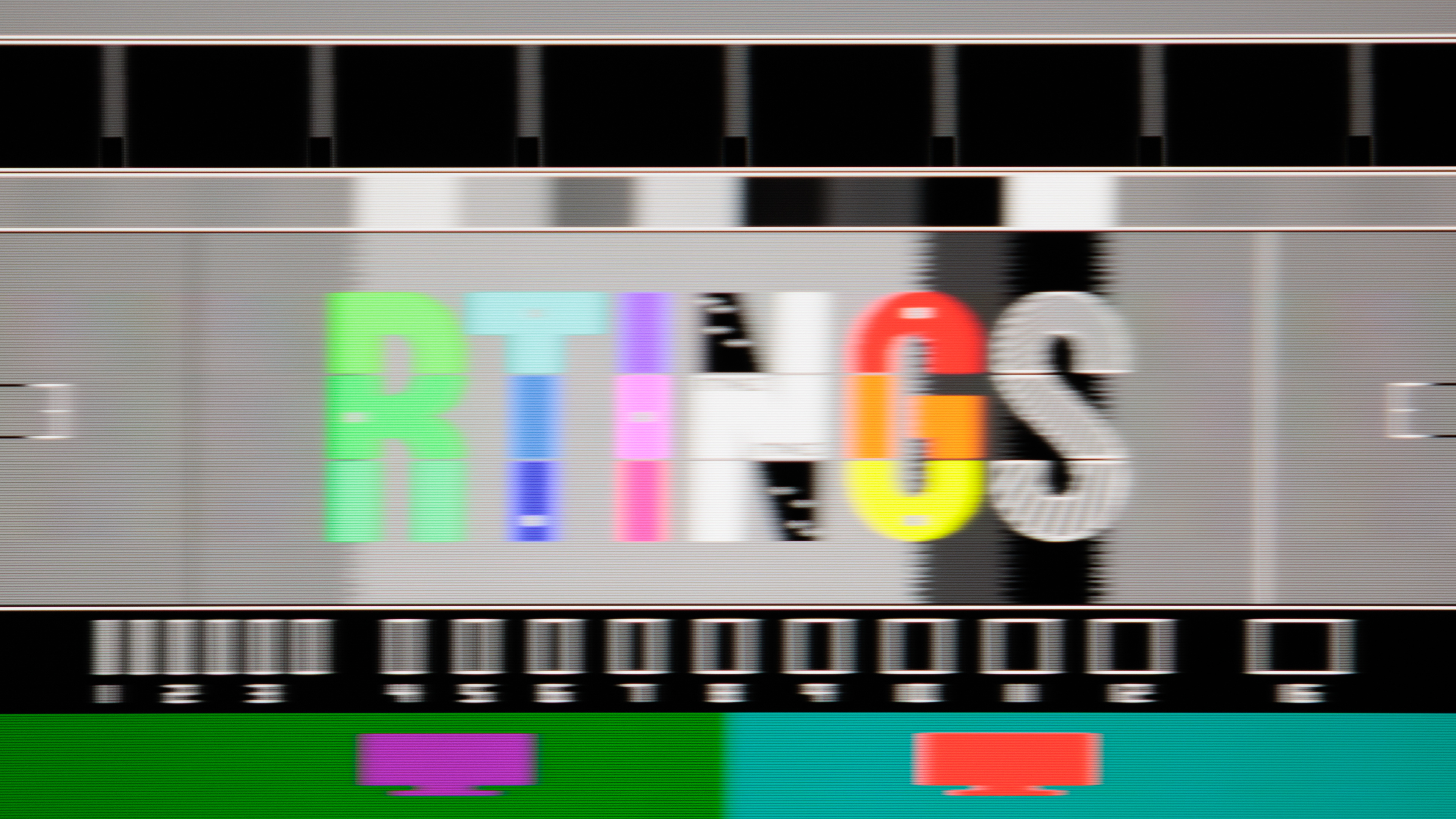
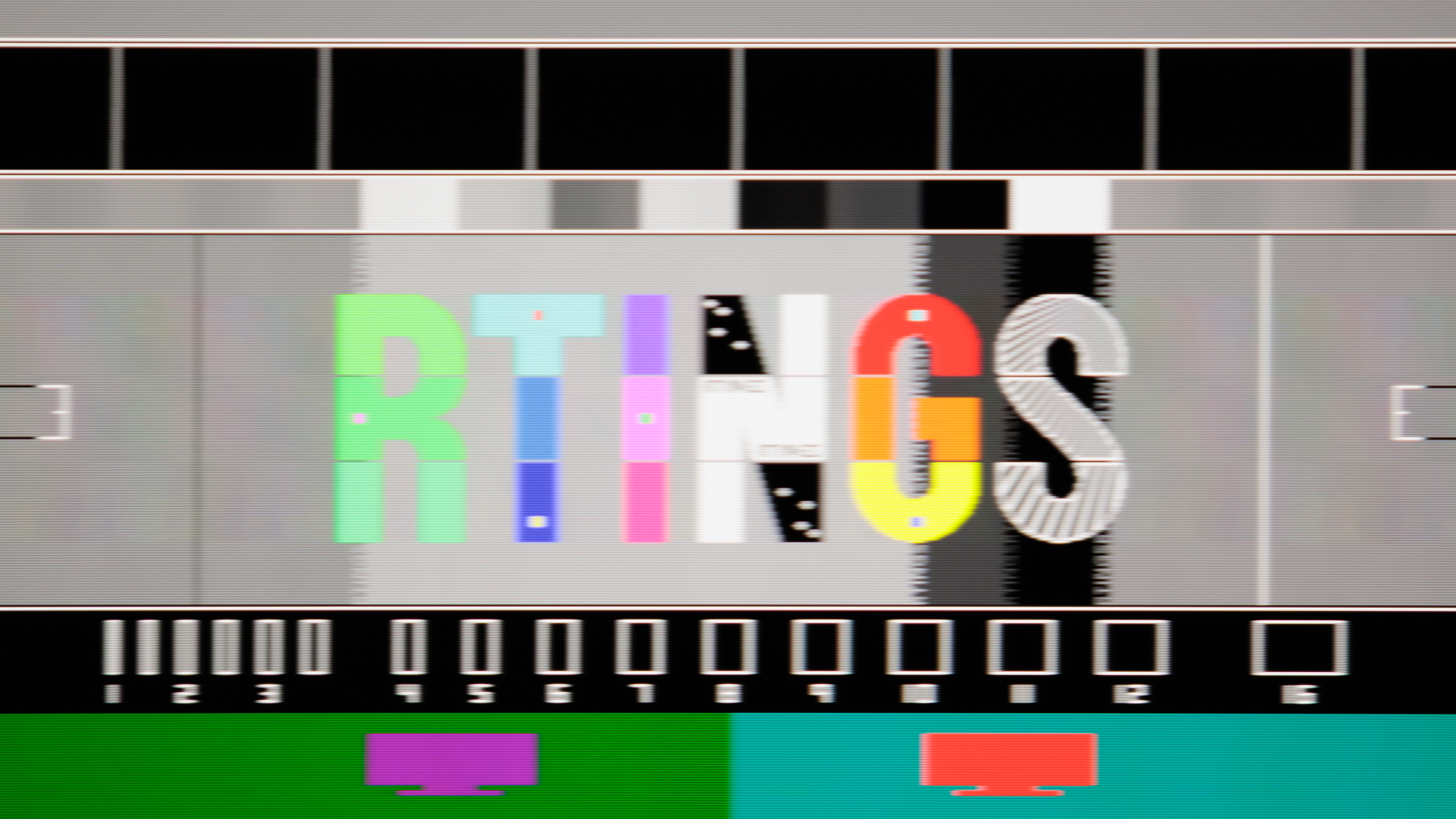
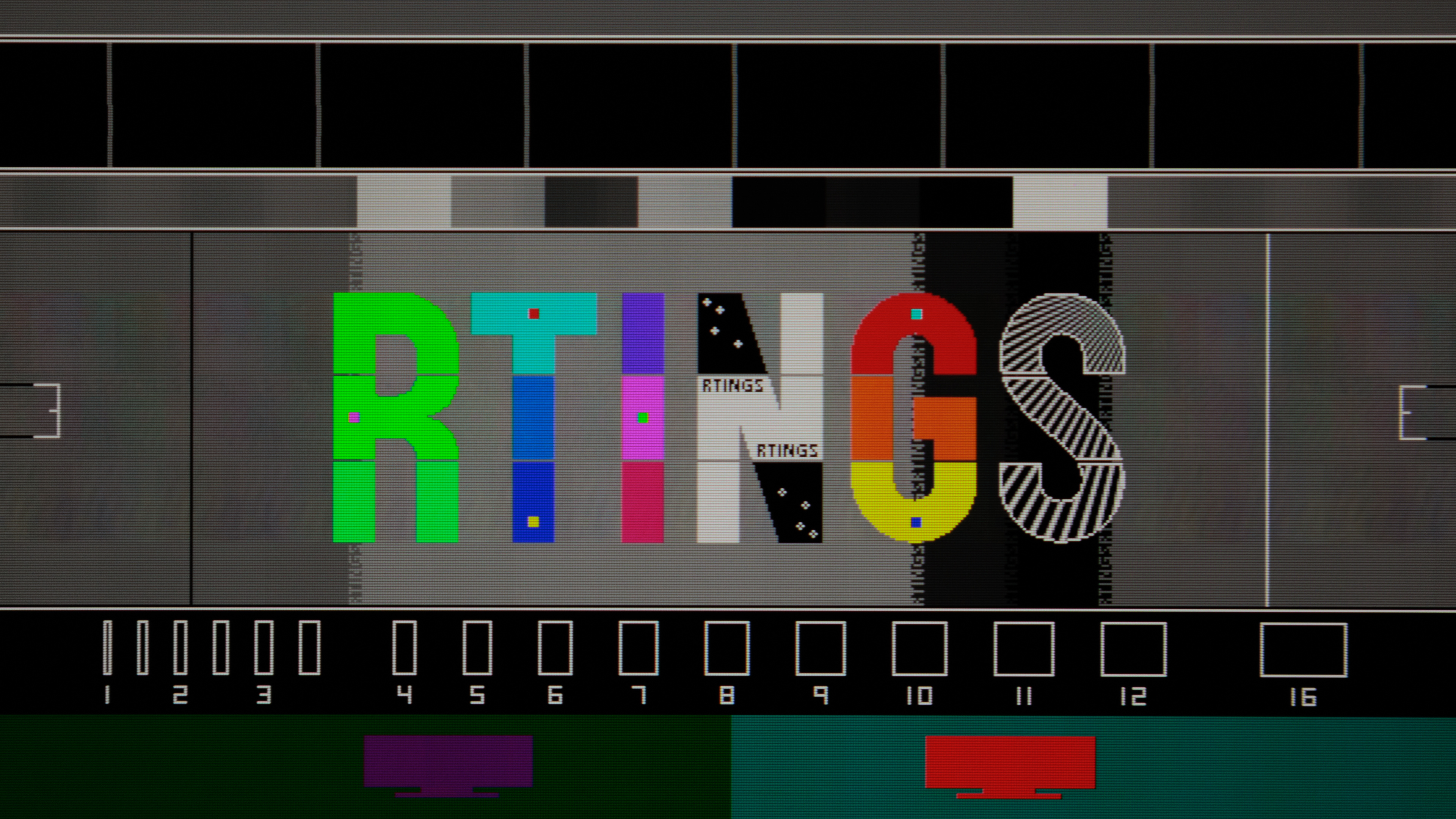
How about a pulse width setting on the MSI version of pulsar monitor? Now it's just unusable cause u can't change the pulse width of 60hz ulmb mode and standard mode cause massive flickering, why only MSI 272qrf x36 is still have the worst firmware version between 4 monitors?ManuelG_NVIDIA wrote: ↑20 Apr 2026, 03:40"At 60 Hz ULMB2, lowering pulse width gives a very noticeable clarity boost.brownvim wrote: ↑30 Mar 2026, 05:30Thanks for the detailed breakdown and for sharing the RTINGS analysis — really appreciate it.Discorz wrote: ↑30 Mar 2026, 02:50Ok, so RTINGS review has now been out for few days! Turns out all the MPRT stuff I was measuring previously was incorrect for the most part. Their pursuit photos suggest next:
Pulsar:
- Pulsar @360 Hz at: 358, 240, 165, 144, 120, 100, 80 fps
- It is ~25% duty cycle as advertised, except above ~240 fps where blur stops improving.
- As for the crosstalk: at least one leading-ghost image is visible all the time. First is visible up to ~100 fps, the second one appears above that, and third trailing-image around 240 fps. The first one is from the compensation pulse which actually never settles down completely. That's where most of the crosstalk is coming from. By design this pulse is always positioned at half the px/frame speed. The more pale second and third are caused by GtG/pulse width and they go in line with GtG vs crosstalk physics - improves as frame rate goes down, and worsens as it goes up. Interestingly 360 fps looks cleaner than 240 fps, and ~144 fps appears cleaner than nearby frames like 120 or 165 fps. Not sure why is that.
- Measured brightness: 501-117 nits.
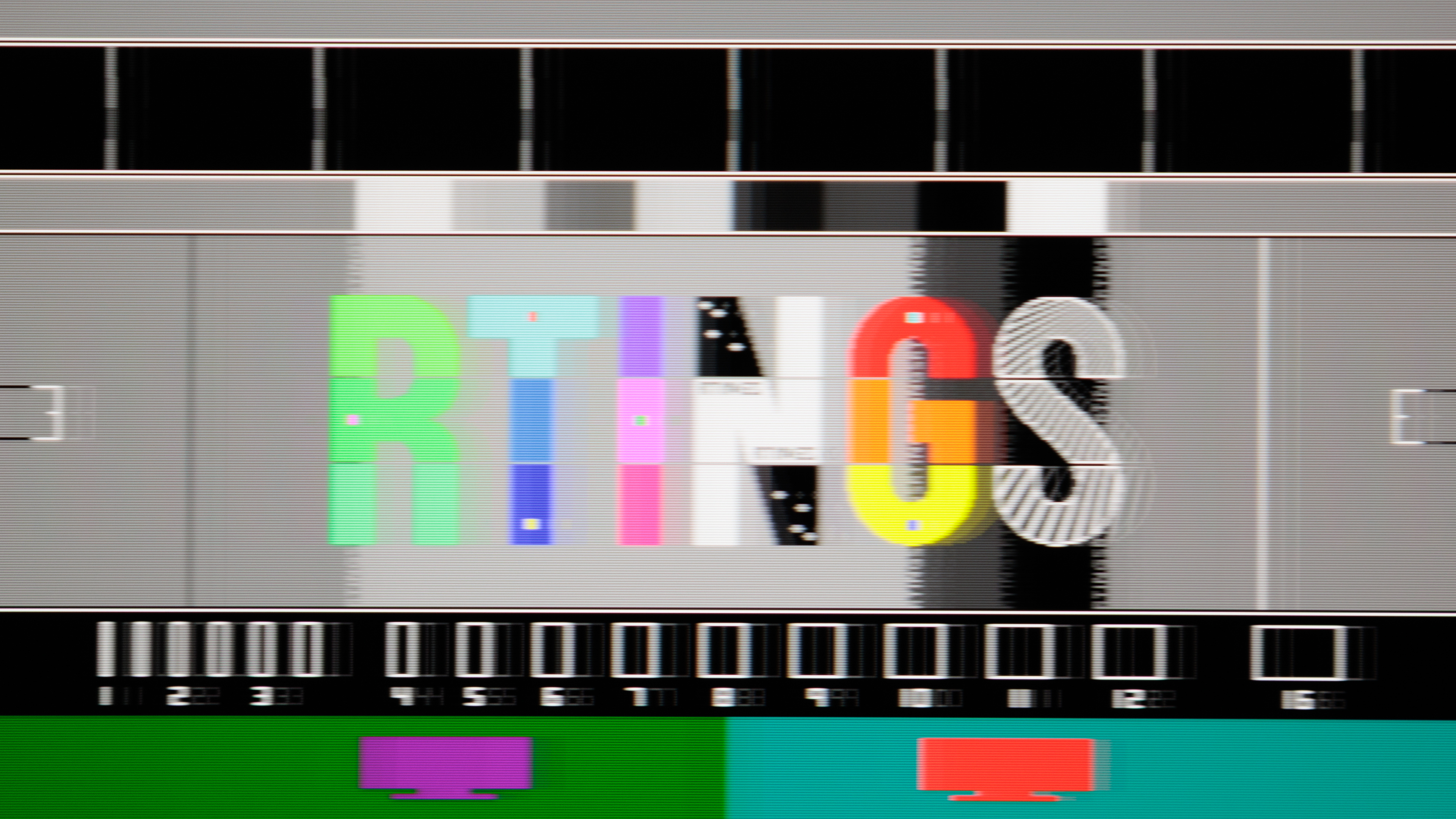
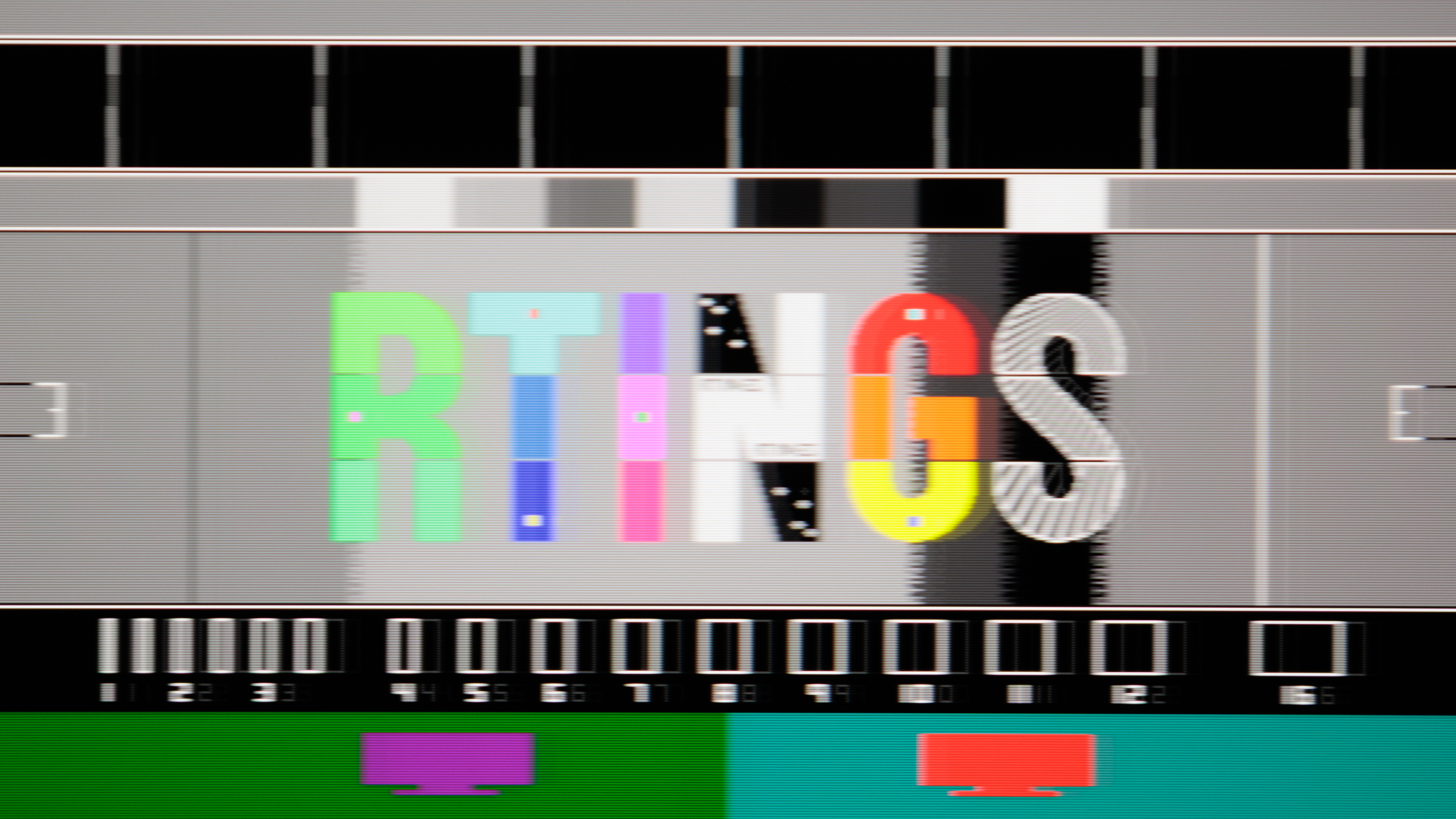
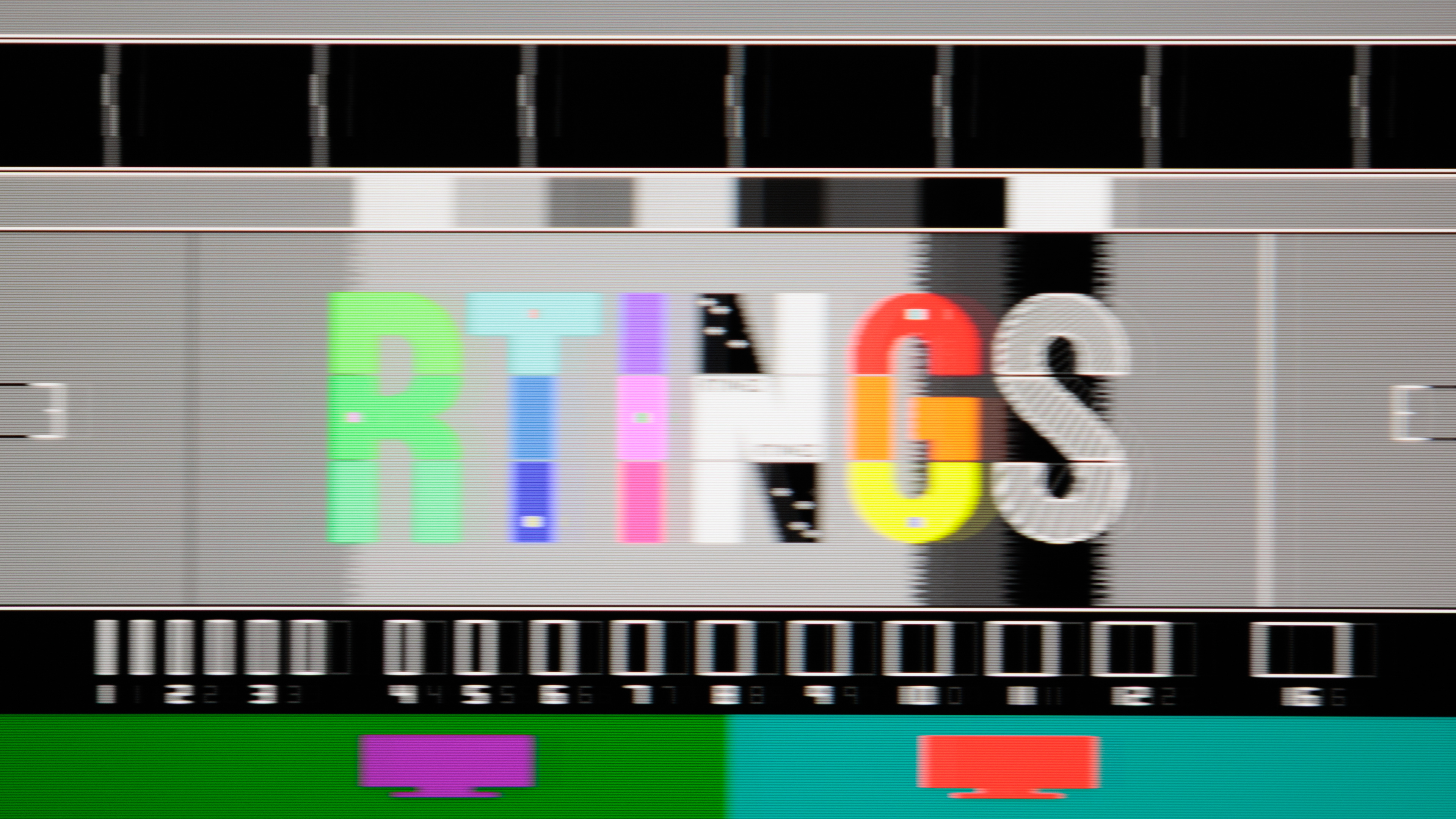
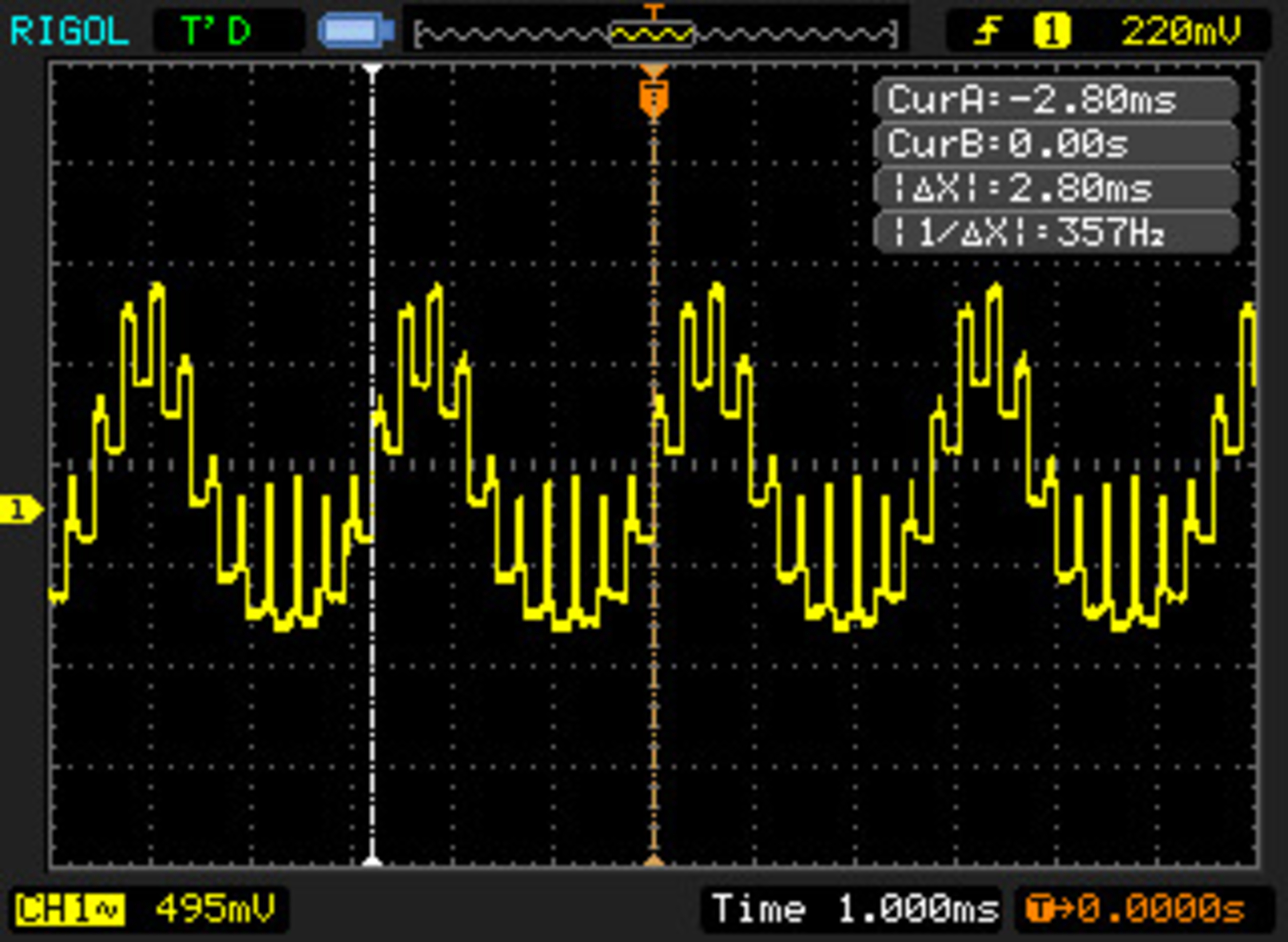
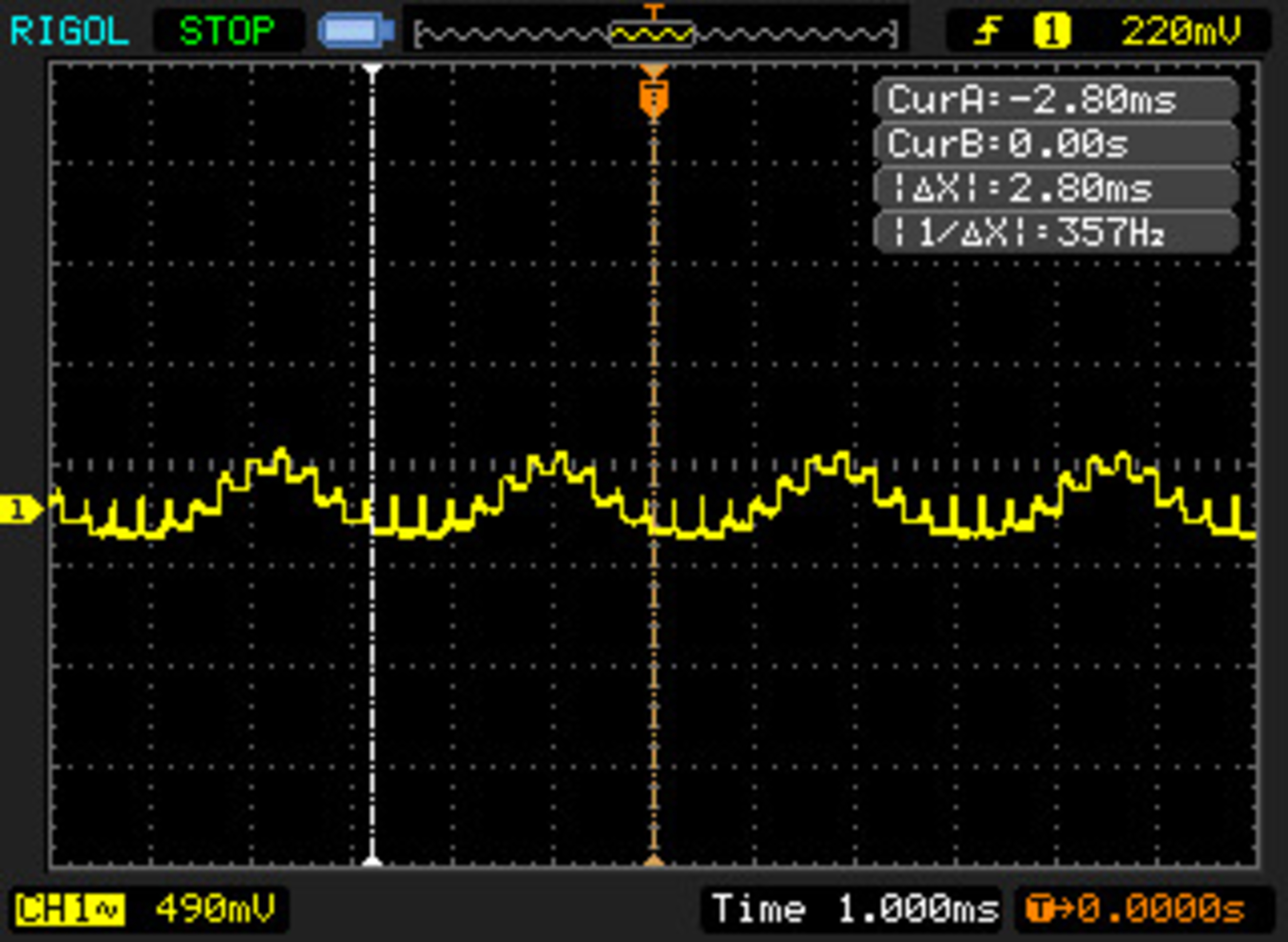
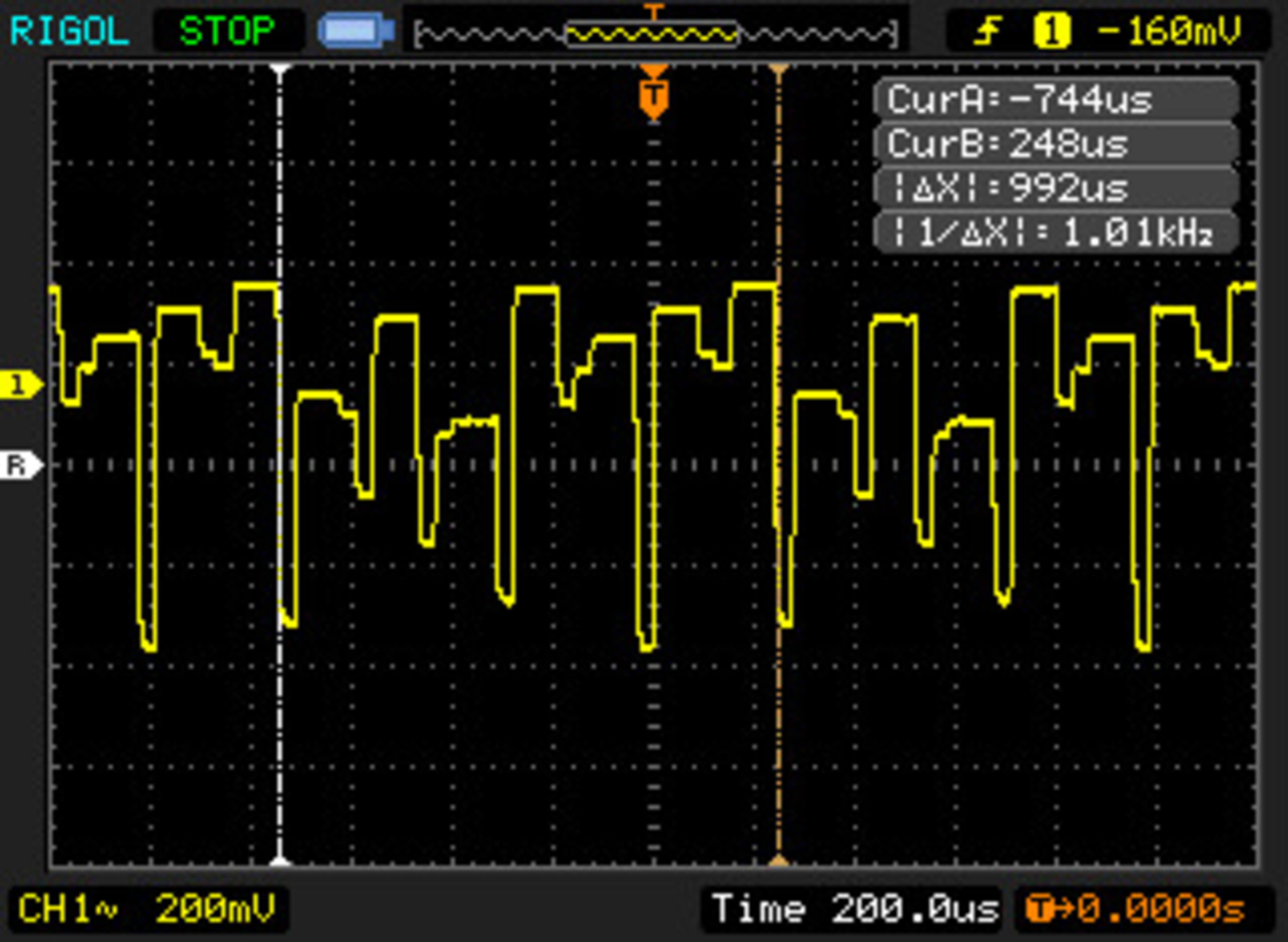
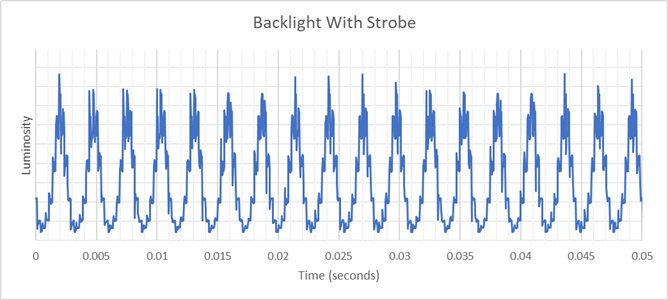
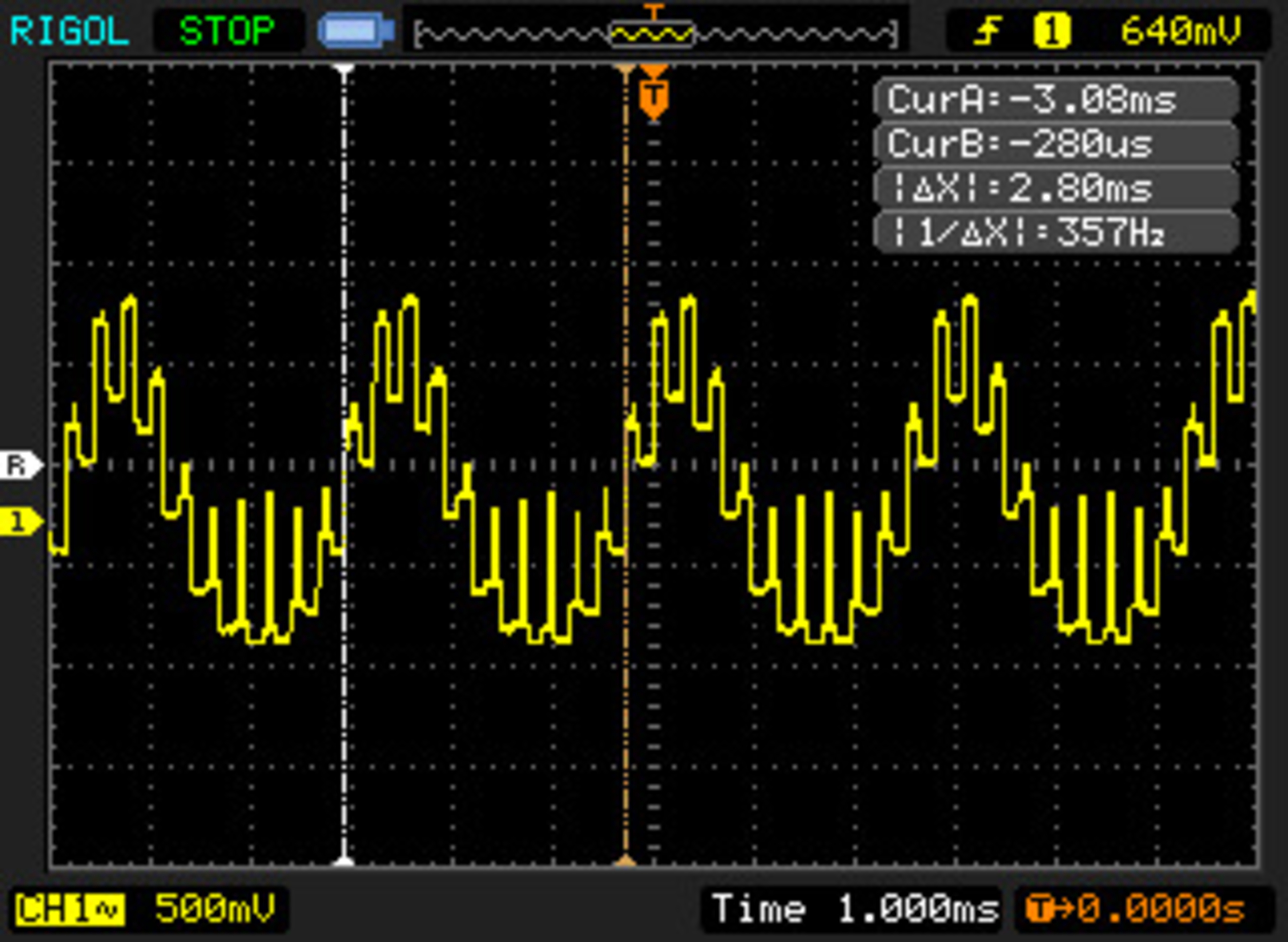
- They included some oscillographs. With the way they formed it, I'm assuming these are Pulsar: Max brightness, Min brightness, Outside FPS range. Pulsing is more stepped compared to MUB and TFTCentral's graphs.
ULMB 2:
- ULMB 2 @360 Hz fps at PW: 100, 50, 10
- ULMB 2 @120 Hz fps at PW: 100, 50, 10
- ULMB 2 @60 Hz fps at PW: 100, 50, 10
- At 360 Hz pulse width does almost nothing in terms of MPRT (roughly 38-30% duty cycle, merely a ~0.3 ms range). However, crosstalk starts to decrease slightly somewhere below PW 50. Rtings did not test, but probably same goes for 240 Hz. At 120 Hz pulse width does something, but is still held back quite a bit (roughly 31-16% duty cycle).
- The poor diffusion of edge-lights raises the minimum MPRT floor. The lower the PW or higher the refresh rate, the more MPRT deviates from intended target. So what used to be a straight forward 25-2.5% duty cycle setting (PW 100-10) is now distorted and no longer scales consistently. This is of course assuming Nvidia here was going for the same 25-2.5% duty cycle as before.
- Multi-strobing/stepping effect becomes increasingly noticeable as PW decreases (motion speed dependant). A good example is 120 Hz with PW 10. A perceived blur closely matches the shape of the pulse. At 60 Hz this is imperceptible for the most part.
- At 60 Hz, duty cycles seem to behave reliably, consistent with previous-gen ULMB. PW 100-10 is 25-2.5% duty cycle, adjustable in 0.25% increments (steps of 1). Each increment exchanges ~4.8 nits for 0.25%. Fun fact: CRT-like clarity without phosphor trails is at PW ~12 (~0.5 ms). Another fact is that ULMB is on average 3.7x brighter than XG2431 PureXP at same MPRT. At higher rates story is a bit different. This is based on average ULMB brightness data we have online, do keep in mind they can vary from reviewer to reviewer.
- At 120 Hz, I can see a very faint leading-ghost image positioned exactly at half the px/frame speed, just like Pulsar, which suggest they didn't completely remove the compensation pulse from the non-VRR mode. Same was visible on MUB shots. Possibly a slip from Nvidia. At 60 Hz there's no signs of crosstalk.
- Same comment regarding GtG vs crosstalk physics applies here.
- Measured brightness: longest PW is 470 nits, shortest PW is 50 nits.
- As always flicker photo @max Hz is included. I'm again assuming this is ULMB, but it is unclear. There is also oscillograph @360 Hz.
Outside blur reduction:
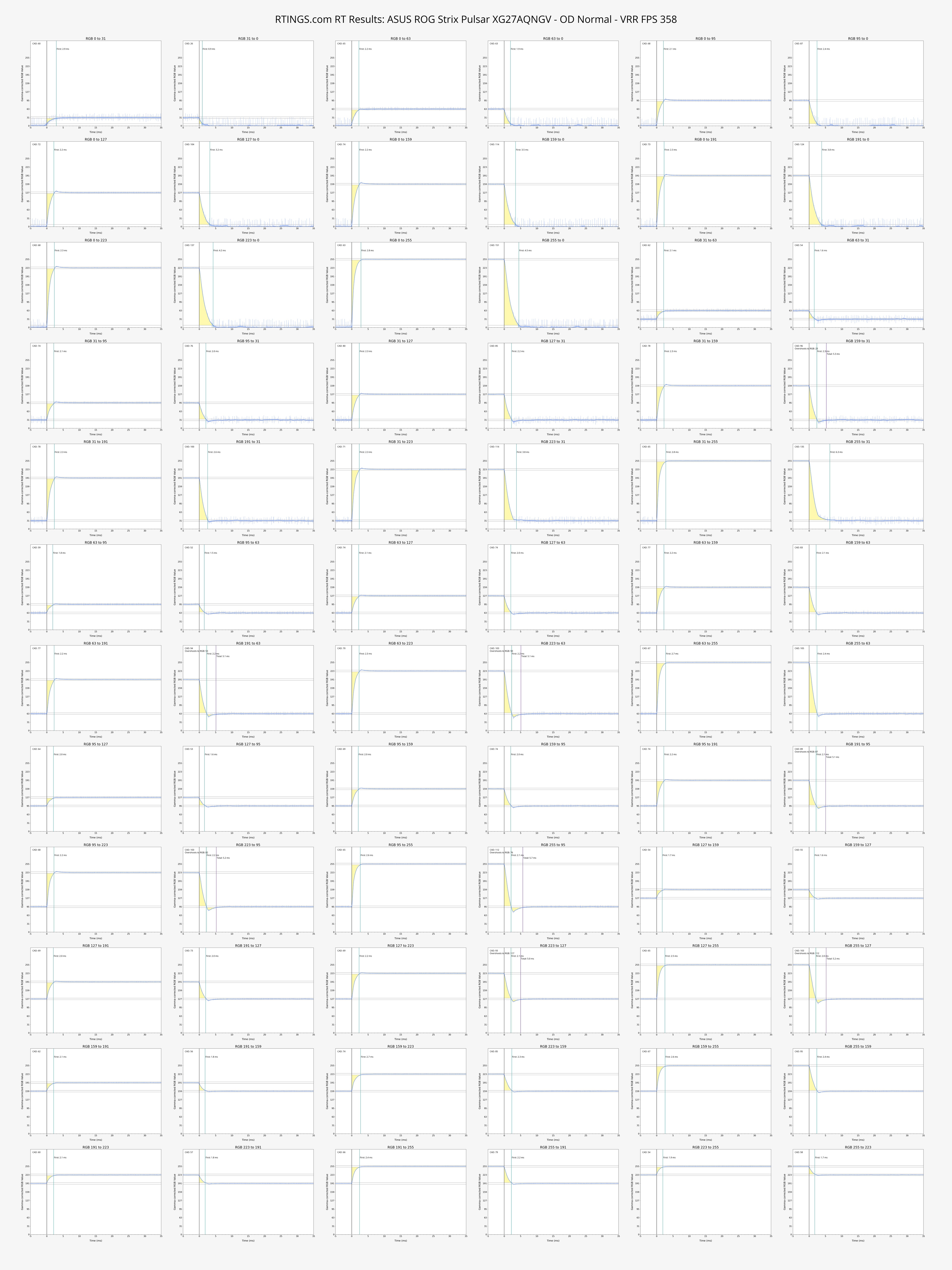
- Somehow I missed it or no one mentioned that there is now a user customizable overdrive on the Asus. 0-400 gain adjustable in increments of 1. It's probably a gain multiplier that simply offsets factory tuned range line (multiplier on top of multiplier). Basically a variable overdrive gain offset. Nvidia finally listened. This is what we were waiting for since forever.
- OD 95 or Normal is pretty much spot on for all frame rates.
- Perhaps they could have included a larger “LFC-like GtG multiplier” boost across a wider range. Like the PG248QP was doing x3 for ~60-80 fps, and x2 for ~100-144 fps. Here only 60 Hz is doing a x2 boost.
Now that Rtings revamped things I'm not sure if they'd appreciate me sharing their photos, but I guess it was their choice to make things shareable?
This matches exactly what I’ve been seeing in my own testing:
At 60 Hz ULMB2, lowering pulse width gives a very noticeable clarity boost.
At 120/240/360 Hz ULMB2, lowering the pulse width slider has almost no effect on clarity — it mostly just dims the screen. I wish the 120hz mode acted the same atleast!
It really does feel like the higher refresh rate ULMB2 modes are still locked (or limited) around the same ~25% duty cycle that normal VRR Pulsar uses, while only the 60 Hz mode got the full adjustable treatment.
Would it be worth asking NVIDIA to give the 120/240/360 Hz ULMB2 modes the same full adjustable pulse width range as the 60 Hz mode? Even if brightness drops at very low PW settings, many of us would like the option for maximum clarity at high frame rates.
Also, I’d love to see a proper brightness review of the Acer Predator XB273U F5. I believe mine goes noticeably brighter than the ASUS version (I’m measuring ~560 nits full white at 360 Hz with Pulsar on). Not sure if my calibrator is off or if the Acer really is brighter.
Finally, I wasn’t even aware there was now a user-customizable overdrive slider (0–400 gain). What benefits does this actually give in practice? I’m curious how much it helps with overdrive tuning across different frame rates.
Thanks again for the great post!
At 120/240/360 Hz ULMB2, lowering the pulse width slider has almost no effect on clarity — it mostly just dims the screen. I wish the 120hz mode acted the same atleast!"
-Thanks for the feedback. We are investigating it.
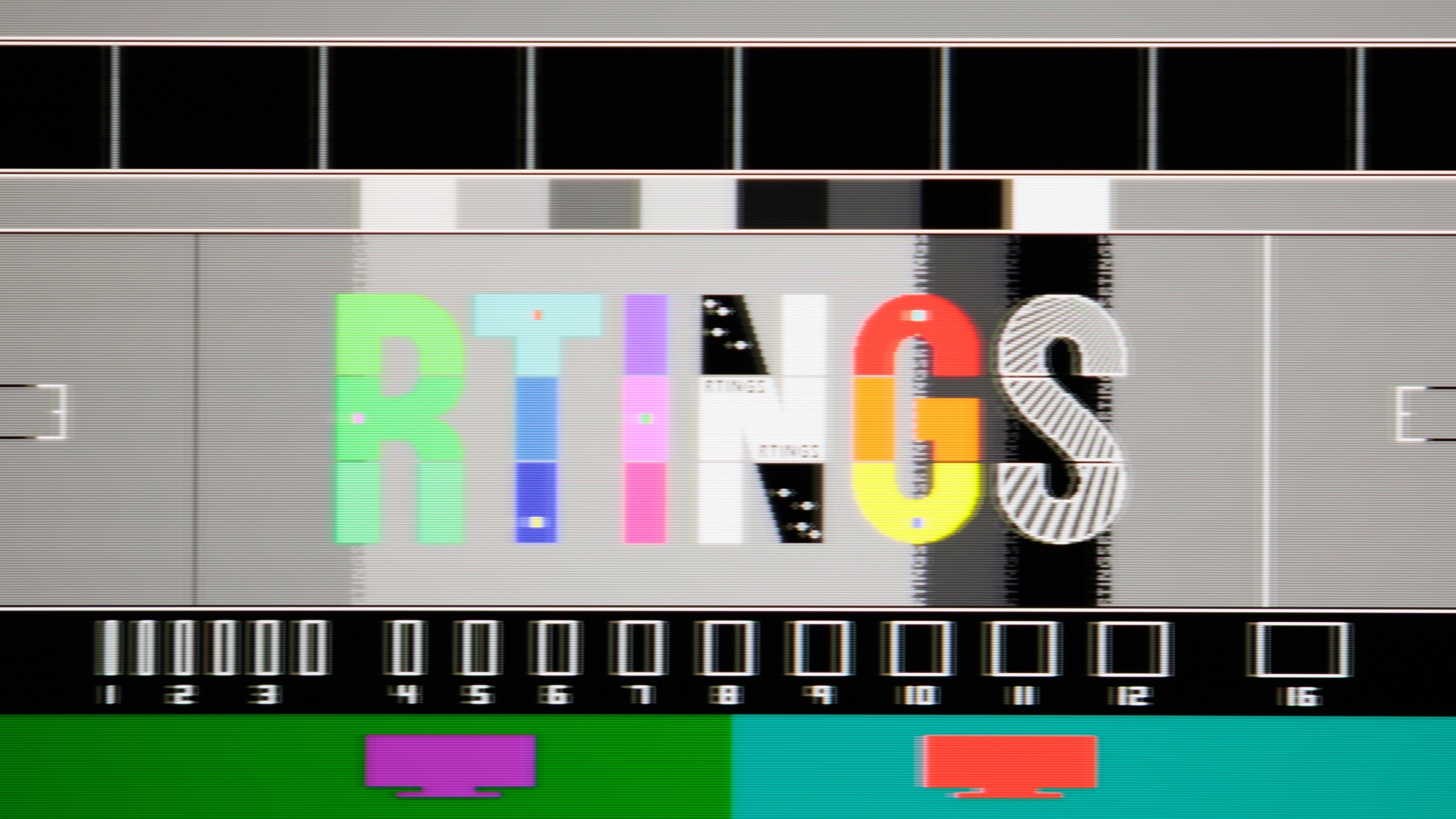
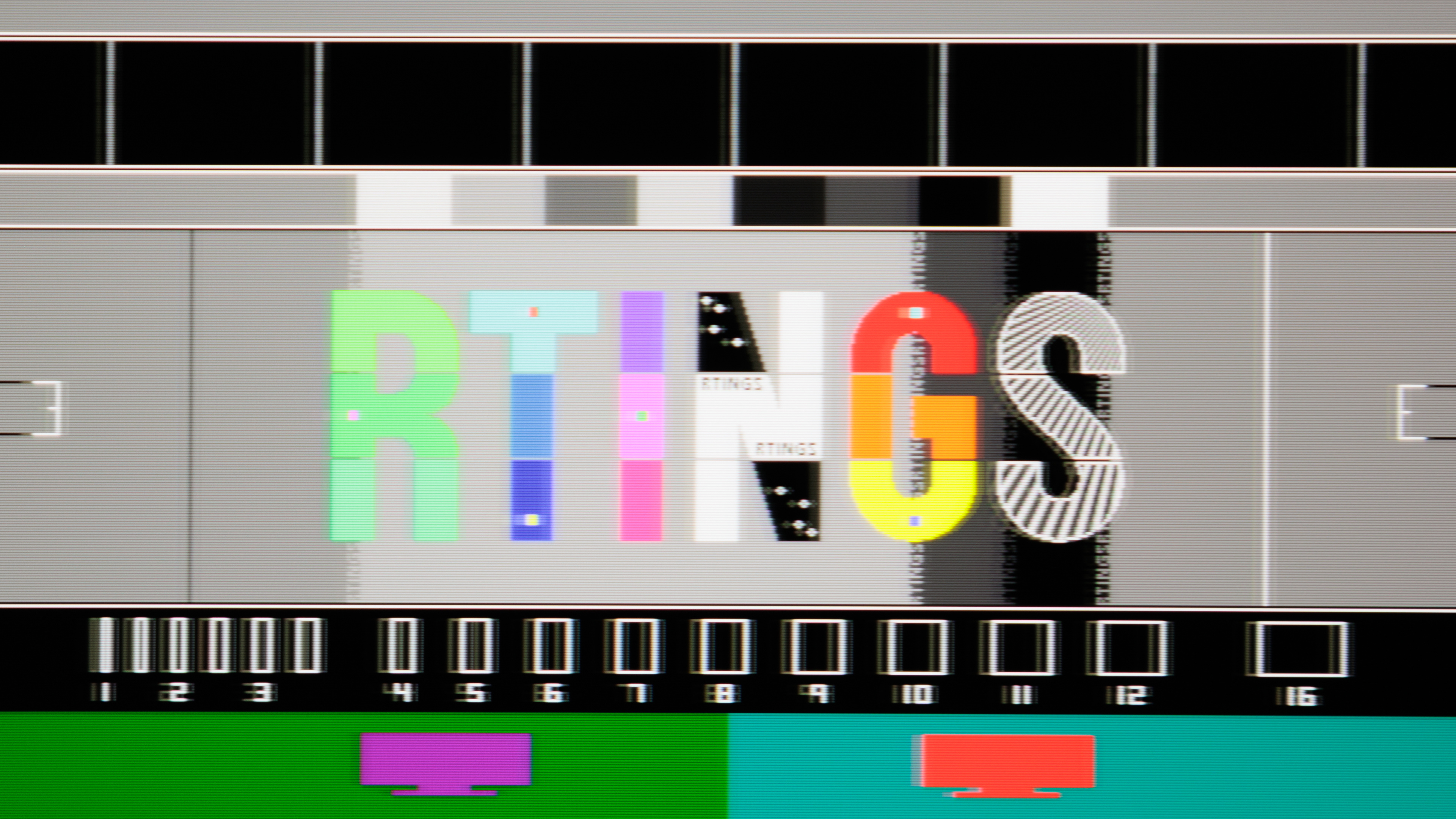
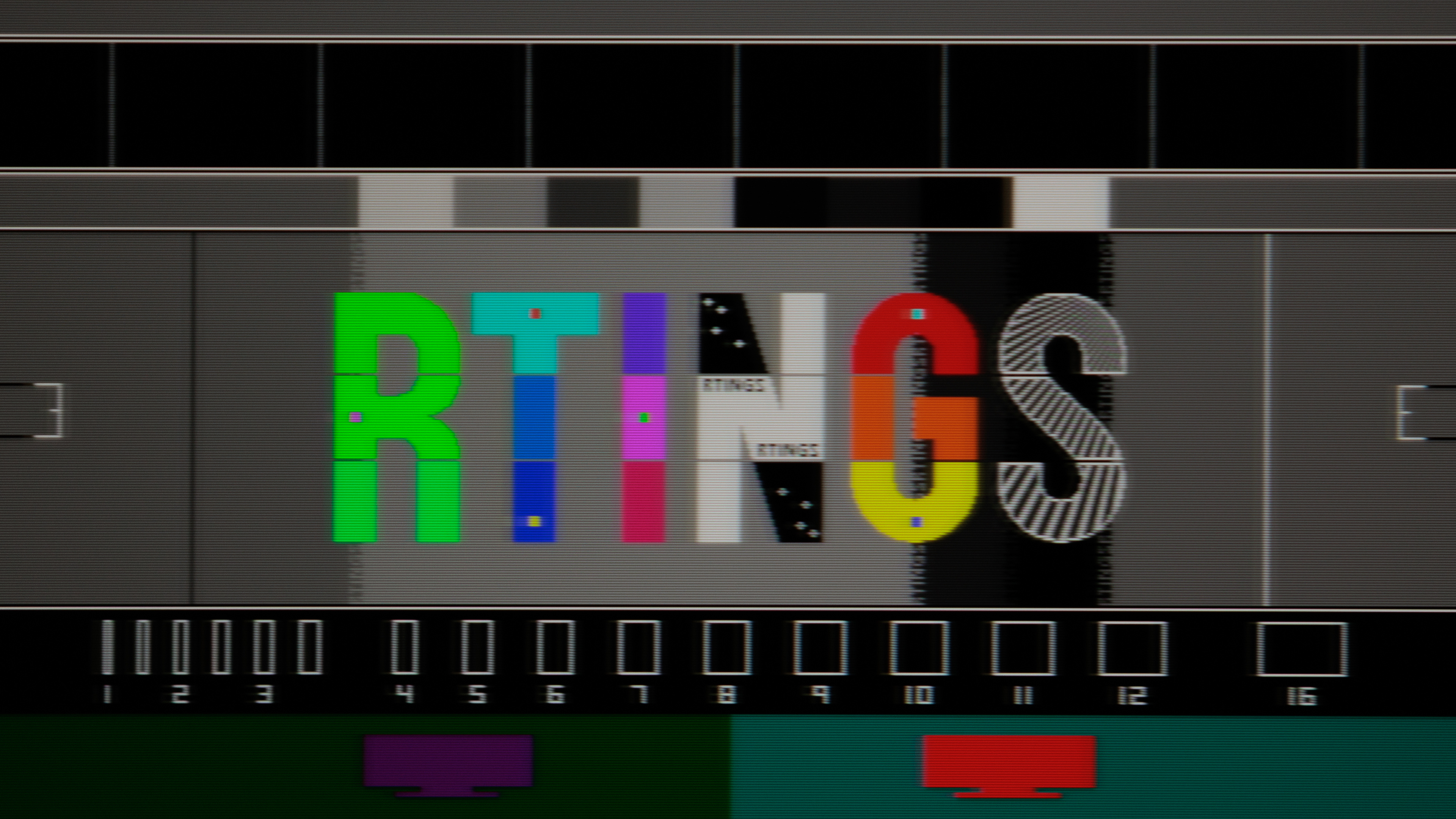
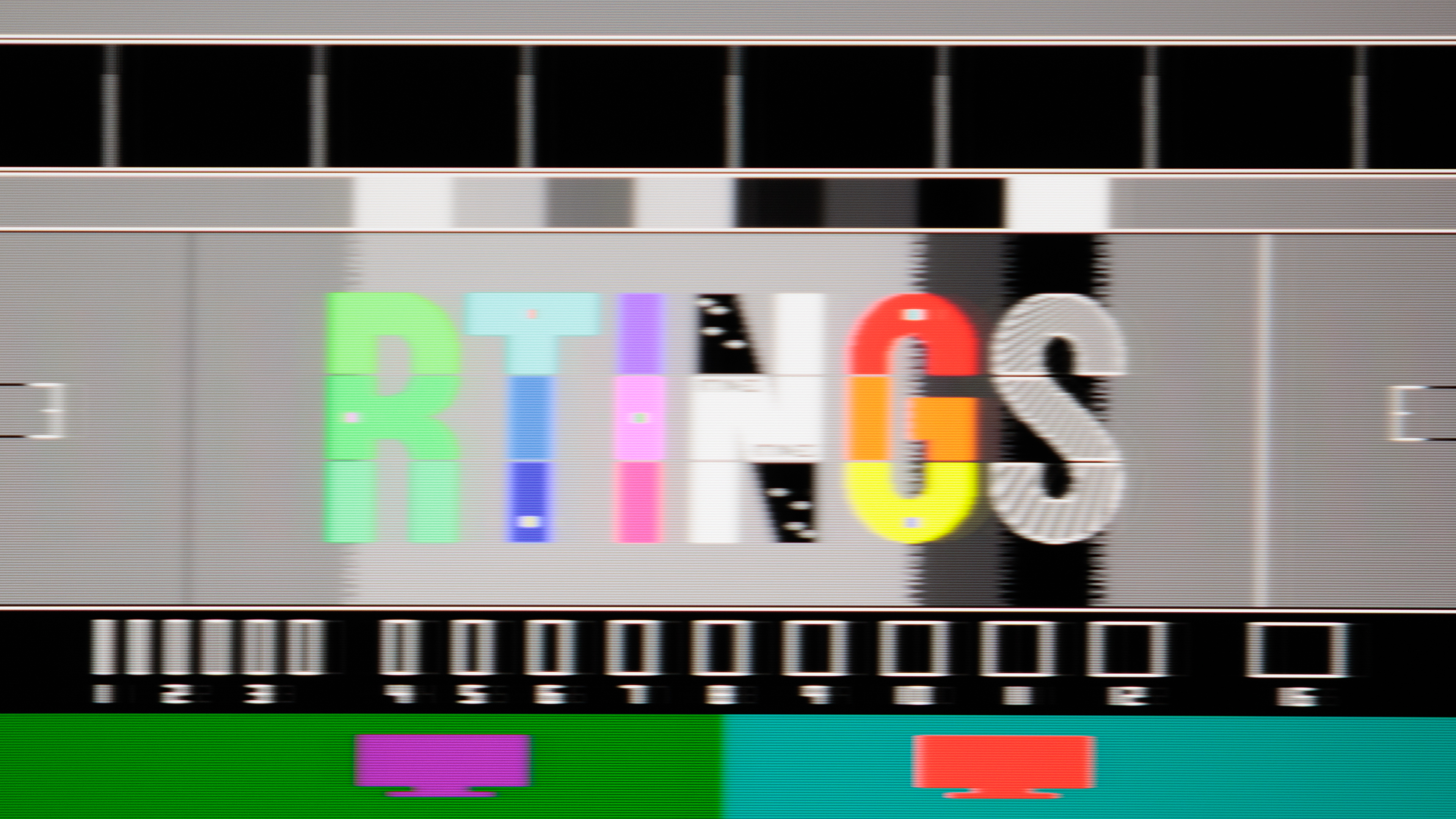
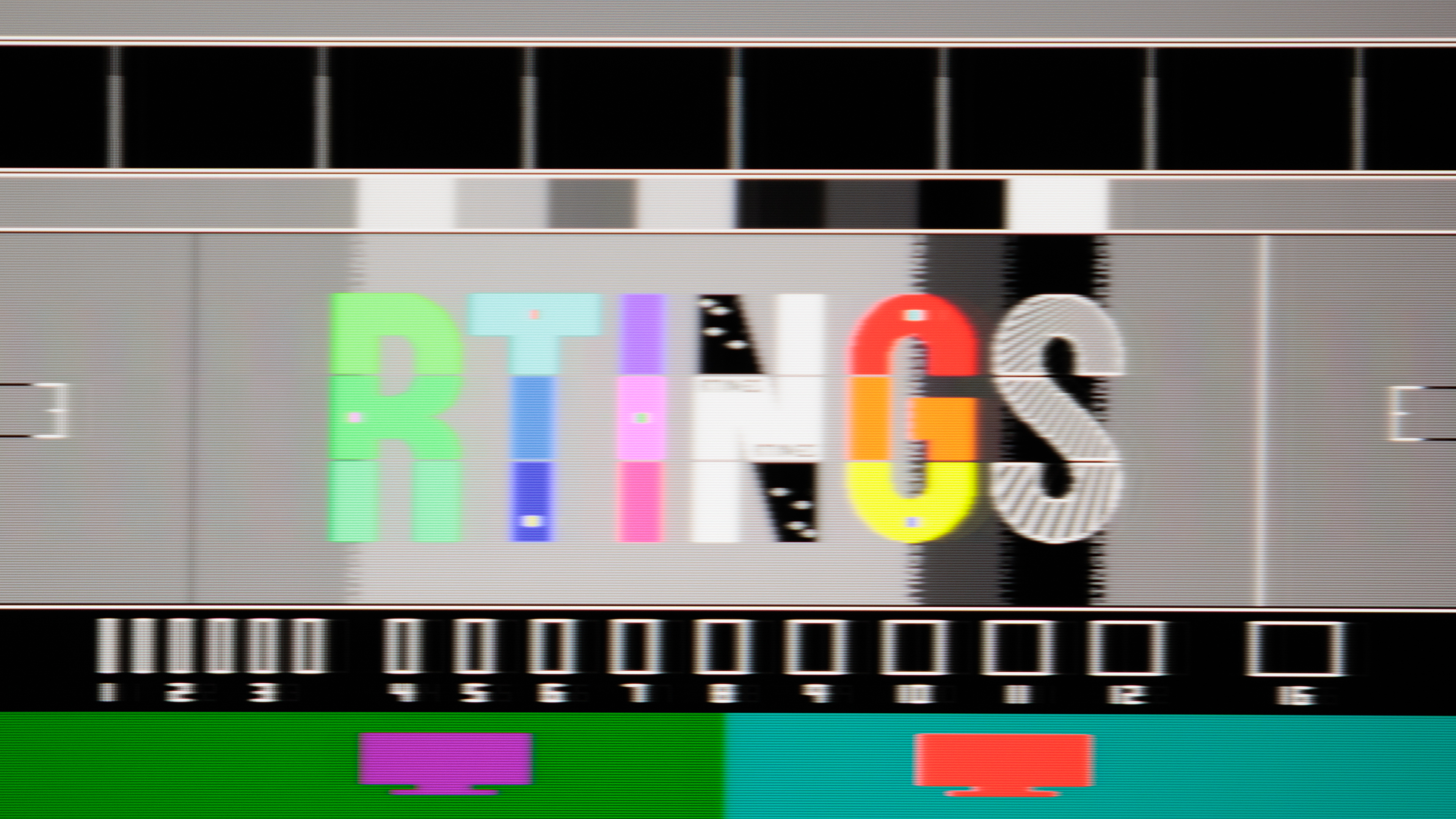
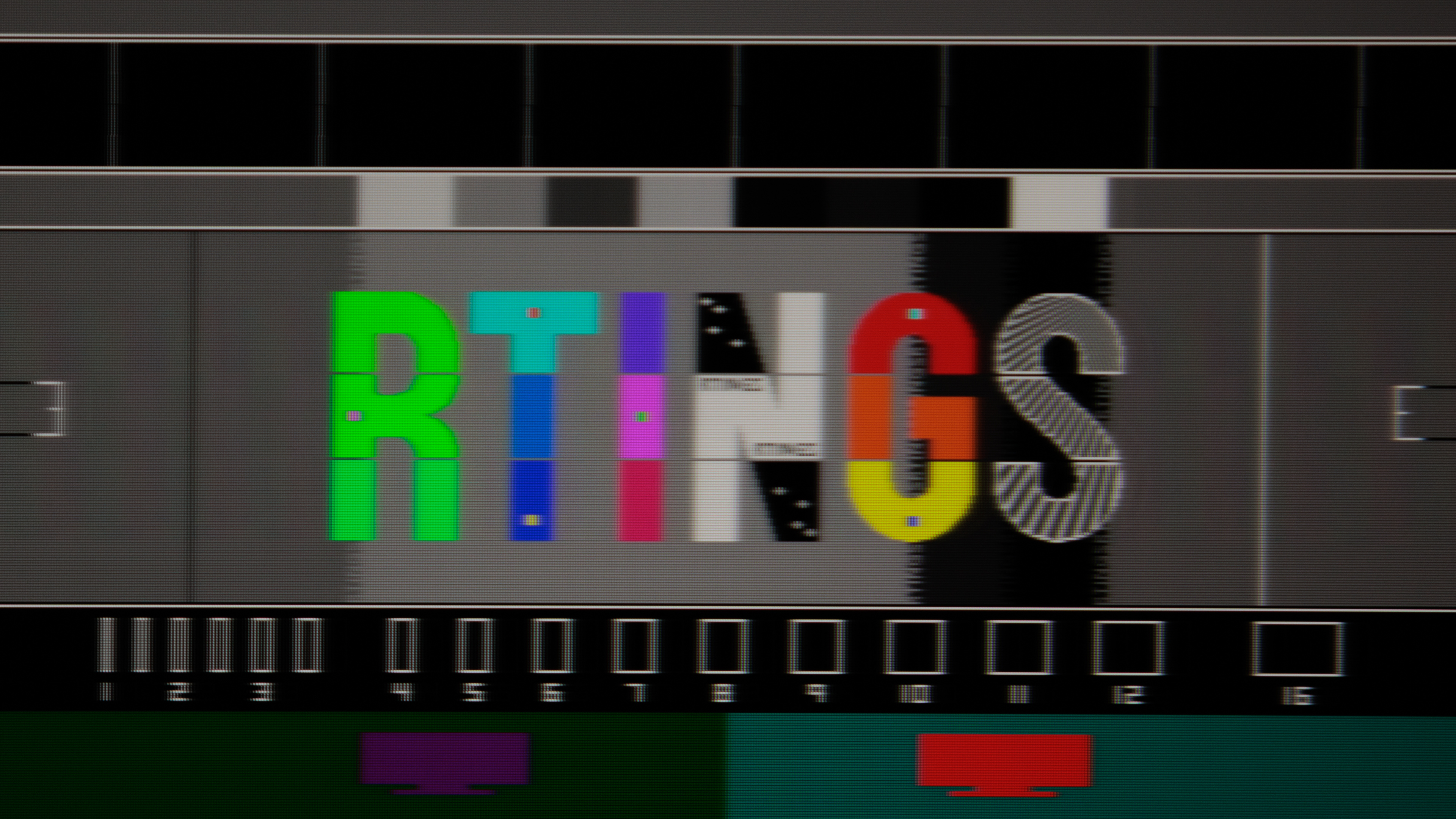
- Attachments
-
- IMG_20260417_204106.jpg (2.49 MiB) Viewed 1835 times
-
- IMG_20260417_204110.jpg (2.45 MiB) Viewed 1835 times
-
t2na
- Posts: 43
- Joined: 18 Aug 2022, 13:48
Re: NVIDIA G-Sync Pulsar monitor - Asus ROG Strix XG27AQNGV
^ surely that's an MSI thing rather than an Nvidia thing? Nvidia pushes the firmware across, it's up to each manufacturer to determine how that then applies to their model and how their OSD then displays the adjustments/options.
-
BLooDS_inc
- Posts: 59
- Joined: 12 Apr 2026, 15:02
Re: NVIDIA G-Sync Pulsar monitor - Asus ROG Strix XG27AQNGV
only after update from nvidia, we get changes in the OSD, so this is an nvidia FWs
-
leave
- Posts: 6
- Joined: 15 Apr 2026, 17:22
Re: NVIDIA G-Sync Pulsar monitor - Asus ROG Strix XG27AQNGV
While improvements to ULMB2 would certainly be wonderful, I hope that the Pulsar monitor team will prioritize Pulsar above all else and make it as great as possible.
-
liquidshadowfox
- Posts: 284
- Joined: 05 Nov 2020, 14:03
Re: NVIDIA G-Sync Pulsar monitor - Asus ROG Strix XG27AQNGV
Thank you so much for the responseManuelG_NVIDIA wrote: ↑20 Apr 2026, 03:30liquidshadowfox wrote: ↑15 Apr 2026, 13:37Just to put my 2 cents in the ring, I currently use both the Asus PG27AQN and the Asus XG27AQNGV (Gsync pulsar) and here are my thoughts:
1. Unless you are really sensitive to input lag (I don't notice any input lag in normal use and 60 hz ULMB 2 26 ms of input lag doesn't affect me on controller playing elden ring or dark souls), you won't feel it on the Gsync pulsar
2. Asus PG27AQN does look sharper in ULMB 2 mode but there's minor crosstalk in the other 2/3rds of the screen
3. Asus PG27AQN has red phosphor backlight which leads to "red ghosting" that's more noticeable at lower refresh rates, it's bearable at 240 hz and 360 hz though where you might not even notice it
If you are lazy like me and the following applies to you, I highly recommend the gsync pulsar:
a. Not having to change between Gsync and ULMB/backlight strobe mode manually using a monitor OSD (Nvidia control panel sometimes works but doesn't let you set a specific max Hz so best case scenario you leave your monitor at 240 hz Gsync and swap between Fixed and Gsync at 240 hz because 360 hz has more crosstalk than 240 hz on PG27AQN)
b. Want better motion clarity than Gsync on + no backlight strobe or better than OLED without BFI
c. VRR flicker from OLED Gsync/Freesync (so you are stuck with either Vsync on, Nvidia fast sync or scanline sync)
c. Don't want to change your clarity position depending on the game (gsync pulsar does a really good job of controlling crosstalk across the screen)
Gsync pulsar is great! Even in it's current borked state, it still a pleasure to use with most games. I actually lock my games fps to 90 and games not only look incredible in motion, but I don't notice any crosstalk, my average fps match my 1% lows so there's no huge swings so pulsar stays on more often AND I get an effective motion clarity of 360 hz or higher without actually having to hit that frame rate!
Now I will mention not everything is rainbows and butterflies with this Gsync pulsar display and here are my gripes with it
1. No option to set Gsync pulsar/ULMB 2/Gsync only mode through nvidia control panel
This is absolutely stupid in my opinion, this is EASILY a huge quality of life change they can add to nvidia control panel such that my monitor stays in Gsync only mode while I'm working or on the desktop (lets be honest, 24/7 flickering would cause eye strain to anyone imo) and then allow us to make per game profiles where Gsync pulsar would engage for games where your fps fluctuates a little bit, ULMB 2 mode for games that are either locked to 60 fps or you get a really consistent FPS = 1% lows fps = Hz so the fixed backlight strobe looks great
2. No option to set max Hz of monitor per game/program profile
This would mostly affect ULMB 2 implementation as it's a tedious process having to go into nvidia control panel and manually setting your Hz to the desired ULMB Hz, why can't we have it set per game? Maybe I want 60 hz ULMB for elden ring or 120 hz or higher for other games where I know I can hit FPS = Hz and essentially disable the compensation pulse downside of Gsync pulsar. I don't want to use an outside script or 3rd party program for this other than nvidia control panel or nvidia app, they should have the engineers to implement this.
3. Currently 100 hz - 180 hz has a double image issue
It appears nvidia is looking into this so we will see when this update comes and if it'll improve motion clarity above 180 hz as well)
4. No reflex analyzer
Not sure if it'll ever come with a firmware update but worth mentioning
5. Motion clarity boost above 200 hz doesn't look like it's there compared to lower refresh rates in pulsar mode and ULMB 2 mode
This might be a hardware limitation of the rolling scan backlight strobe having it's own "light diffusion response time" that leads to more blur at higher frame rates, I'd argue there might be a case for nvidia to allow an option to use ULMB 2 using global scan instead of rolling scan at the expense of more crosstalk just to actually get adjustable pulse width and better motion clarity than what's being offered by Gsync pulsar at higher refresh rates
6. Gsync pulsar needs more work at higher refresh rates
I'd argue if they would allow the pulse width to go down to half (at the expense of 250 or even 200 nits of brightness) it might mitigate the loss of blur reduction due to the light diffusion. This strobing technology feels like it's ALMOST there in terms of being a "set it and forget it" solution
7. Nvidia Reflex isn't doing this monitor any favors
Most games I've tested I seem to not get as good motion clarity with gsync pulsar enabled + reflex enabled, I usually have to resort to either turning off reflex or using riva tuner Front edge sync or async mode to get the frame times to play nice in order to get the motion clarity back. Nvidia should be reflex Gsync pulsar "aware" somehow to take into account that the frame pacing matters more than whatever they are doing to ruin the frame pacing in exchange for lower input lag (that again I don't feel any difference but maybe other people will).
8. Gsync pulsar range between 55 hz - 360 hz
I think they absolutely SHOULD allow for gsync pulsar to work down to 60 hz (making it 55 hz to allow the 5 fps buffer they have set before it disables pulsar) since there's a lot of 60 fps locked games and not everyone likes the jarring experience of turning off Gsync to switch to ULMB 2 mode (those several seconds of monitor flicking off before turning back on several times before it sticks). With a lower 200 - 250 nit target it would also reduce how noticeable the flicker at 60 hz is (I tried it with ULMB 2 60 hz and setting a lower brightness helps a lot). Also wouldn't rolling scan have less harsh flicker at 60 hz than global shutter flicker? sounds like they should at least put out a beta firmware and let the public test it or at least some select few.
I'm looking forward to the next firmware update and hope it will reduce the input lag of ULMB 2 60 hz and fix the 100 hz - 180 hz double images.
"No option to set Gsync pulsar/ULMB 2/Gsync only mode through nvidia control panel"
"No option to set max Hz of monitor per game/program profile"
-Those are great ideas. Thanks for the feedback.
"Currently 100 hz - 180 hz has a double image issue "
-Regarding the double image behavior observed on G-SYNC Pulsar displays when operating within the 100–180 FPS range, a fix has been implemented and will be included in an upcoming G-SYNC Pulsar firmware update version 1.1.6.
"Unless you are really sensitive to input lag (I don't notice any input lag in normal use and 60 hz ULMB 2 26 ms of input lag doesn't affect me on controller playing elden ring or dark souls), you won't feel it on the Gsync pulsar"
-We are investigating improving it in a future firmware update (it won't be in the upcoming 1.1.6 update)
"No reflex analyzer"
-We will consider it in future models.
"Nvidia Reflex isn't doing this monitor any favors"
-We are working on improvements
"Gsync pulsar range between 55 hz - 360 hz"
-We investigated this and it resulted in too much flicker below 75Hz
It really means a lot to see someone responding to the feedback and any improvement is very much welcome. I have one more suggested feedback, not sure if this is within your power to recommend for nvidia BUT it would be SUPER nice if there was a watermark option (either through nvidia control panel or nvidia app, like the Gsync watermark that shows whether gsync is active or not) that shows if the current frame pacing is good enough for pulsar. Something along the lines of "pulsar clarity = (Great, Good or Bad)" to visually have an indicator for user to know whether they are getting good enough frame pacing for Gsync pulsar to give the quality they expect or if they need to either lower their settings or fps cap their game lower. Maybe this can be implemented in the nvidia overlay that shows performance metrics. Right now the closest thing I have to seeing this is Intel PresentMon and showing FrameTime-Display, FrameTime-Presents, Ms Until Displayed. I look for FrameTime-Display being close to FrameTime-Presents and they have to be within a certain "window" with a smooth graph and "Ms Until Displayed" being really low (using front edge sync from riva tuner really helps but I understand it's partially because front edge sync waits until the frame syncs up to the frame timing while reflex waits to get your inputs until the last millisecond instead) I noticed the clarity is MUCH better than using reflex in some game titles (I am still testing different games) (since reflex prioritizes input lag, not frame delivery). These stats are useful but I'm sure it doesn't paint the full picture and 99% of people purchasing this product most likely won't know what to look for when it comes for to know if pulsar is working as it should. At least showing this indicator will help temper customer expectations when it comes to using this amazing technology and understand it's not the monitor's fault as there is a component dealing with frame time delivery, most people will either expect Vsync on + reflex on/boost + Ultra low latency mode + Gsync/pulsar on but that doesn't always give the best frame time delivery for this monitor to truly shine (unless nvidia makes a reflex that's pulsar aware AND integrates something like reflex 2 in order to offset some of the input lag). I am also aware I might not understand how everything related to reflex works so I might also be misinterpreting why reflex enabled is leading to a reduction in pulsar clarity.
As everyone mentioned, I also do help the folks working on this continue to improve gsync pulsar on a firmware level (I know there's hardware limitations for sure) because I think there's still a little bit more room to get more consistency and better performance at higher refresh rates with it
Thanks again so much for the reply
-
BLooDS_inc
- Posts: 59
- Joined: 12 Apr 2026, 15:02
Re: NVIDIA G-Sync Pulsar monitor - Asus ROG Strix XG27AQNGV
and i find another bug with pulsar, when u go into full sleep , when power indicator goes from white to orange, after sleep is off, the pulsar always turns off, trying this several times and this goes all the time.
Already 2 bugs on MSI's version - pulsar goes off after sleep mode and unenable pulse width setting for 60hz ULMB
Already 2 bugs on MSI's version - pulsar goes off after sleep mode and unenable pulse width setting for 60hz ULMB