Everything about displays and monitors. 120Hz, 144Hz, 240Hz, 4K, 1440p, input lag, display shopping, monitor purchase decisions, compare, versus, debate, and more. Questions? Just ask!
-
Ahigh
- Posts: 95
- Joined: 17 Dec 2013, 19:22
Post
by Ahigh » 18 Dec 2013, 00:06
Shown ASUS PQ321Q and Samsung UNC5000QFXZA

Shown Seiki 50" 4K display, Lenovo 2560x1440 A730 All-in-one, and behind that a VG278HE with LightBoost

Last edited by
Ahigh on 18 Dec 2013, 15:36, edited 1 time in total.
-
SS4
- Posts: 118
- Joined: 17 Dec 2013, 17:08
- Location: Québec
Post
by SS4 » 18 Dec 2013, 13:05
lol, i have the same chair

-
mkenyon
- Posts: 12
- Joined: 18 Dec 2013, 13:42
Post
by mkenyon » 18 Dec 2013, 13:55
Haven't had a chance to take a new pic yet, as I'm actually remodeling my office, but here's my old setup with an S23A750D and XL2420T. Swapped out the S23A with a VG248QE. Now using the S23A on my test bench.

-
Vega
- Posts: 193
- Joined: 18 Dec 2013, 21:33
Post
by Vega » 20 Dec 2013, 22:51
Hello, I am Vega and I am a clear-motion'aholic.
Current Blur-Busting setup (3x Eizo FG2421's):

Run by:

-
SS4
- Posts: 118
- Joined: 17 Dec 2013, 17:08
- Location: Québec
Post
by SS4 » 21 Dec 2013, 01:53
Hey Vega, i remember seeing those pics in a different forum but can't remember where you posted them lol
-
Ahigh
- Posts: 95
- Joined: 17 Dec 2013, 19:22
Post
by Ahigh » 23 Dec 2013, 14:38
That is so hard core. I agree with Mark's blog post. Getting these systems in front of eyes that have yet to understand backlight strobing and low latency how much of an effect it has on your gaming experience would be a very good thing to drive sales.
My hat is off to the passion and drive of you guys. That's just awesome stuff!
-
SisterBob
- Posts: 27
- Joined: 23 Dec 2013, 13:45
Post
by SisterBob » 23 Dec 2013, 19:34
Wow, great stuff from all of you but I think Vega really takes the cake for me, especially after watching that video. I've never been a fan of multi-monitor setups but I'd sure consider converting now.
I'd post a picture of my monitors but, to be honest, my desk looks like an absolute mess at all times; that's just how I keep it. My monitors are an Asus VG248QE and an Asus VE247H. Seems like the former is pretty well-known around here, so there's not much to say there. As for the latter, it's not much to speak of haha. It's got dithering and ghosting out the wazoo but it's fine for a secondary.
-
trey31
- Posts: 146
- Joined: 23 Dec 2013, 19:17
Post
by trey31 » 24 Dec 2013, 00:39
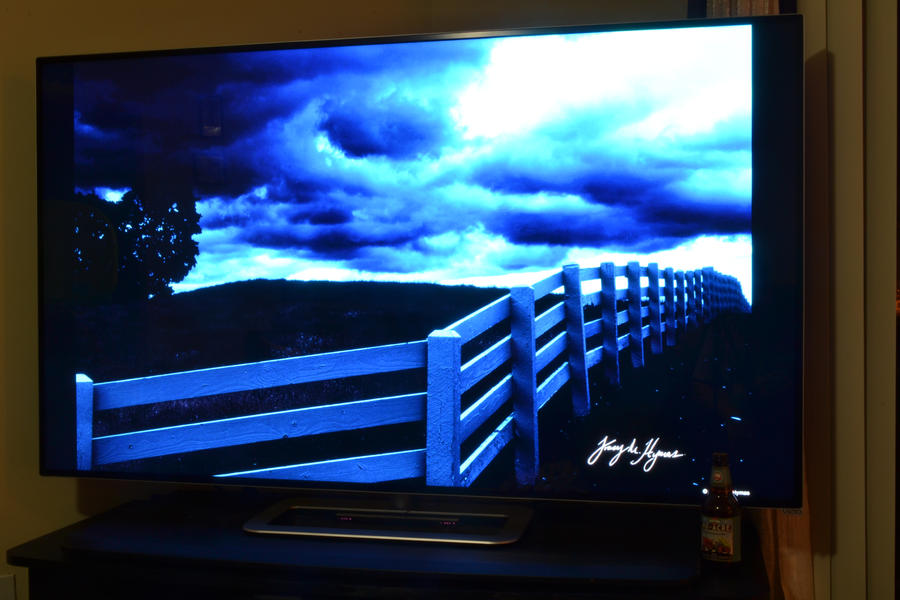
Vizio M651d-A2R 65" LED backlit LCD 240hz (internal refresh) passive 3D 1080p television with custom 108hz refresh rate. Boulevard 80-Acre bottle for size perspective. Also for me to drink.
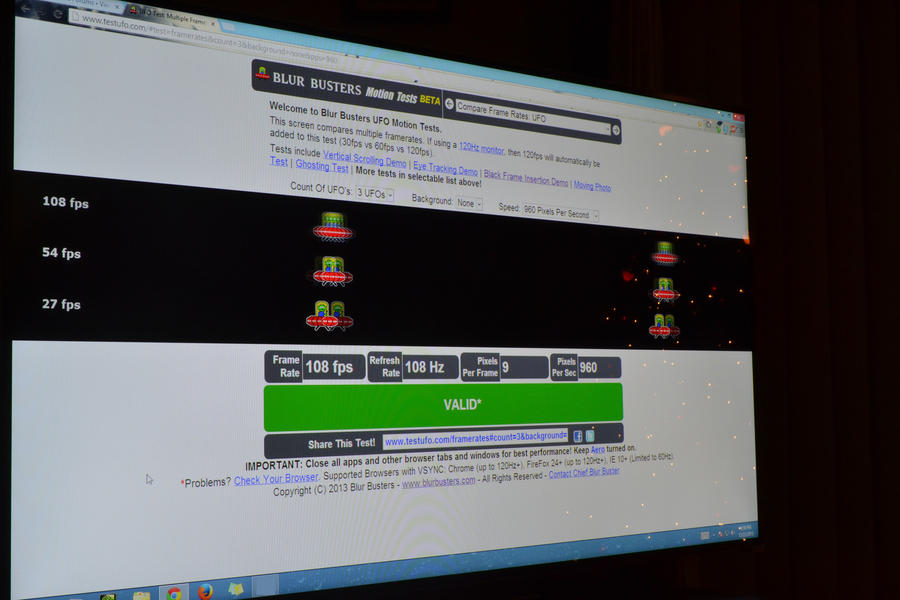
Not enough for the 120hz club, but we're pretty excited. That is with NVIDIA Control Panel Custom Resolution of 1920x1080@108hz 32-bit progressive & Auto Timings. Started at 120, which was a no go. Then moved to 100hz which surprisingly just worked. Then back up to 110hz which flickered like a strobe light, then back to 109 and shortly thereafter 108hz. Mouse movements are quick, precise, and smooth as butter.
Custom Timing tinkering to come. Curious if anyone has any suggestions of where to start with this panel? I personally have no previous experience with Vizio televisions. Mostly Samsung LEDs & several DLP front & rear units. And old CRTs and 60hz LCD monitors.