Good catch.StarWarsCoffee wrote: ↑12 Dec 2021, 14:37Ahh because I was duplicating the displays on both monitors I could only adjust the BenQ and not the XG2431... what a silly mistake... I'll run them extended and adjust and see if I find a setting with the XG2431 that works best. Although PureXP+ Normal, 80 contrast, and black stabilizer 60 looked pretty good.
Yes, mirroring displays can have issues with not working with NVCP picture adjustments. Be warned, the monitor that the adjustments “works” on, is usually the lower “mirroring lag”. Mirroring adds a tiny lag penalty on all monitors.
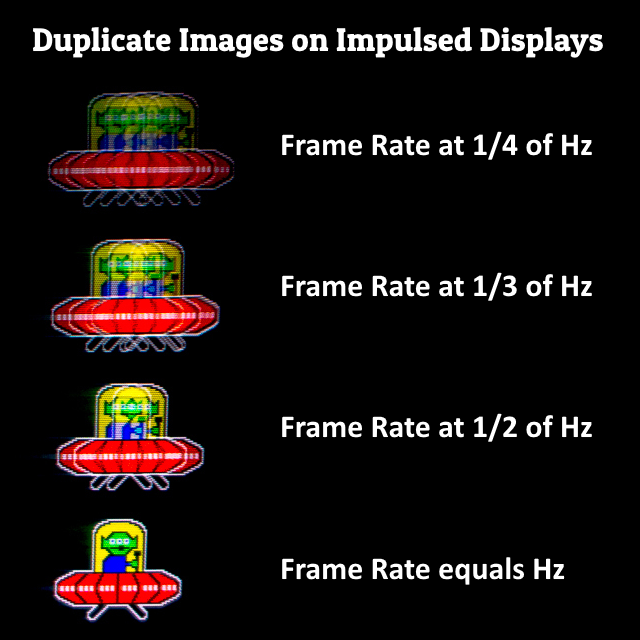
When mirroring just for purely motion comparison, try to use the same exact Pixel Clock (and decimal digits after refresh rate), if you are comparing artifacts. Otherwise, you may have stutter/lag from different-Hz behavior.
Make the monitor you want the lowest lag on, the primary monitor. And if you use multimonitor, preferably play in full screen exclusive to lock to the refresh rate of the monitor, as Windows is a single-Hz compositor and will lag the secondaries a bit. That isn’t an XG2431 issue, but a Windows quirk when it comes to different-Hz (even 0.001 different) multimonitor.