Re: Viewsonic XG2431 Settings Help
Posted: 16 Dec 2025, 18:28
I am more interested in scanning BFI though.Chief Blur Buster wrote: ↑13 Dec 2025, 19:55However, you can fix crosstalk completely if you use the refresh rate headroom trick:
Who you gonna call? The Blur Busters! For Everything Better Than 60Hz™
https://forums.blurbusters.com/
I am more interested in scanning BFI though.Chief Blur Buster wrote: ↑13 Dec 2025, 19:55However, you can fix crosstalk completely if you use the refresh rate headroom trick:
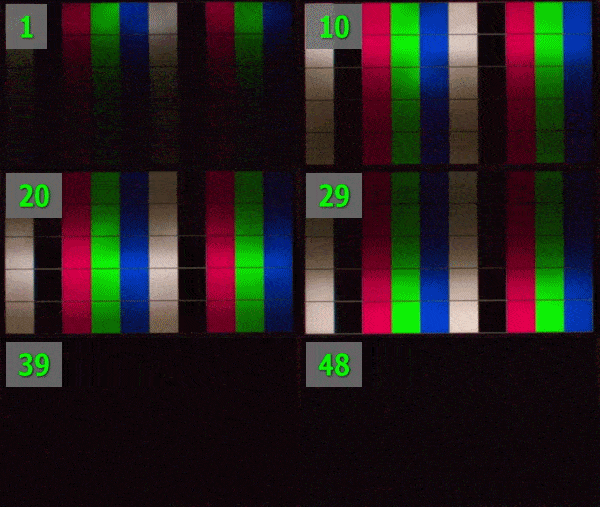
Yes, rolling can be better! But it's hard to get it in a product, and sometimes the scanning method still creates strobe crosstalk from the internal light diffusion (illuminated bar leaking into the unilluminated parts of the screen)betonKruglosuTotchno wrote: ↑16 Dec 2025, 18:28I am more interested in scanning BFI though.Chief Blur Buster wrote: ↑13 Dec 2025, 19:55However, you can fix crosstalk completely if you use the refresh rate headroom trick: