Browsers are sensitive canaries in coal mine; this will usually not affect your games.
However, it affects mobile laptop testing using TestUFO, e.g. using a laptop to test displays in the field.
- Have you tried using High Performance Mode on the laptop Control Panel
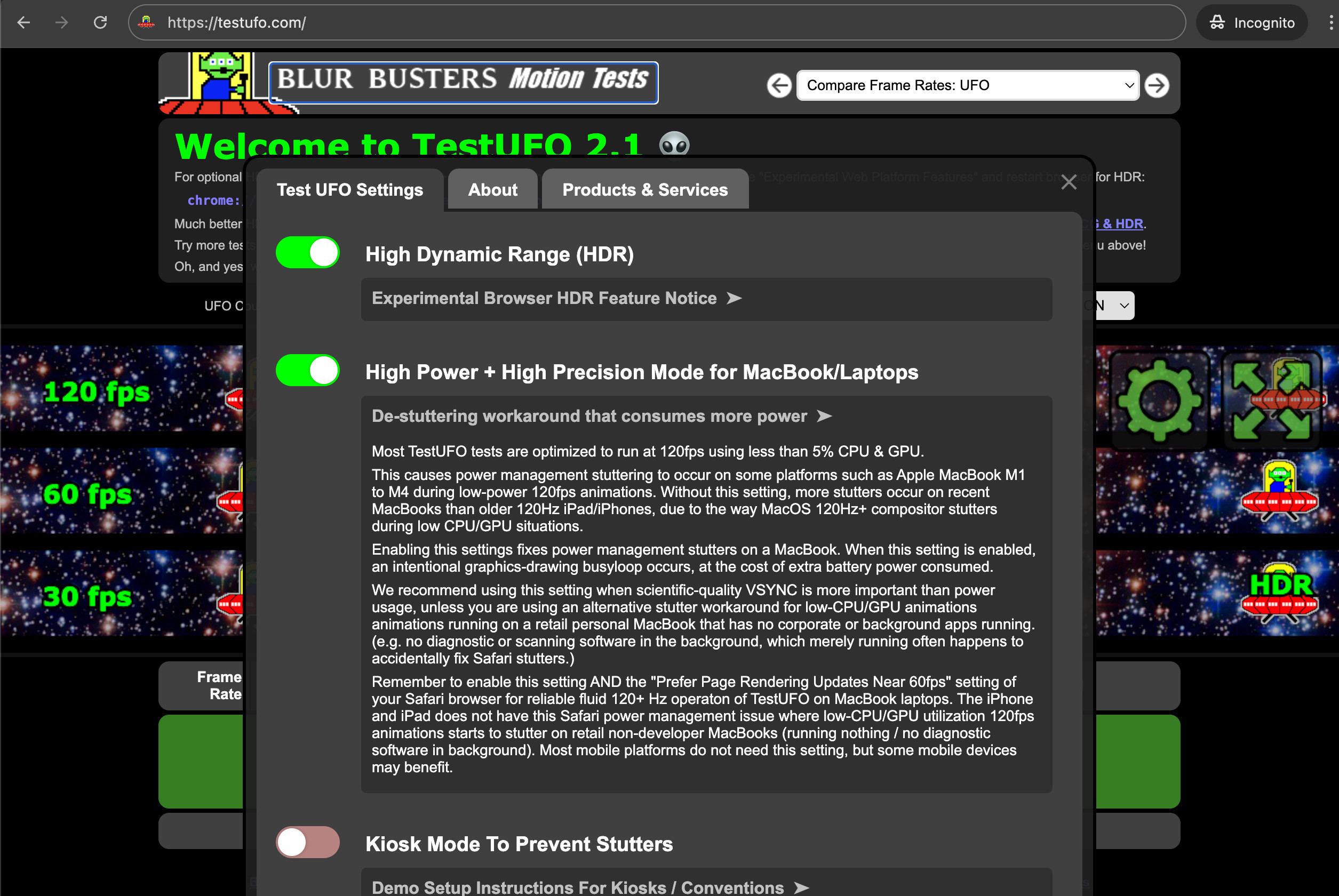
- Have you tried using the new "High Power + High Precision" setting in TestUFO?
If not, try clicking the gear icon and setting "High Power + High Precision" mode to see if it helps.
Sometimes it's caused by power management stutters.
Low power = bad frame pacing, sometimes GPU-specific, vendor-specific, or OS-specific.
You can also try to disable the clockrate changes (thermal throttling) and keep the laptop on AC power, to stabilize it. Sometimes power management mode and thermal throttling changes occurs in the middle of TestUFO, happening more often when using the dedicated GPU while on battery power.
This setting actually sometimes help Windows laptops too, try it?
Click the gear icon in upper-right corner of animation, to access this setting.
Also make sure NVApp is not running during TestUFO tests (quit it fully), and don't run any GPU monitoring utilities (no Task Manager), as they sometimes create spikes when they access GPU status.