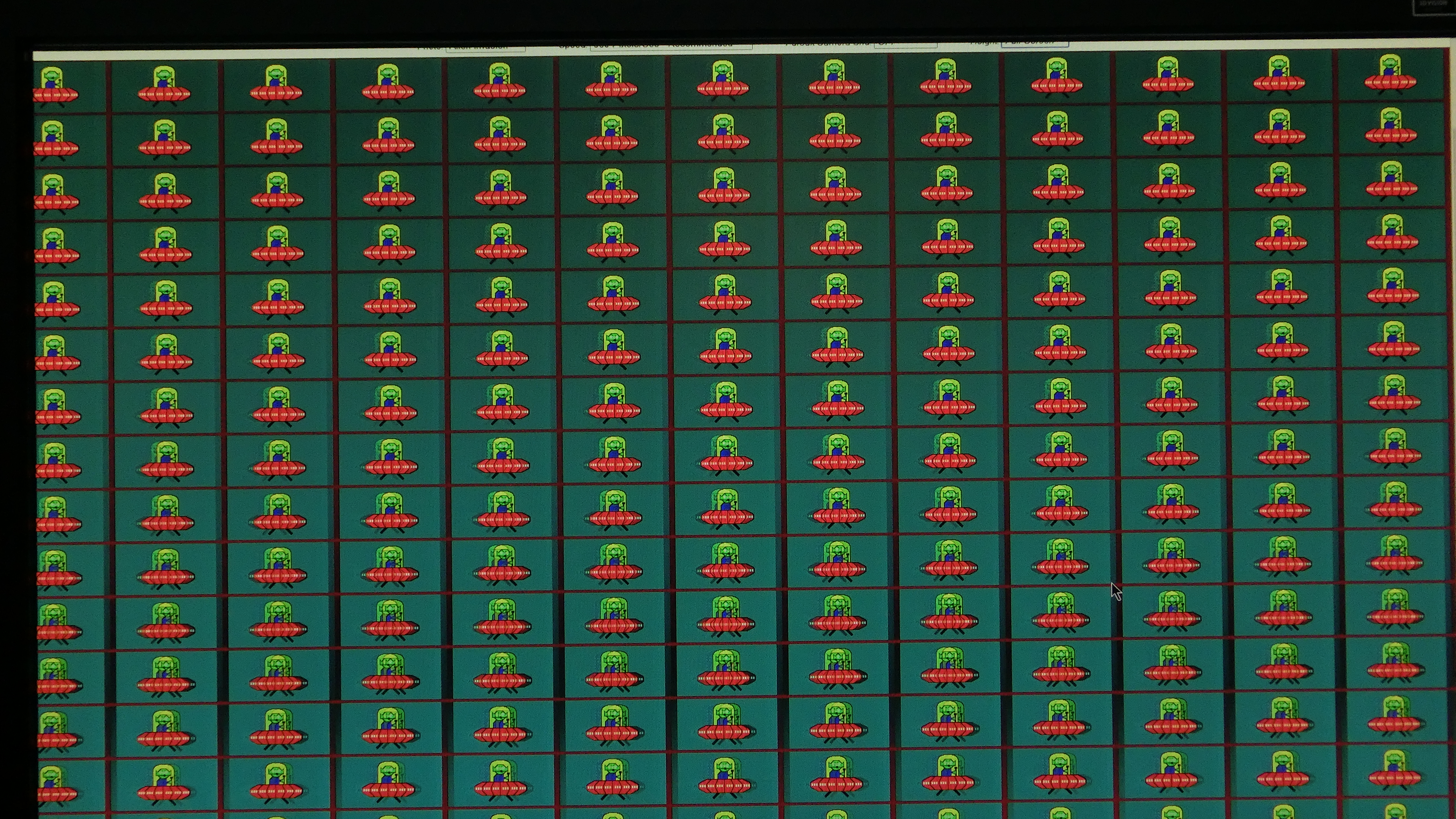
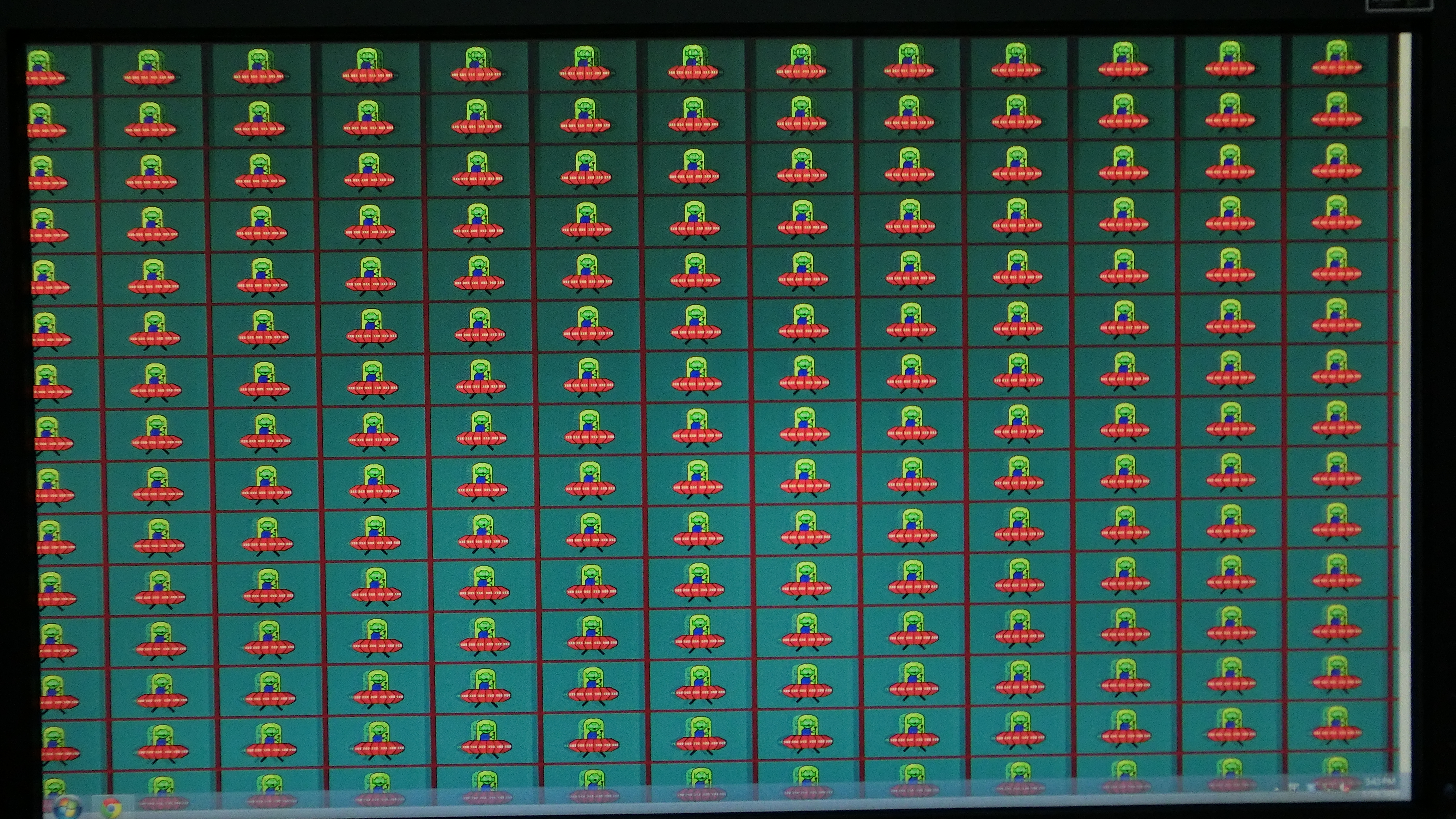
How can I test if the 1350-Trick is working?
Posted: 25 Apr 2014, 13:55
Hello,
as a AMD-Grafik user I have to use the ToastyX tool to apply the 1350 trick to my XL2720Z+BlurBusterUtility.
But I think it did not apply this patch, as the screen is really dim. Anyway I find no way to approve if the Trick worked.
What I did:
Started the ToastyX Custom Resolution Utility 1.1.2 (OS: windows 8.1 x64, all Updates, Grafik Driver 14.4 beta)
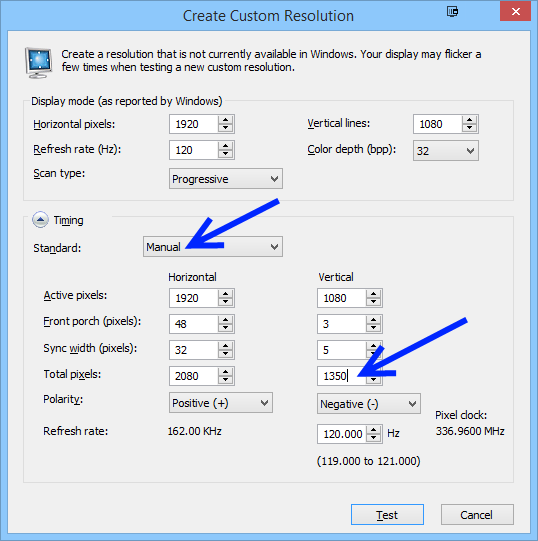
then I deleted all "Detailed resolutions"-Profiles and just added one Profile as it is described in this how-to:http://www.blurbusters.com/benq/strobe-utility/#1350
I realized the how-to is written for an older version of ToastyX. So it is unclear wich settings have to be done for "Sync width" and "Front porch". I just set them exactly as they are in the picture in the how-to.
I then pressed OK,...OK, Resterted machine.
(I also unticked all boxes under "Established resolutions" but I think this does not matter)
The Problem is:
After restart it seems as nothing happened. For testing-purposes I made a single 1600x900 Profile in "detailed resolutions, but this resolution was not selected after restart.
Can someone say me how I can check if the 1350 trick worked ? For now it seems it didnt work.
Are there any new entries in windows-resolution-list after this patch ? I dont understand how to see if it worked.
any help would be apriciated
greetz rev
as a AMD-Grafik user I have to use the ToastyX tool to apply the 1350 trick to my XL2720Z+BlurBusterUtility.
But I think it did not apply this patch, as the screen is really dim. Anyway I find no way to approve if the Trick worked.
What I did:
Started the ToastyX Custom Resolution Utility 1.1.2 (OS: windows 8.1 x64, all Updates, Grafik Driver 14.4 beta)
then I deleted all "Detailed resolutions"-Profiles and just added one Profile as it is described in this how-to:http://www.blurbusters.com/benq/strobe-utility/#1350
I realized the how-to is written for an older version of ToastyX. So it is unclear wich settings have to be done for "Sync width" and "Front porch". I just set them exactly as they are in the picture in the how-to.
I then pressed OK,...OK, Resterted machine.
(I also unticked all boxes under "Established resolutions" but I think this does not matter)
The Problem is:
After restart it seems as nothing happened. For testing-purposes I made a single 1600x900 Profile in "detailed resolutions, but this resolution was not selected after restart.
Can someone say me how I can check if the 1350 trick worked ? For now it seems it didnt work.
Are there any new entries in windows-resolution-list after this patch ? I dont understand how to see if it worked.
any help would be apriciated
greetz rev