Page 1 of 1
XL2420Z v2 upgrade but still very dark?
Posted: 04 May 2014, 17:40
by mrz121
Hi,
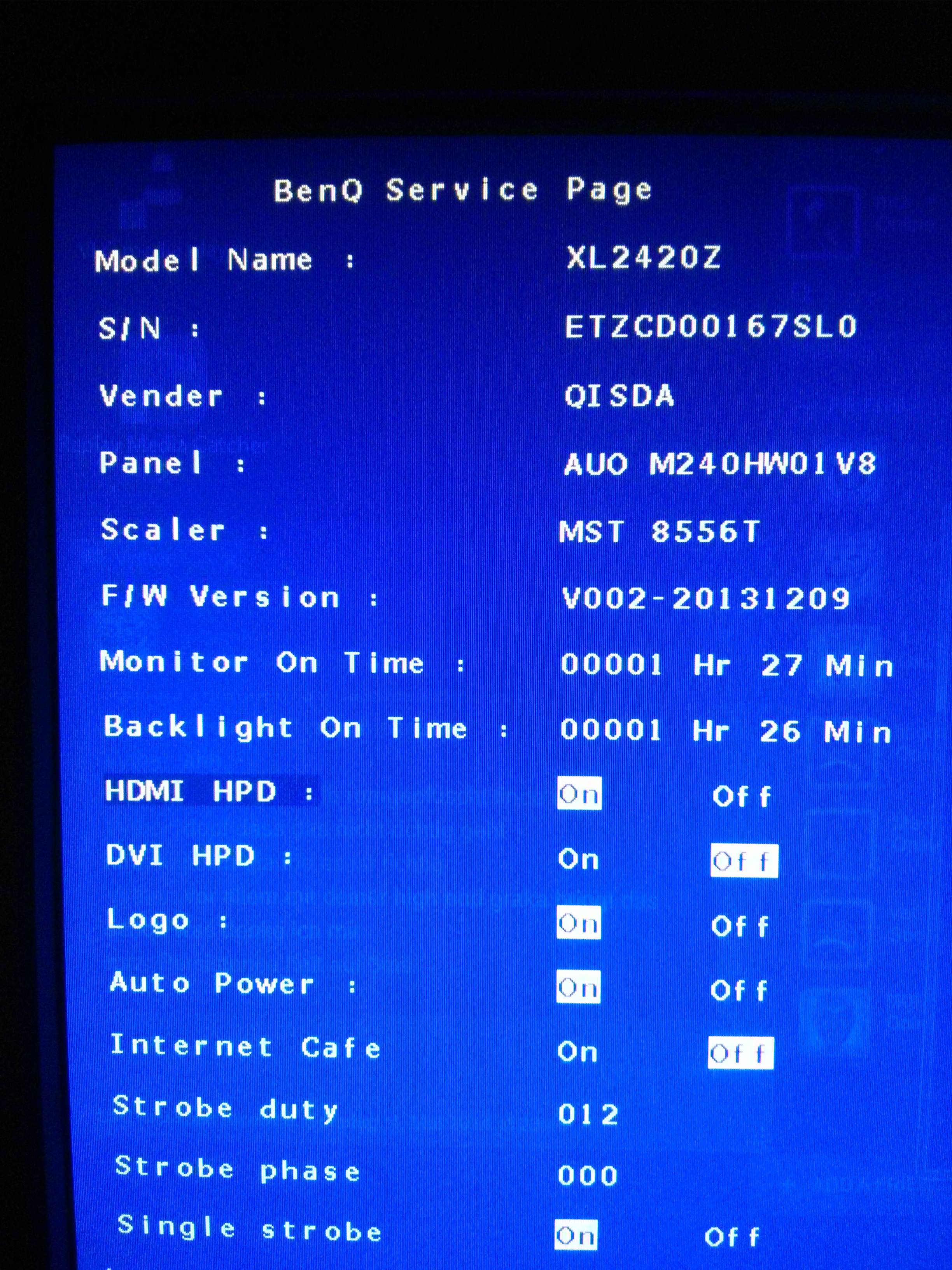
this evening I managed to upgrade my monitor with the "linux method". However I think the monitor is way too dark when I have Blur Reduction turned on. In the BlurBusters Utility I set Persistence to 2ms and Crosstalk 0. Now i don't know if this is completely normal? I dont think there is any difference to v1 regarding the brightness (except if I set Persistence to 5ms of course that's slightly better

). So I just wanted to ask If this is normal. And what can I do if it isnt?
Im having a ATI GPU connected via DisplayPort to the Monitor(7970 has no DUAL Link DVI so i had to take DP). 1350 trick with ToastyX done
Re: XL2420Z v2 upgrade but still very dark?
Posted: 04 May 2014, 18:44
by Chief Blur Buster
mrz121 wrote:Hi,
this evening I managed to upgrade my monitor with the "linux method". However I think the monitor is way too dark when I have Blur Reduction turned on. In the BlurBusters Utility I set Persistence to 2ms and Crosstalk 0. Now i don't know if this is completely normal? I dont think there is any difference to v1 regarding the brightness (except if I set Persistence to 5ms of course that's slightly better

). So I just wanted to ask If this is normal. And what can I do if it isnt?
This is normal if no VT1350 tweak is done.
The brightness becomes brighter if you do the Vertical Total 1350 tweak.
Did you give that a try?
Re: XL2420Z v2 upgrade but still very dark?
Posted: 05 May 2014, 04:23
by mrz121
Chief Blur Buster wrote:This is normal if no VT1350 tweak is done.
The brightness becomes brighter if you do the Vertical Total 1350 tweak.
Did you give that a try?
mrz121 wrote:1350 trick with ToastyX done
Yes I did. However now I'm not sure if the settings applied correctly.
First when I made these settings there was "Refresh rate" at 60Hz set. But in windows monitor settings I set it to 120Hz. So Im getting the idea that these settings dont apply correctly as i can't even change the refresh rate with this tool.
edit: okay now it works I think. After the reboot I had to change the resolution in windows 2 times. e.g. from 1920x1080 to 1600x900 and then back to 1920x1080. display seems to be brighter now though I have no idea if all the other settings in ToastyX are right. maybe someone can give me ideal settings? :b
Re: XL2420Z v2 upgrade but still very dark?
Posted: 06 Jun 2014, 19:24
by Chief Blur Buster
You are now in the right setting, I think --
Run Blur Busters Strobe Utility again, and adjust Crosstalk all the way to the left, or a preferred setting where motion looks best (in the Motion Test)