Just got an XL2420Z V2, but..
Posted: 18 May 2014, 10:12
I downloaded right away the Blur Busters Utility and entered it, does it mean that it already altared my monitor? Because I first wanted to see how the monitor is without the BBU (because I read how you guys say it's like a totally new screen etc, and so I really wanted to see it for myself)
Is there a way to see it? Or does opening the utility without changing settings is basically the same as not using it?
I got to this page:
http://www.blurbusters.com/benq/strobe-utility/
I tried the UFO tests, and when I changed the Persistence in the utility I don't feel that the blur is greater/worse (it says that values more the the left will show better results, but I don't see any difference besides the brightness)
EDIT: okay now I do see that when it's darker the motion blur is clearer, but then again taking it all the way to the left is too dark so yeah O: But at least I get this point now)
I do see differences when it comes to Crosstalk, so I just leave it where it is (the most left value)
I also did the NVIDIA Control Panel trick with the 1350, and then ran the UFO tests, but the only difference I see is that my display is now brighter (I did these things with 120HZ like it says, yeah? Not 144HZ)
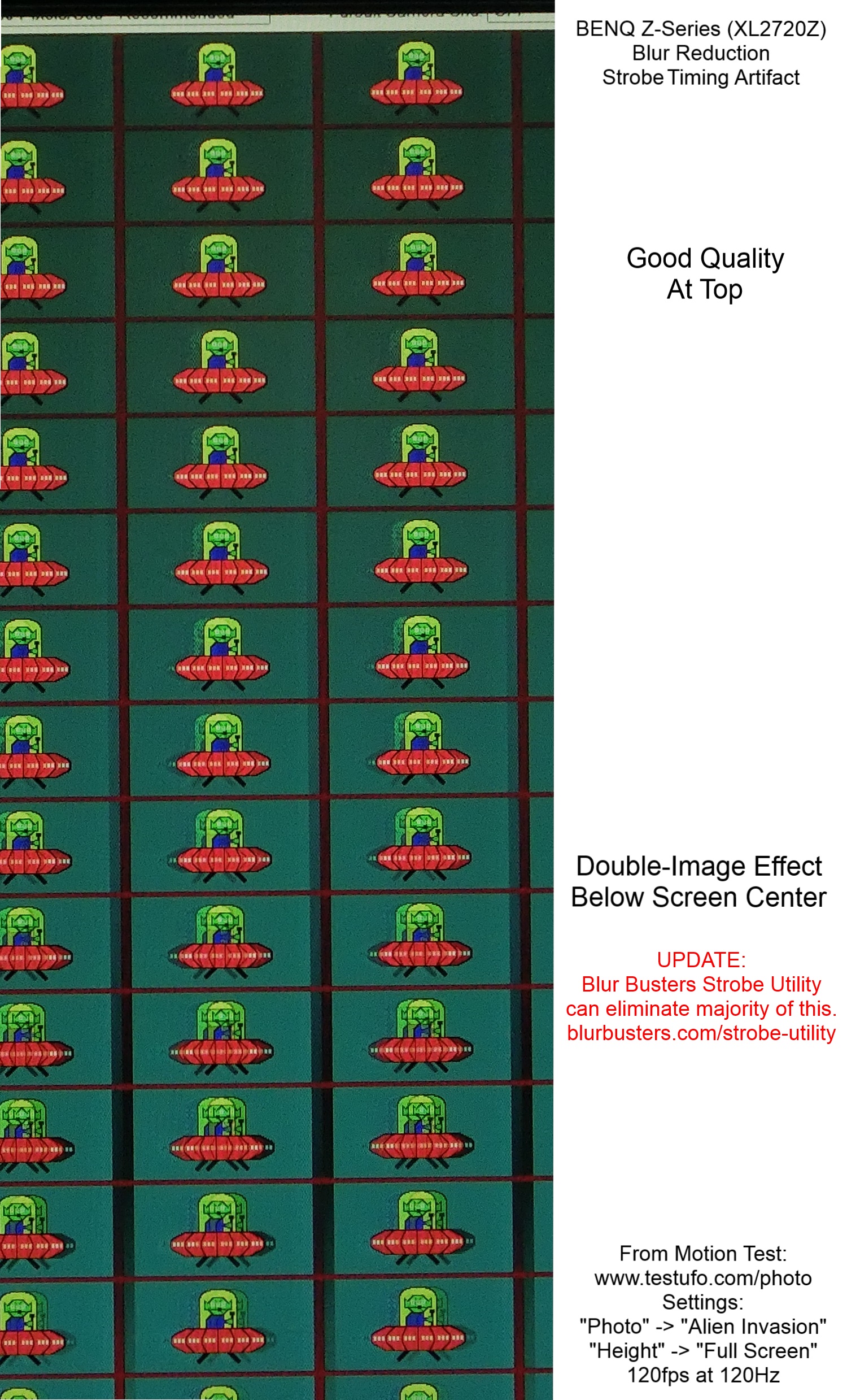
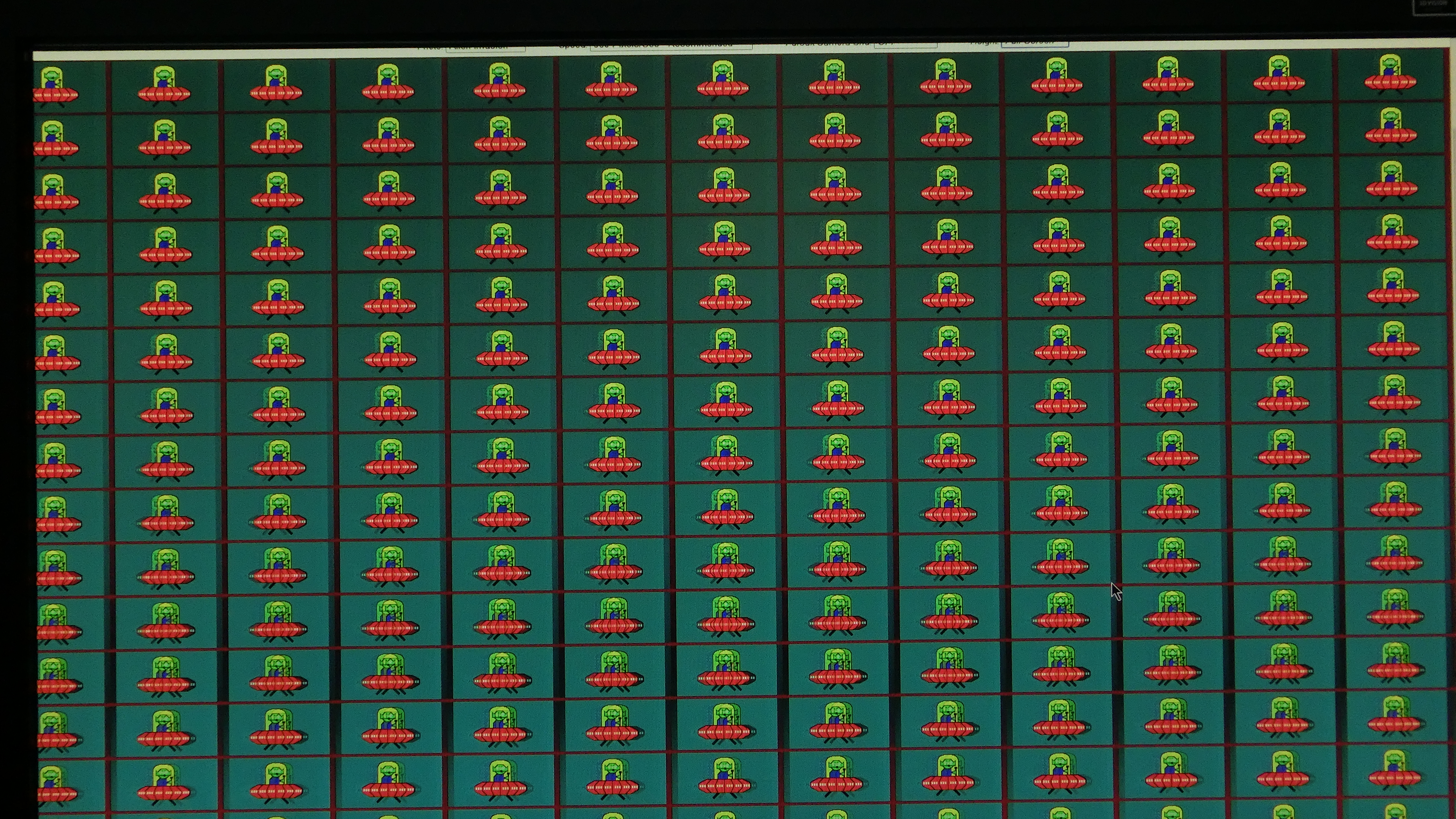
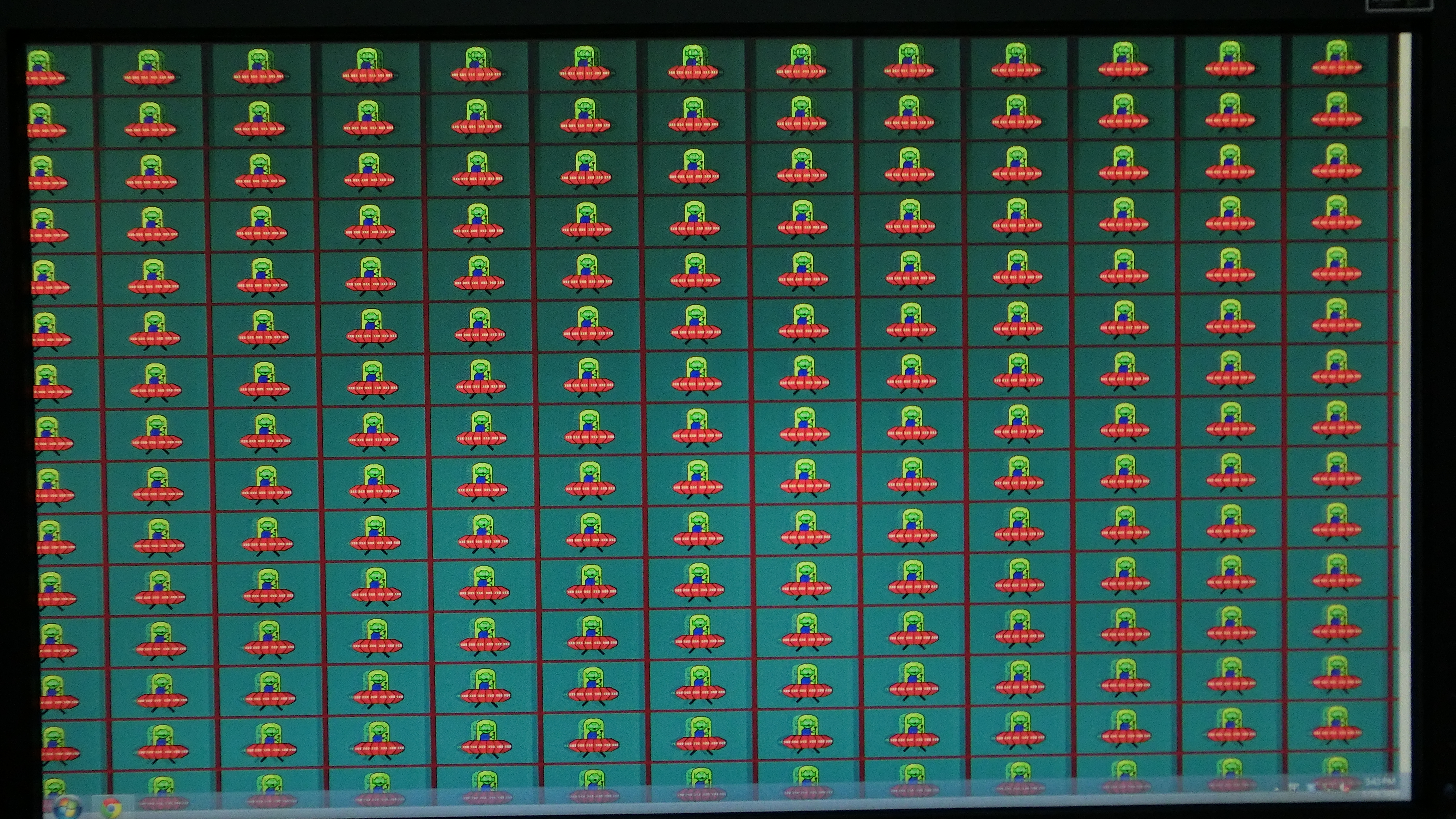
Also, following the trick, now changing the Crosstalk values only affects the brightness/darkness, not like it used to affect it previously, where I could see the shapes behind the UFPS in this page: http://www.testufo.com/photo#photo=alien-invasion.png
Is there anything else I should have noticed? Are my results okay? Like I said, I really want to see the difference that is supposed to happen, because I feel like I'm missing something here. Like I said, maybe right now it's already 'fixed', so I would really love to see the stock version of the monitor (how it previously was)
2nd thing - in CS:GO, should I set my FPS max to 121?
I'm pretty damn sure that I should be able to spot the difference in-game, seeing how I've not new to CS, and I asked my friend (who has VG248QE) while waiting for my monitor to arrive how he would describe the difference in game, whether it is okay or a really huge difference - and he says that it is indeed a huge difference, and he pretty much sees stuff in slow-motion-like (since it's so smooth) - I'm pretty sure I should be able to spot these differences as well, but I don't. So maybe I just need to play a bit more than I have right now (I only tried it for like 5 minutes against bots), or maybe, like I said, I'm doing something wrong?
Thanks!
EDIT:
Maybe I should also mention that I haven't used the CD given to me with the monitor, is there any use to it? o-o
Is there a way to see it? Or does opening the utility without changing settings is basically the same as not using it?
I got to this page:
http://www.blurbusters.com/benq/strobe-utility/
I tried the UFO tests, and when I changed the Persistence in the utility I don't feel that the blur is greater/worse (it says that values more the the left will show better results, but I don't see any difference besides the brightness)
EDIT: okay now I do see that when it's darker the motion blur is clearer, but then again taking it all the way to the left is too dark so yeah O: But at least I get this point now)
I do see differences when it comes to Crosstalk, so I just leave it where it is (the most left value)
I also did the NVIDIA Control Panel trick with the 1350, and then ran the UFO tests, but the only difference I see is that my display is now brighter (I did these things with 120HZ like it says, yeah? Not 144HZ)
Also, following the trick, now changing the Crosstalk values only affects the brightness/darkness, not like it used to affect it previously, where I could see the shapes behind the UFPS in this page: http://www.testufo.com/photo#photo=alien-invasion.png
Is there anything else I should have noticed? Are my results okay? Like I said, I really want to see the difference that is supposed to happen, because I feel like I'm missing something here. Like I said, maybe right now it's already 'fixed', so I would really love to see the stock version of the monitor (how it previously was)
2nd thing - in CS:GO, should I set my FPS max to 121?
I'm pretty damn sure that I should be able to spot the difference in-game, seeing how I've not new to CS, and I asked my friend (who has VG248QE) while waiting for my monitor to arrive how he would describe the difference in game, whether it is okay or a really huge difference - and he says that it is indeed a huge difference, and he pretty much sees stuff in slow-motion-like (since it's so smooth) - I'm pretty sure I should be able to spot these differences as well, but I don't. So maybe I just need to play a bit more than I have right now (I only tried it for like 5 minutes against bots), or maybe, like I said, I'm doing something wrong?
Thanks!
EDIT:
Maybe I should also mention that I haven't used the CD given to me with the monitor, is there any use to it? o-o