Ok, so
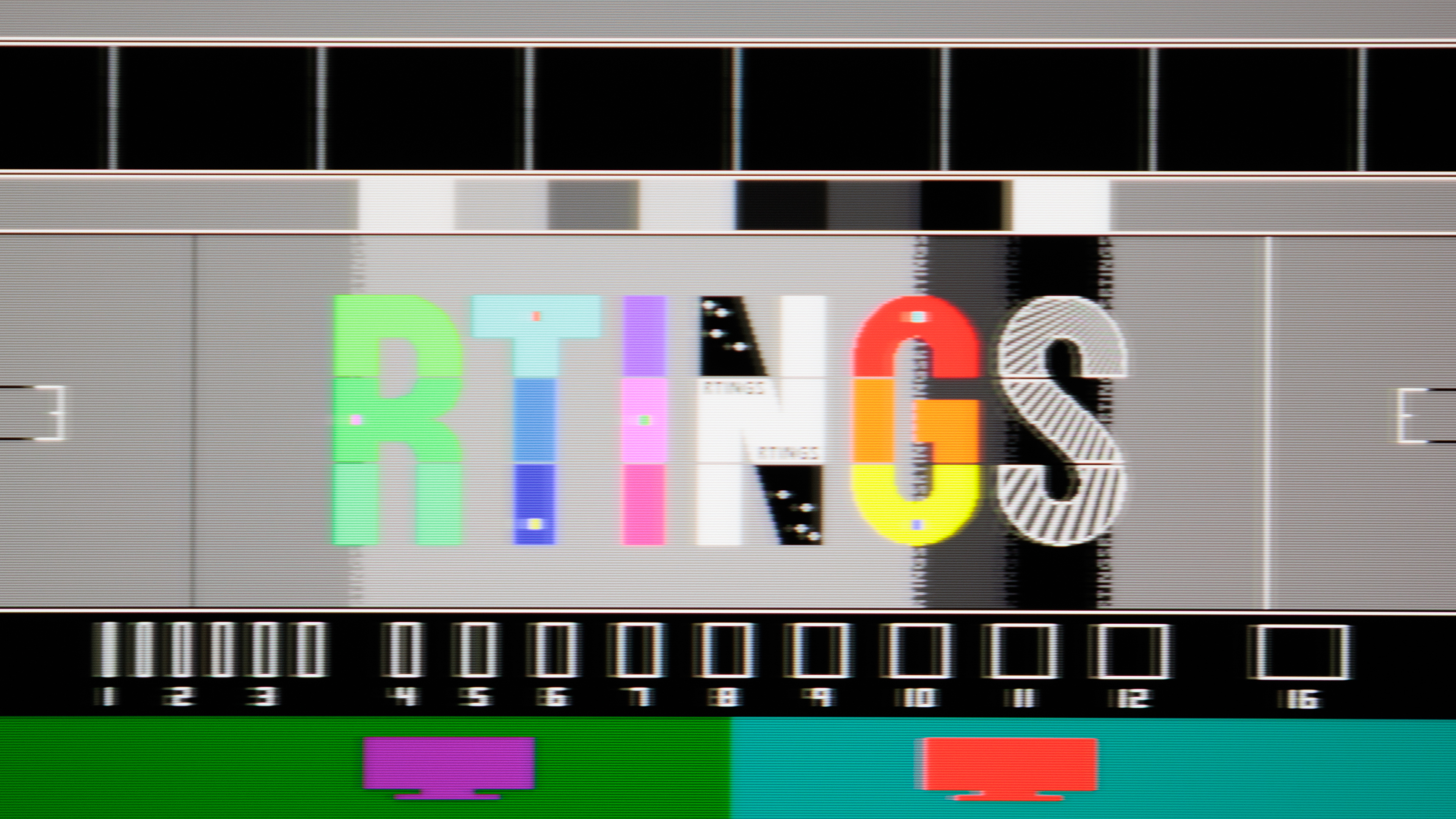
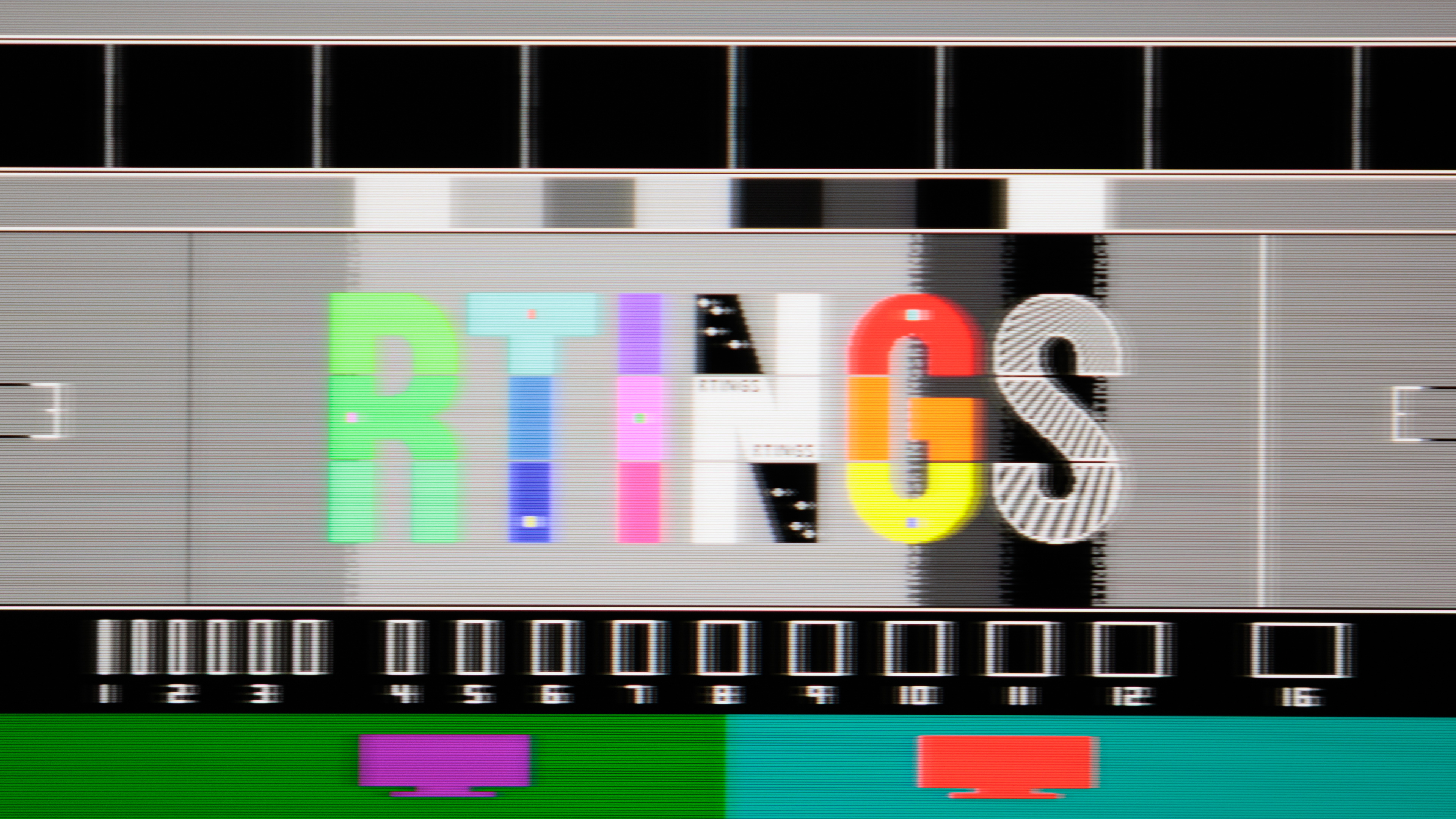
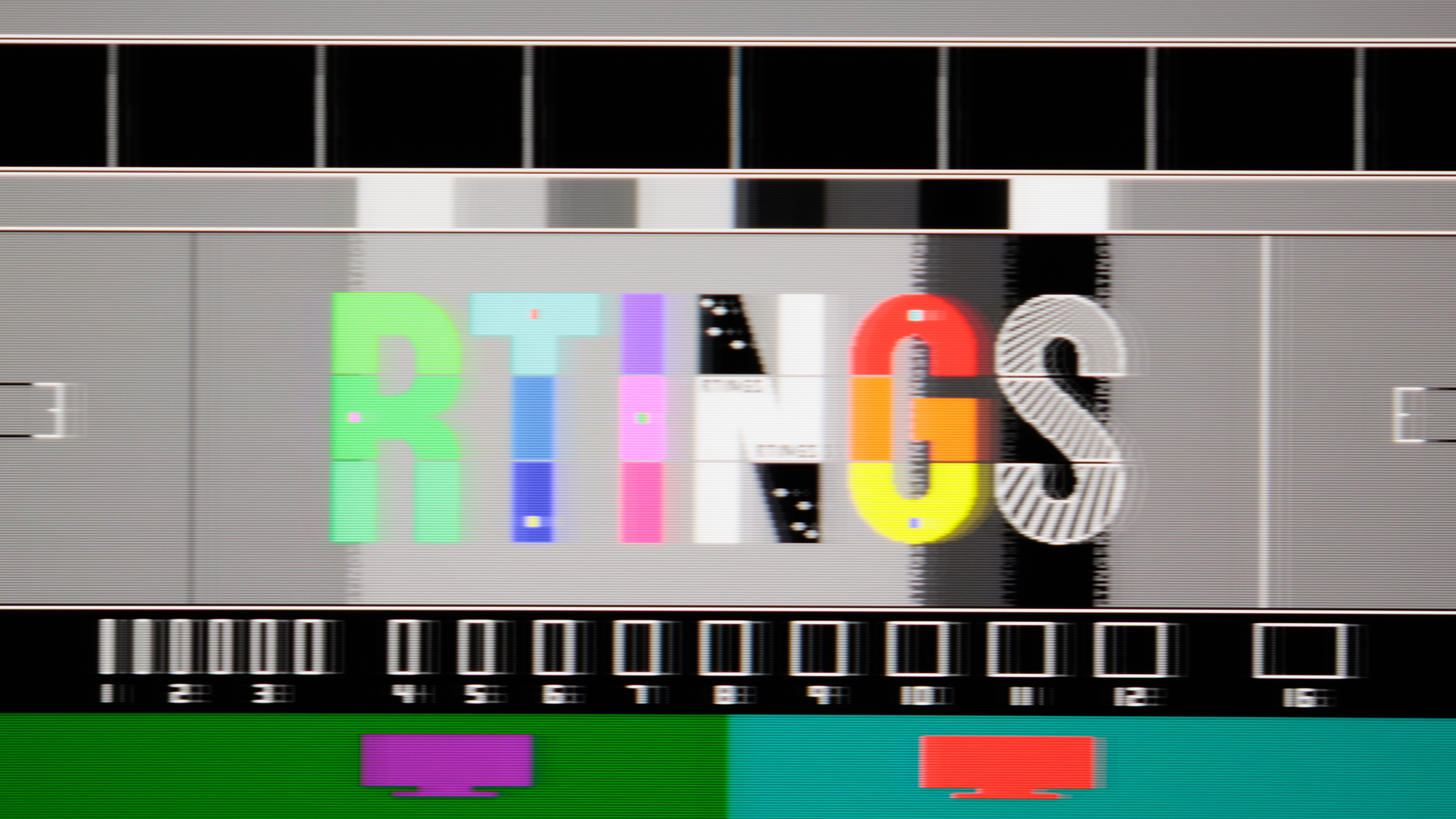
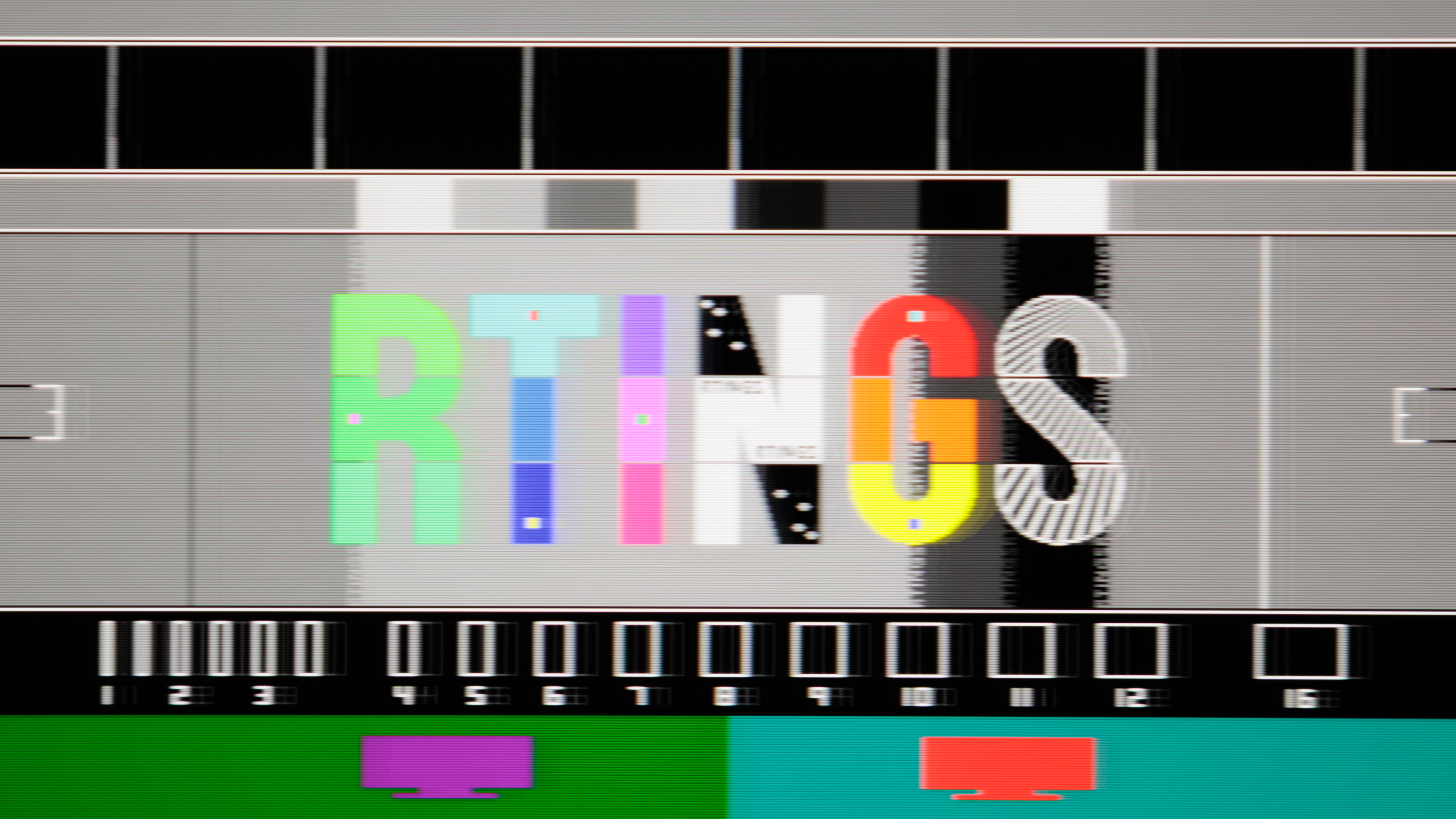
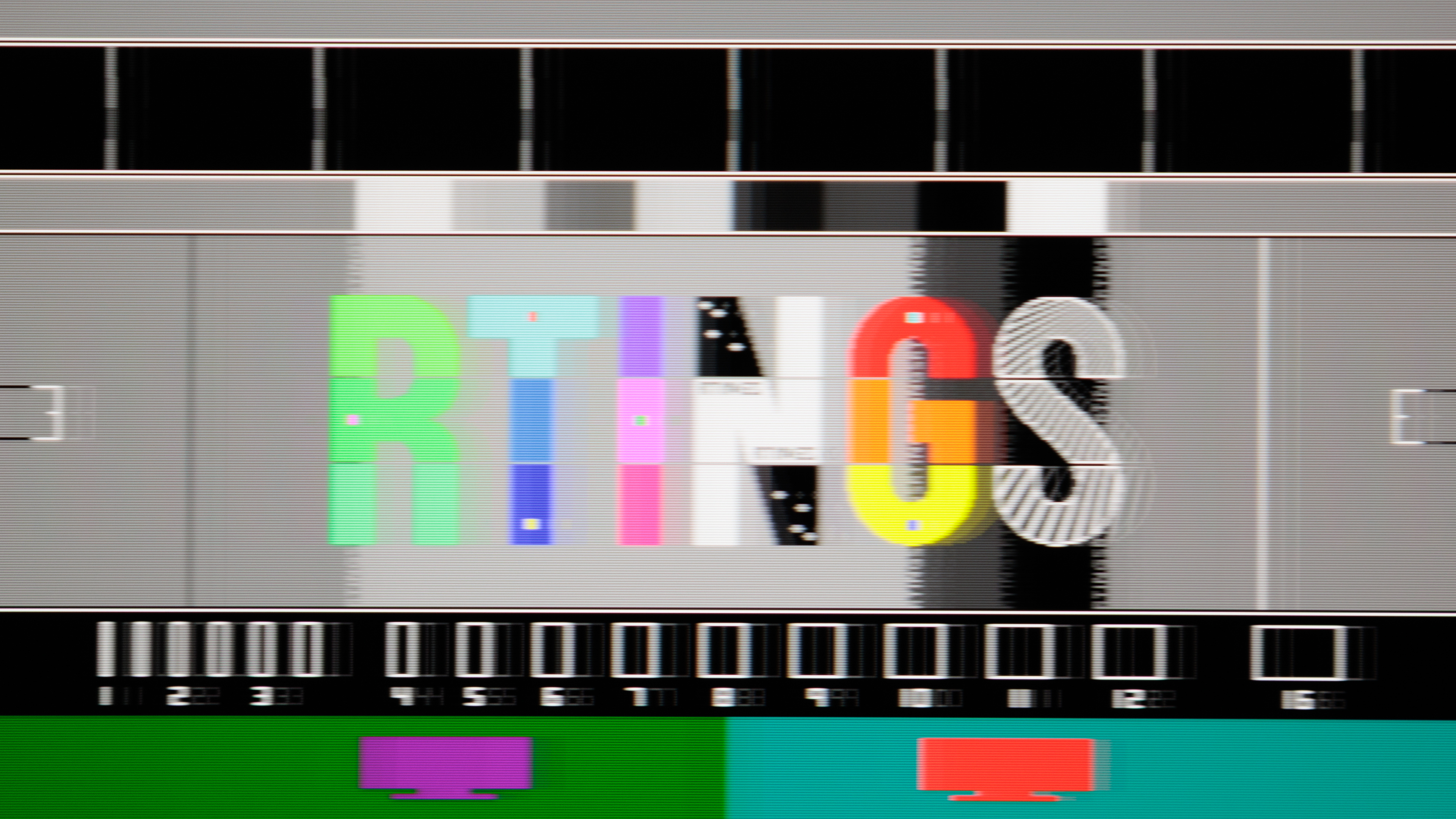
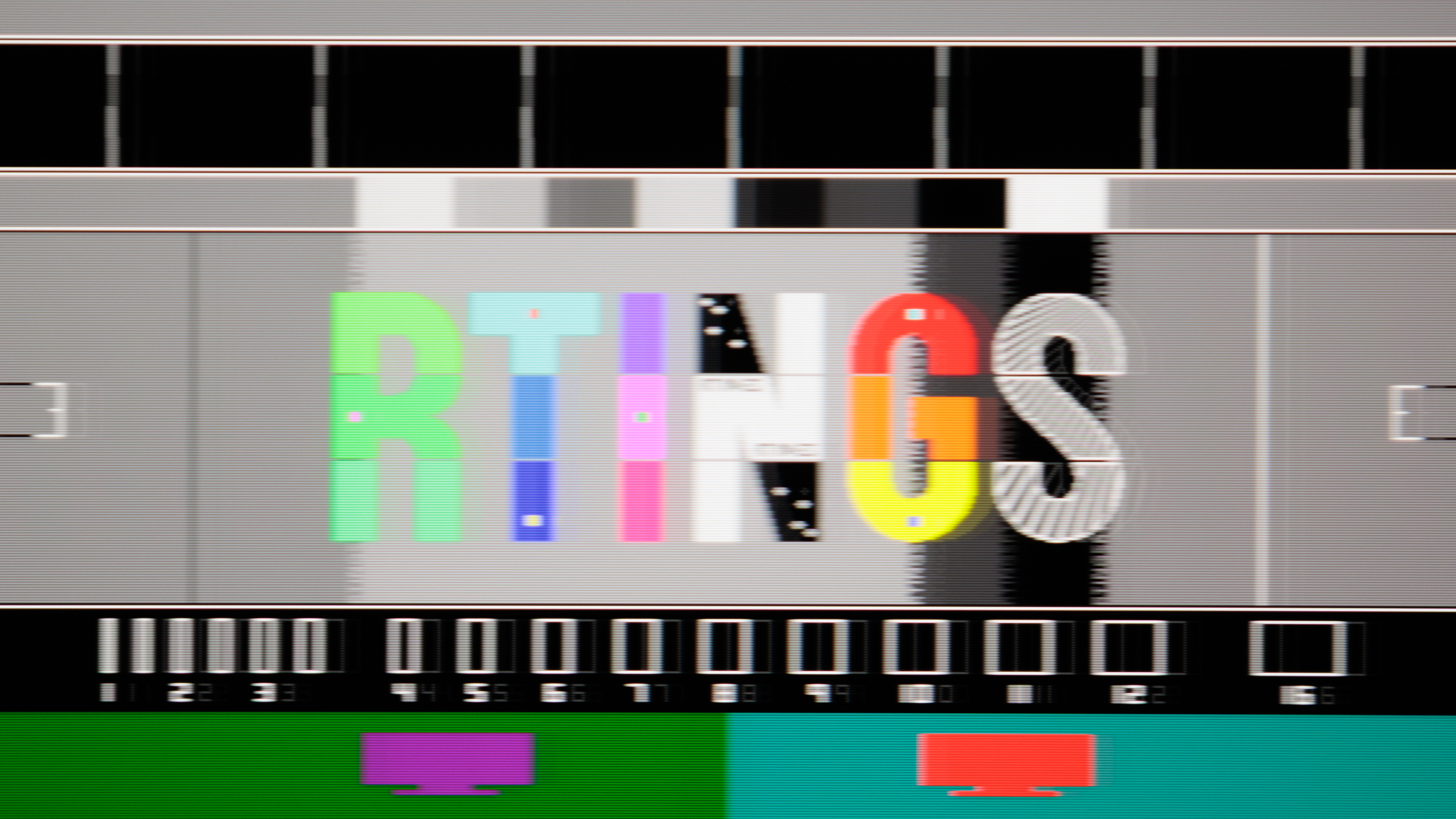
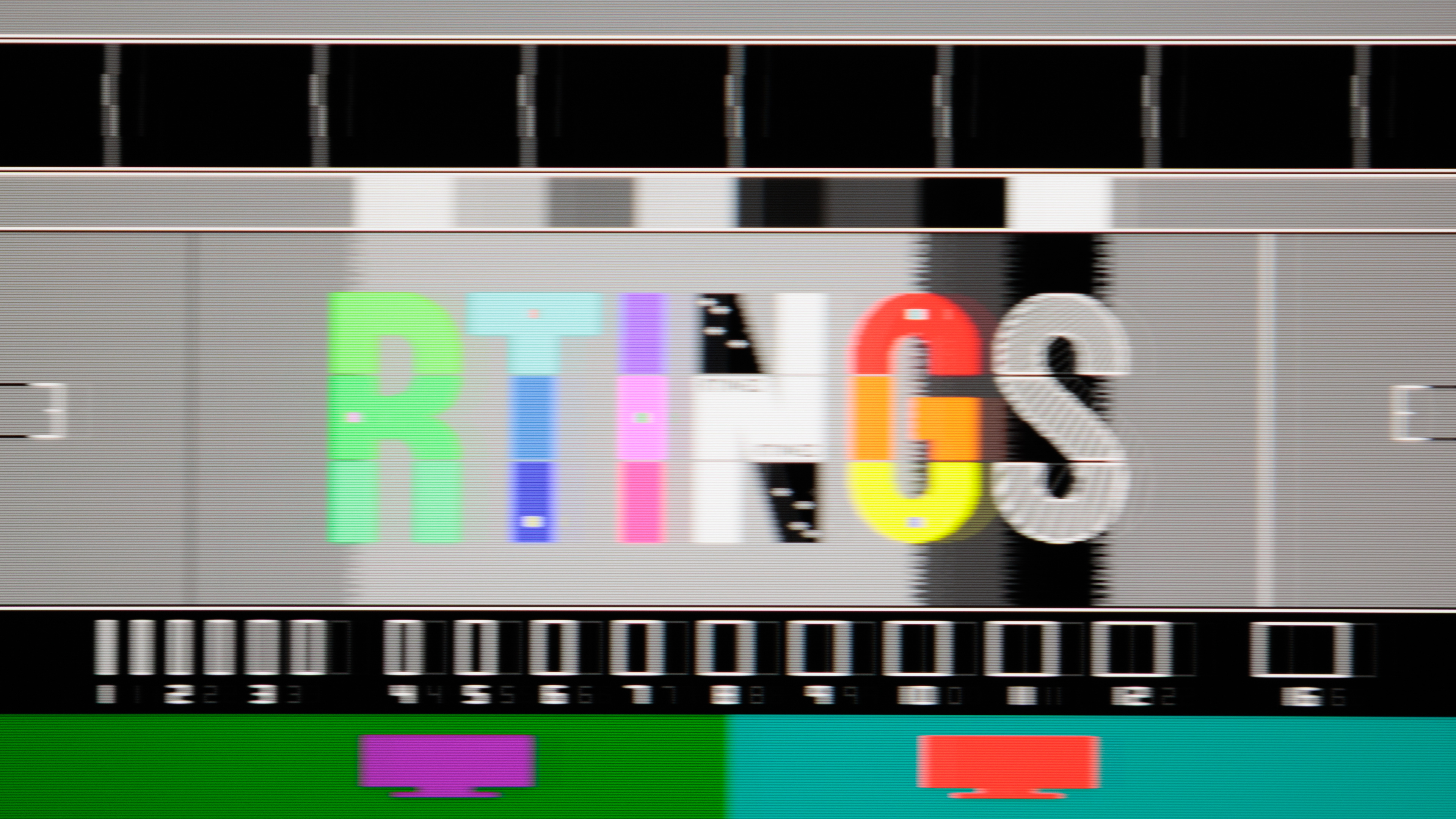
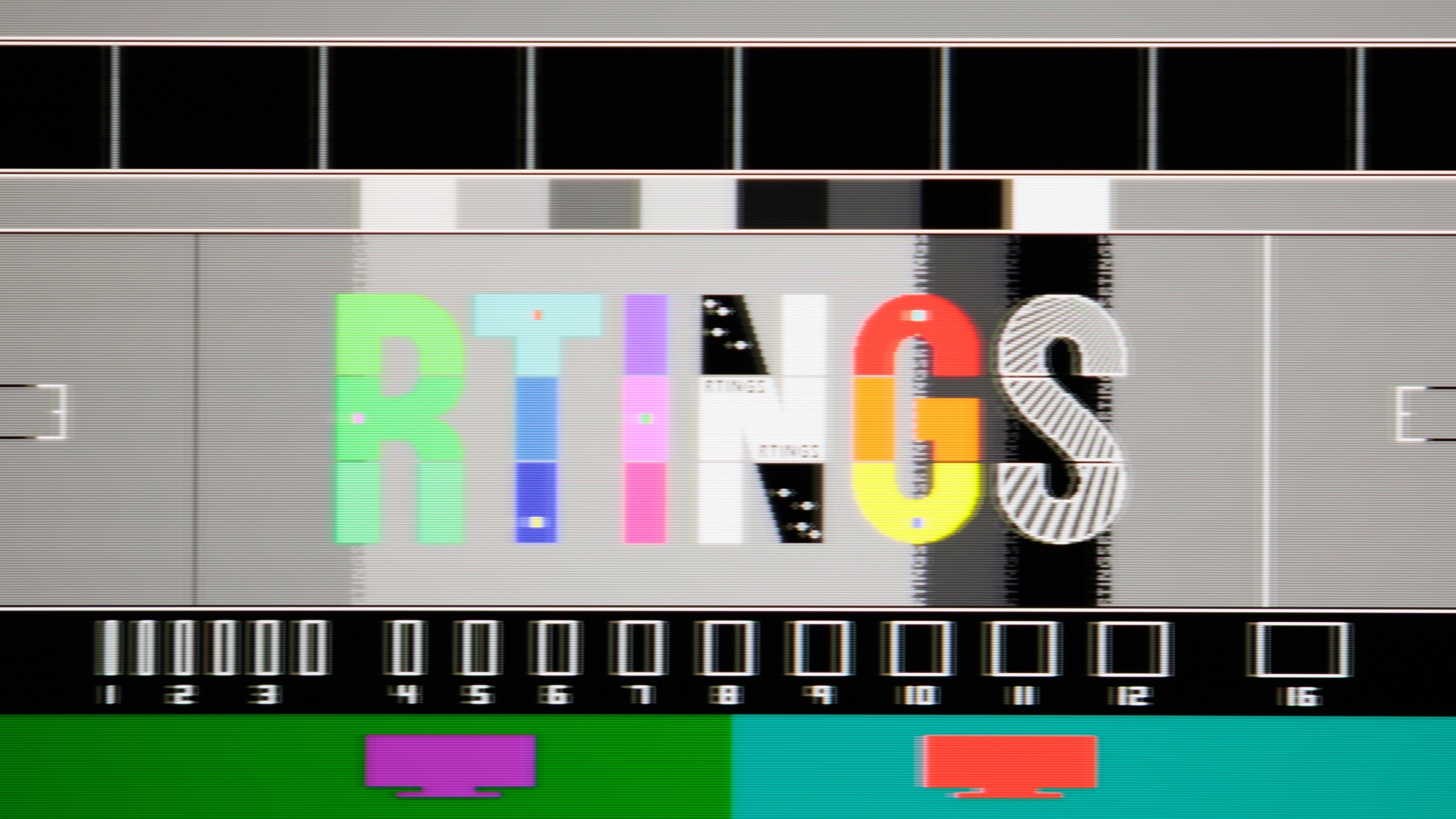
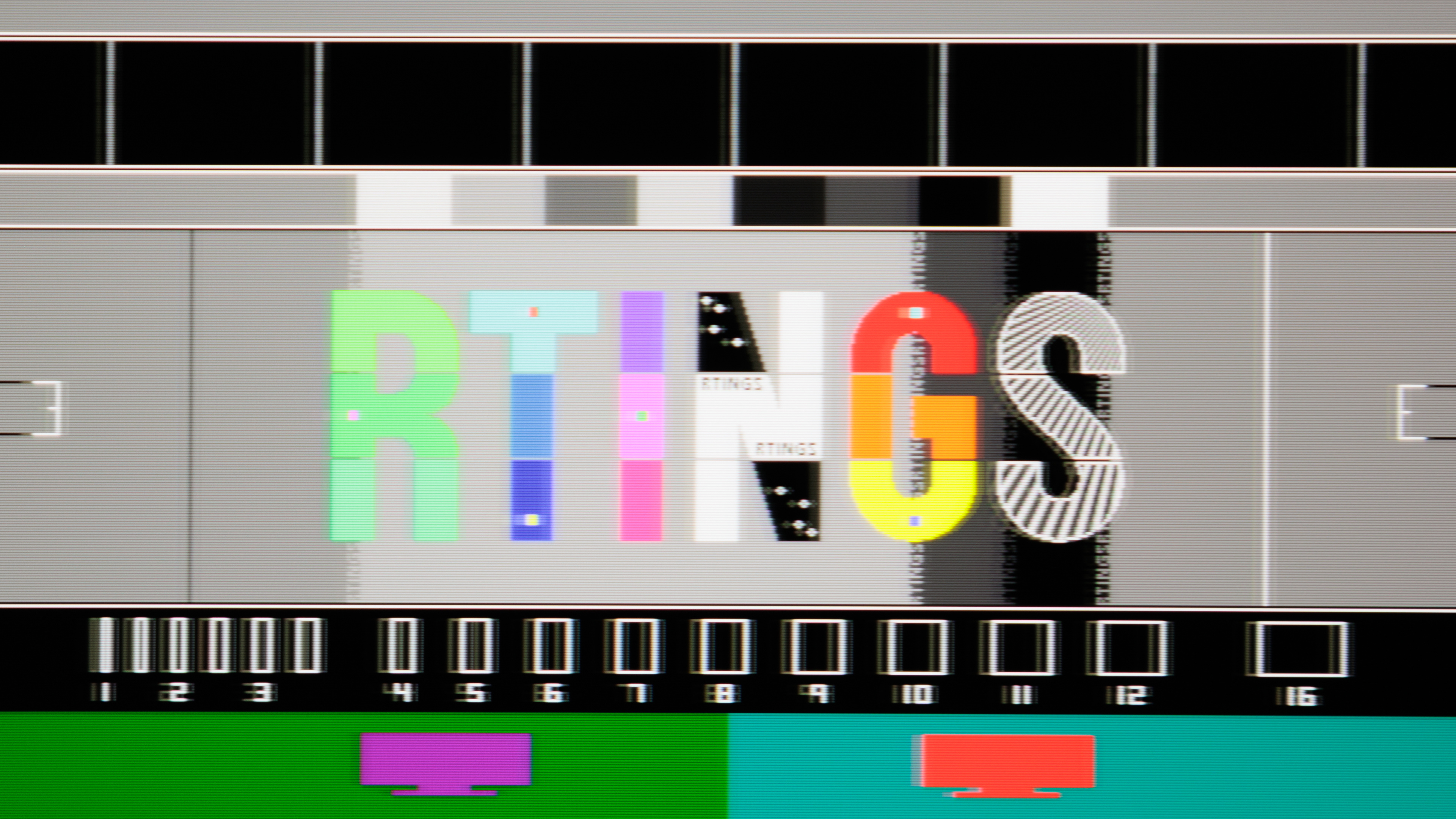
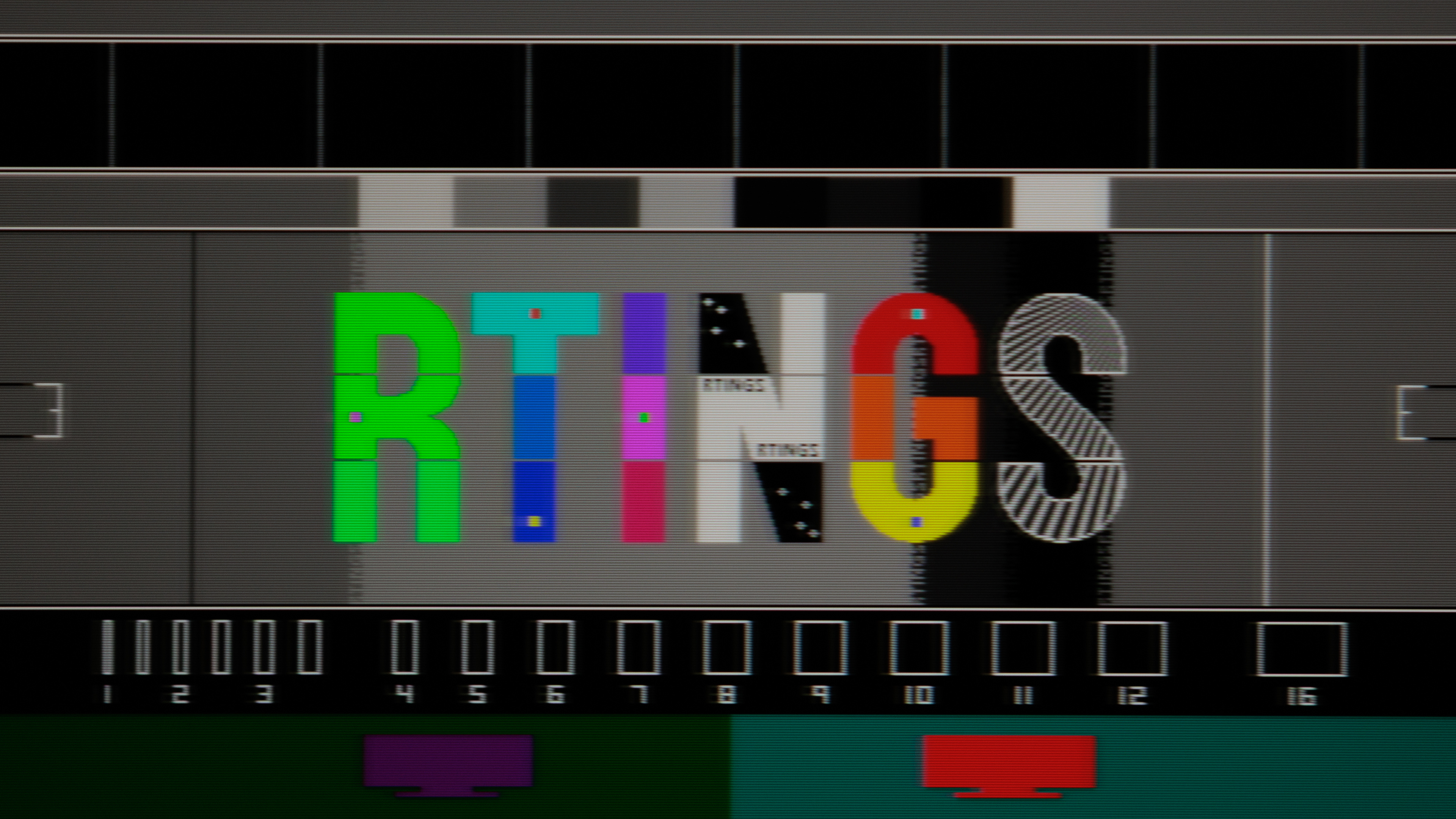
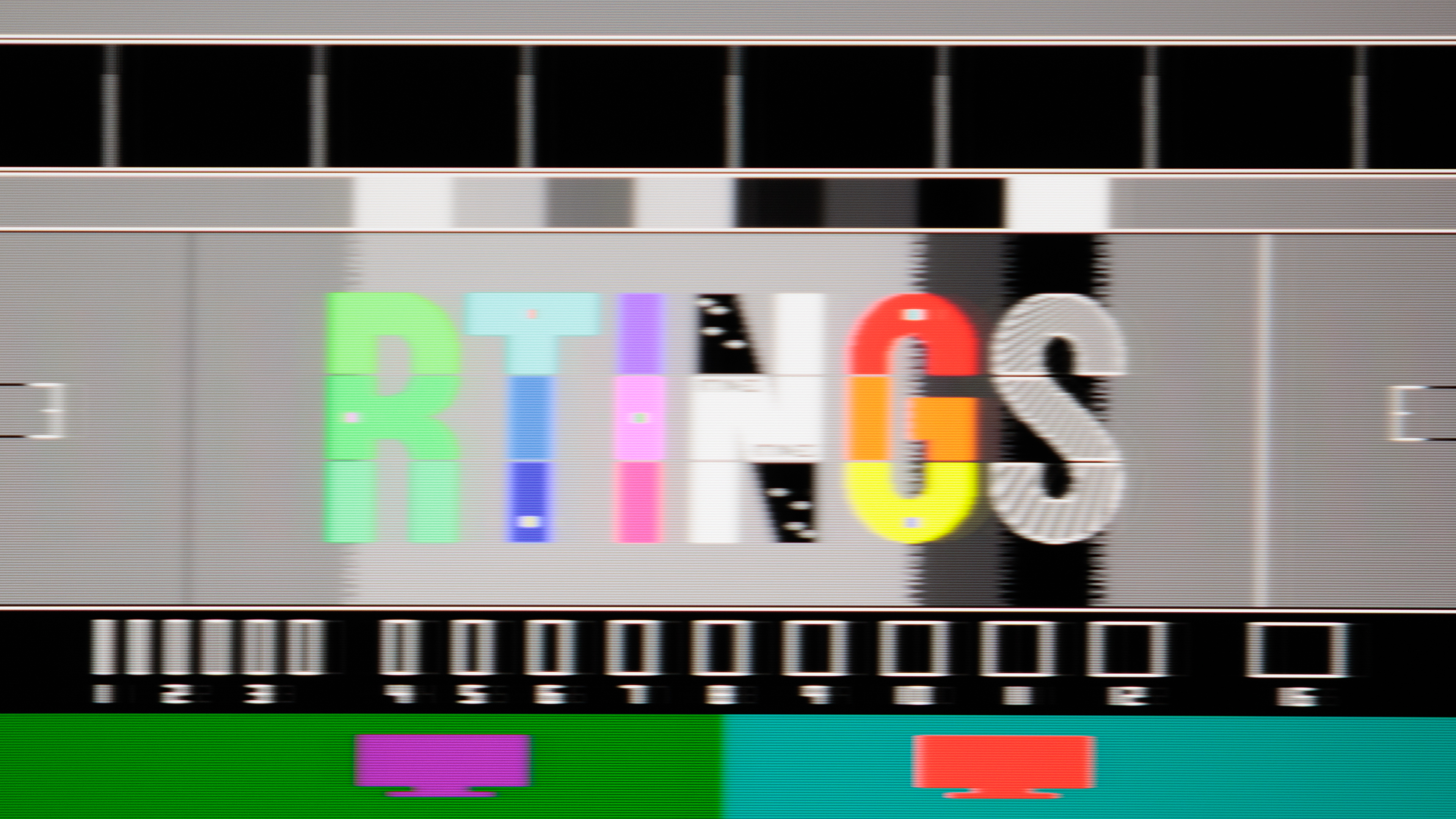
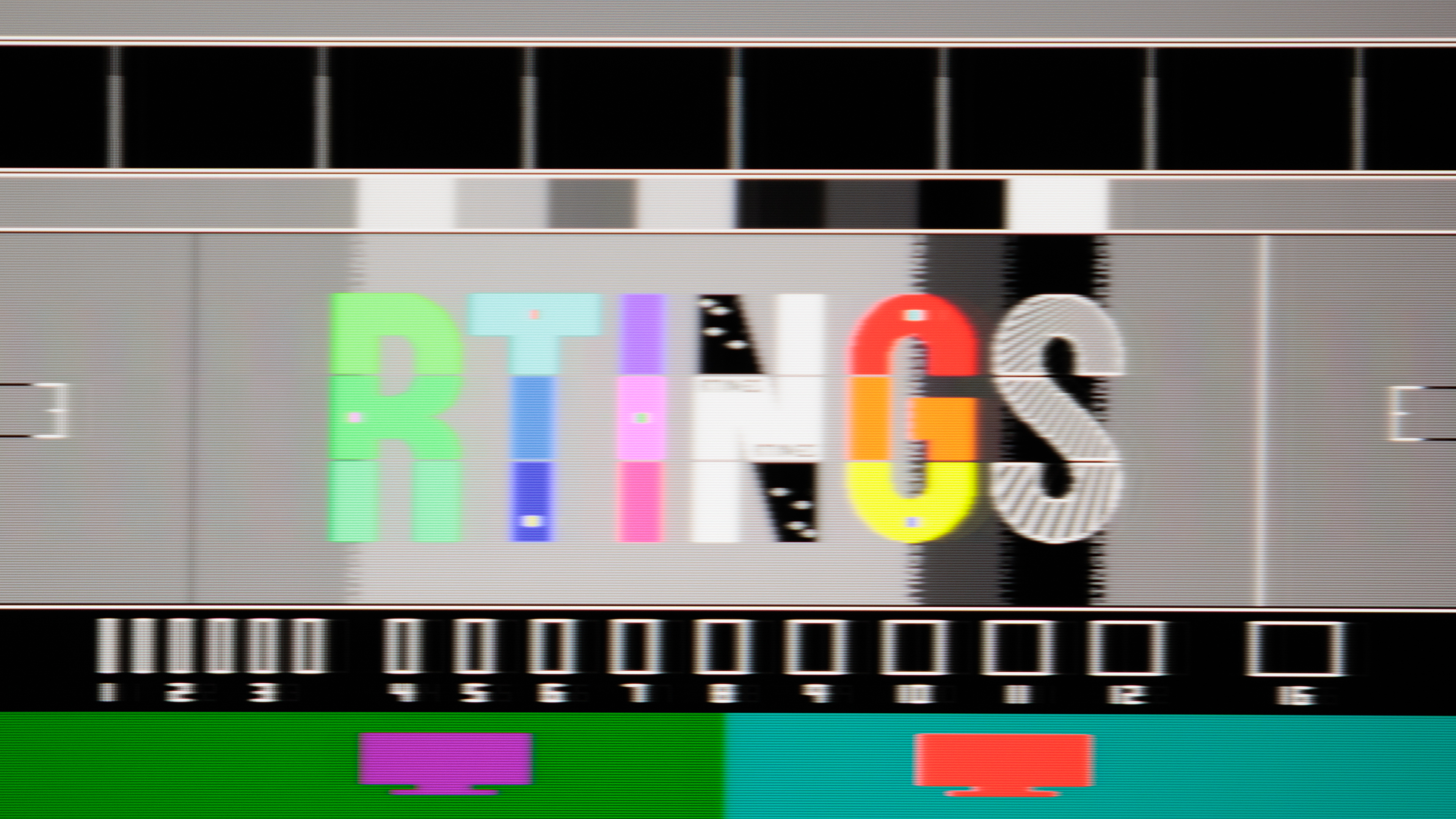
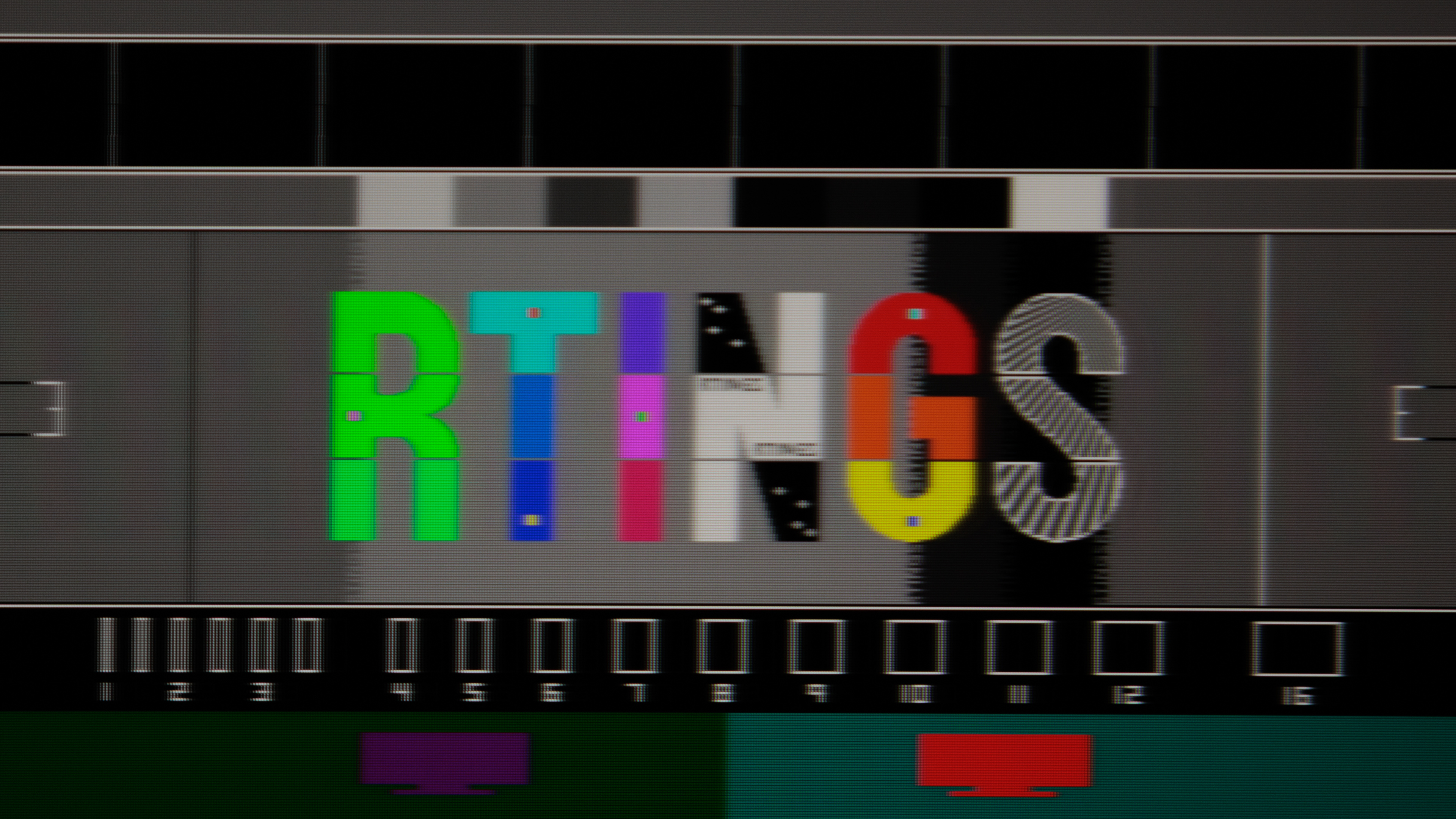
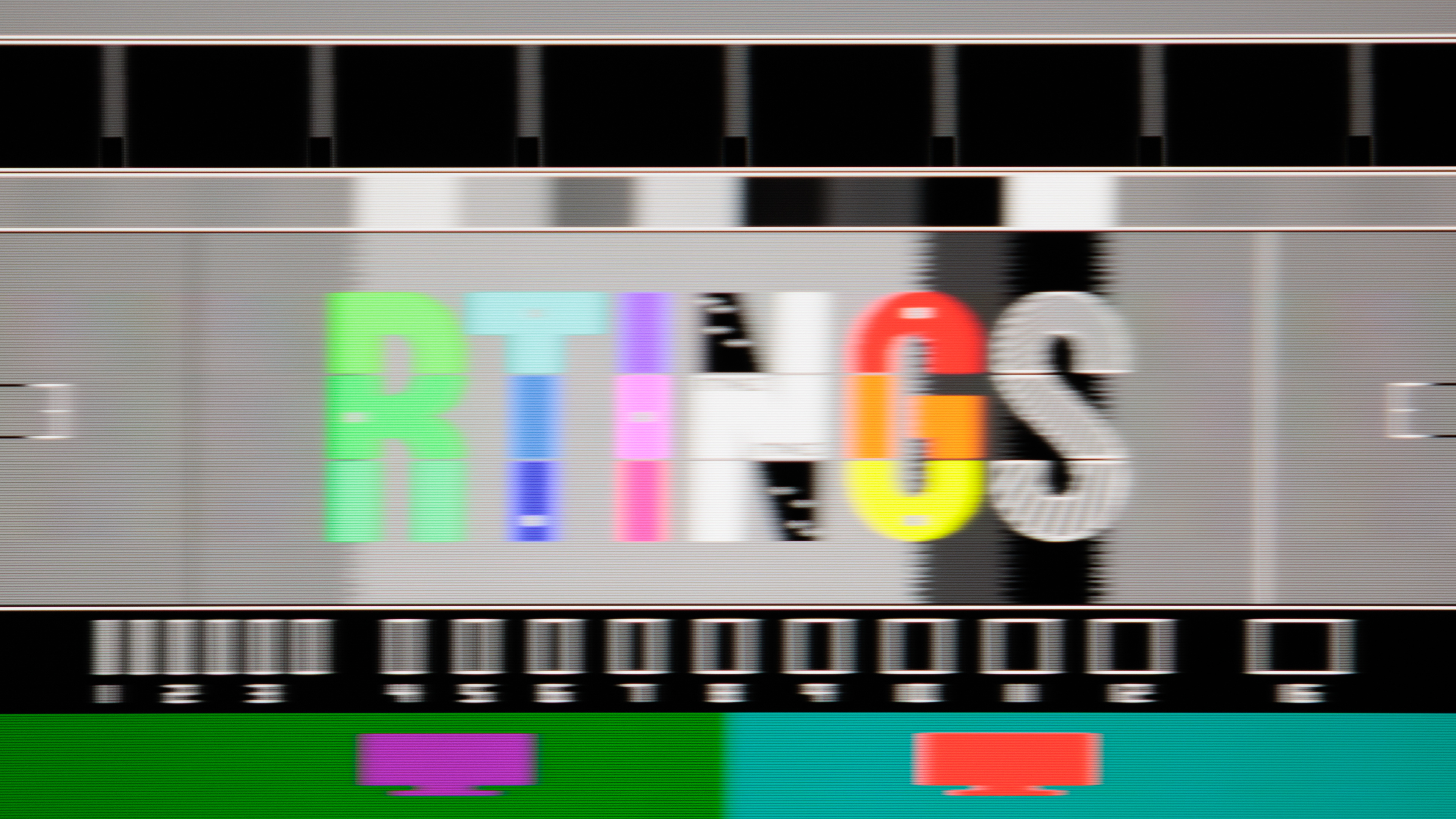
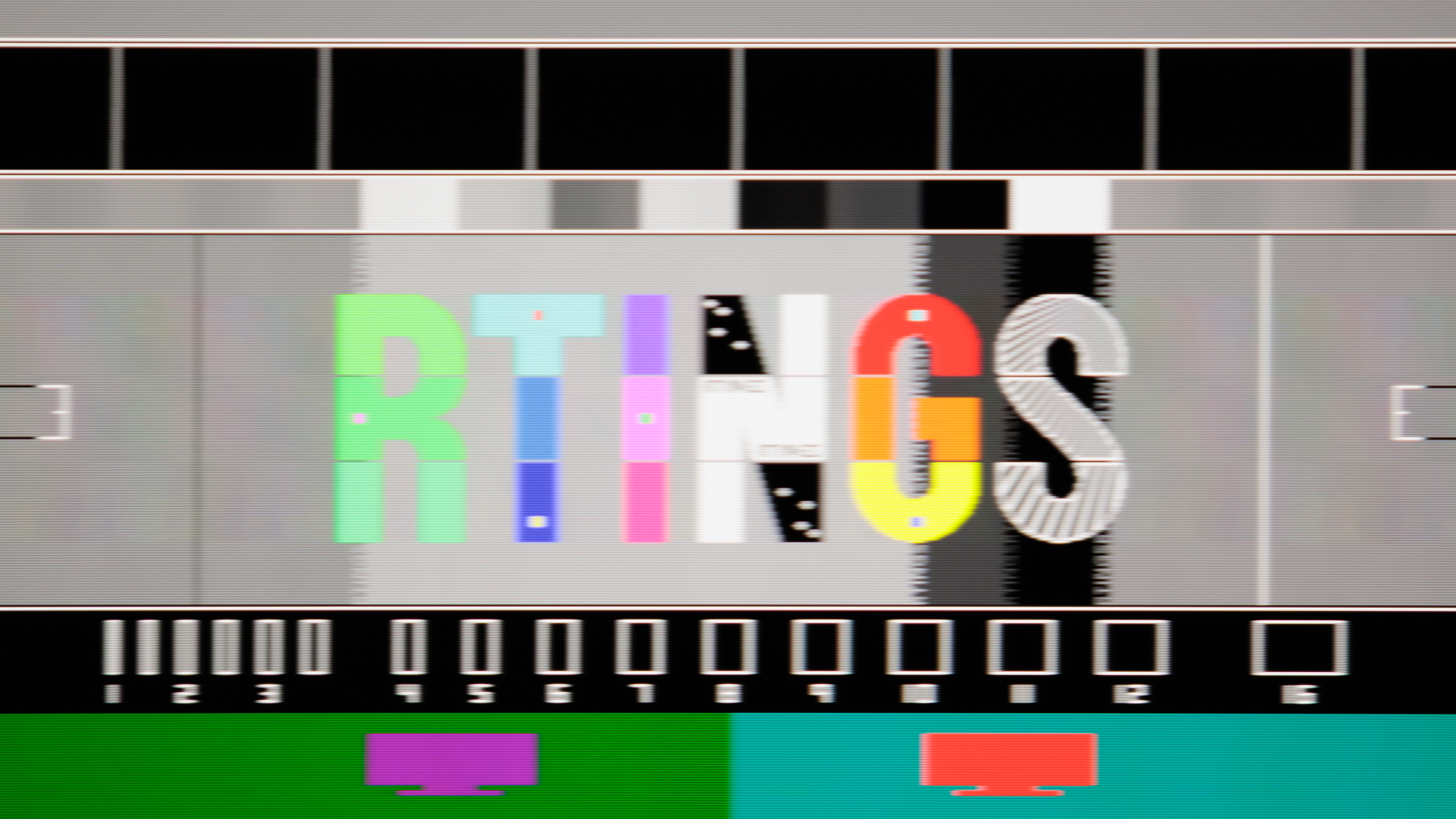
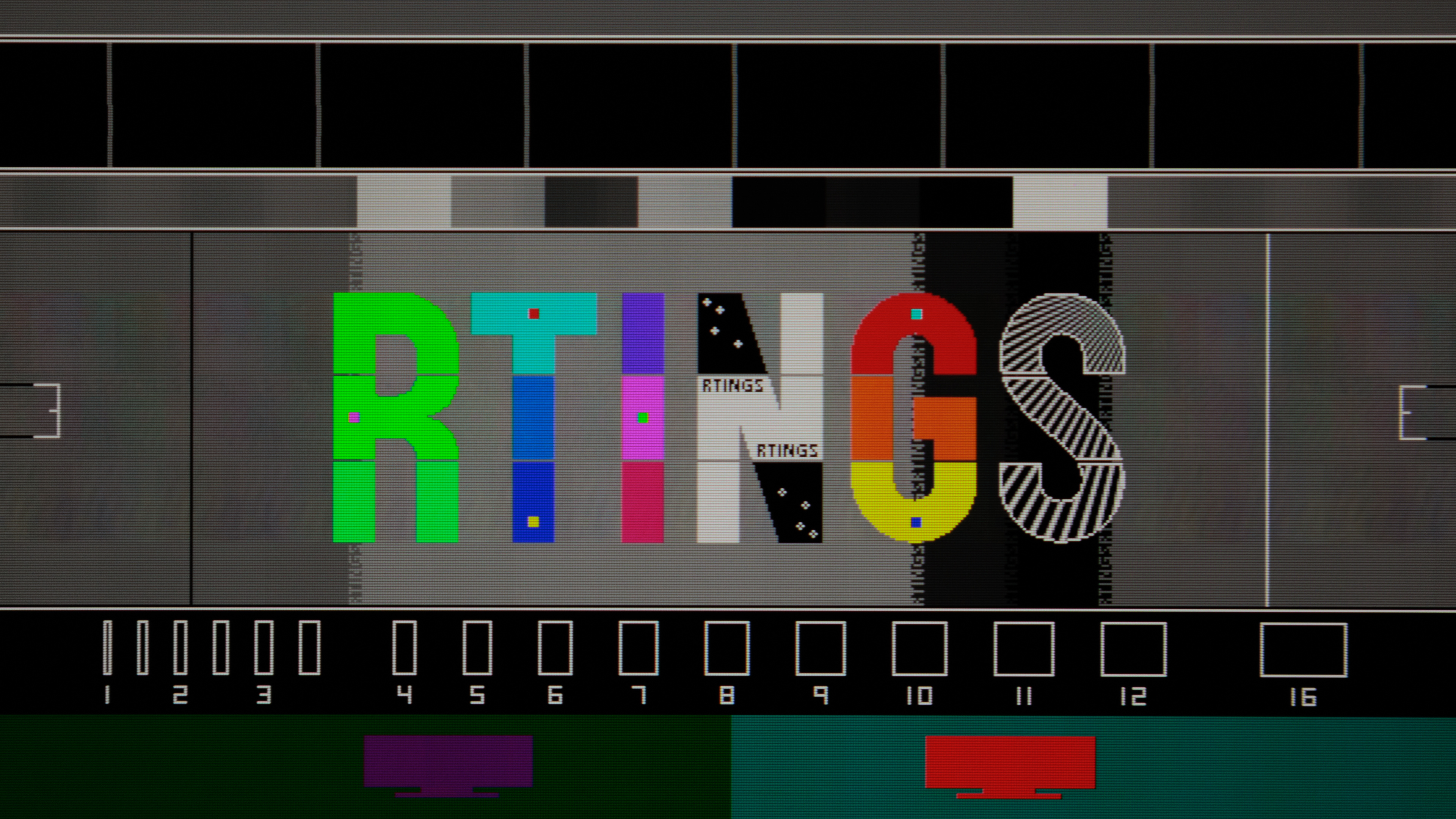
RTINGS review has now been out for few days! Turns out all the MPRT stuff I was measuring previously was incorrect for the most part. Their pursuit photos suggest next:
Pulsar:
- Pulsar @360 Hz at:
358,
240,
165,
144,
120,
100,
80 fps
- It is ~25% duty cycle as advertised, except above ~240 fps where blur stops improving.
- As for the crosstalk: at least one leading-ghost image is visible all the time. First is visible up to ~100 fps, the second one appears above that, and third trailing-image around 240 fps. The first one is from the
compensation pulse which actually never settles down completely. That's where most of the crosstalk is coming from. By design this pulse is always positioned at
half the frame. The more pale second and third are caused by GtG/pulse width and they go in line with GtG vs crosstalk physics - improves as frame rate goes down, and worsens as it goes up. Interestingly 360 fps looks cleaner than 240 fps, and ~144 fps appears cleaner than nearby frames like 120 or 165 fps. Not sure why is that.
- Measured brightness: 501-117 nits.
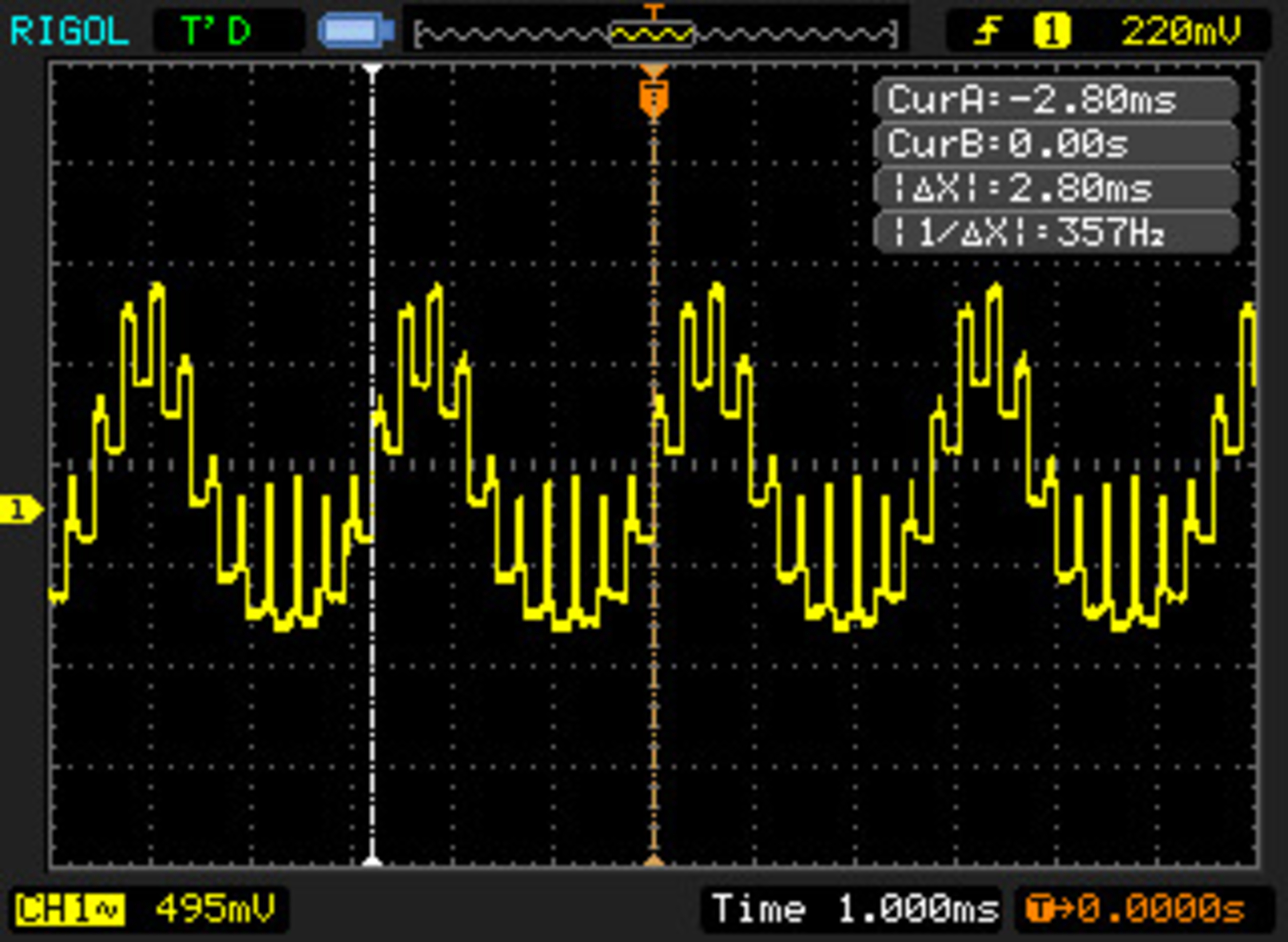
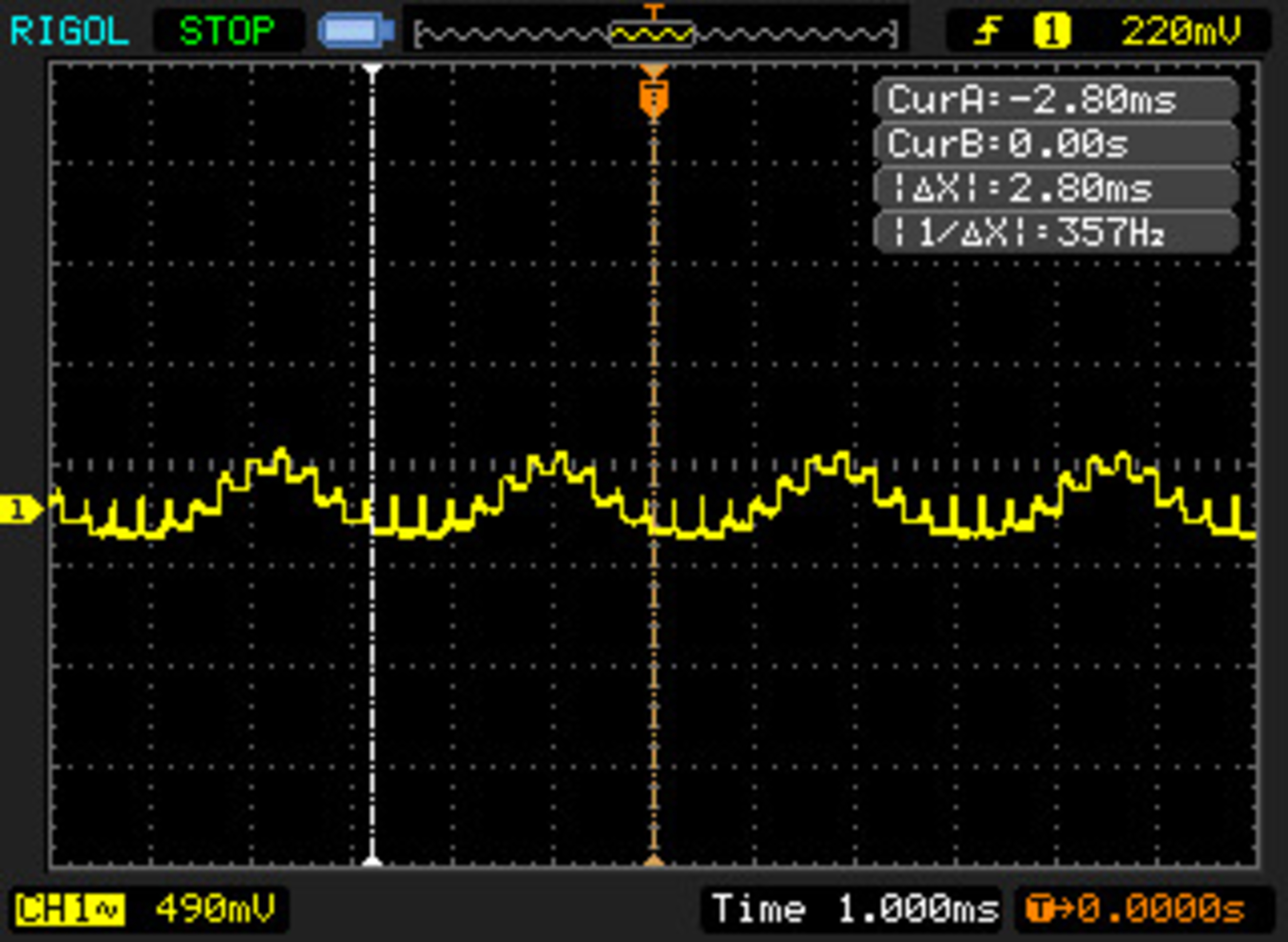
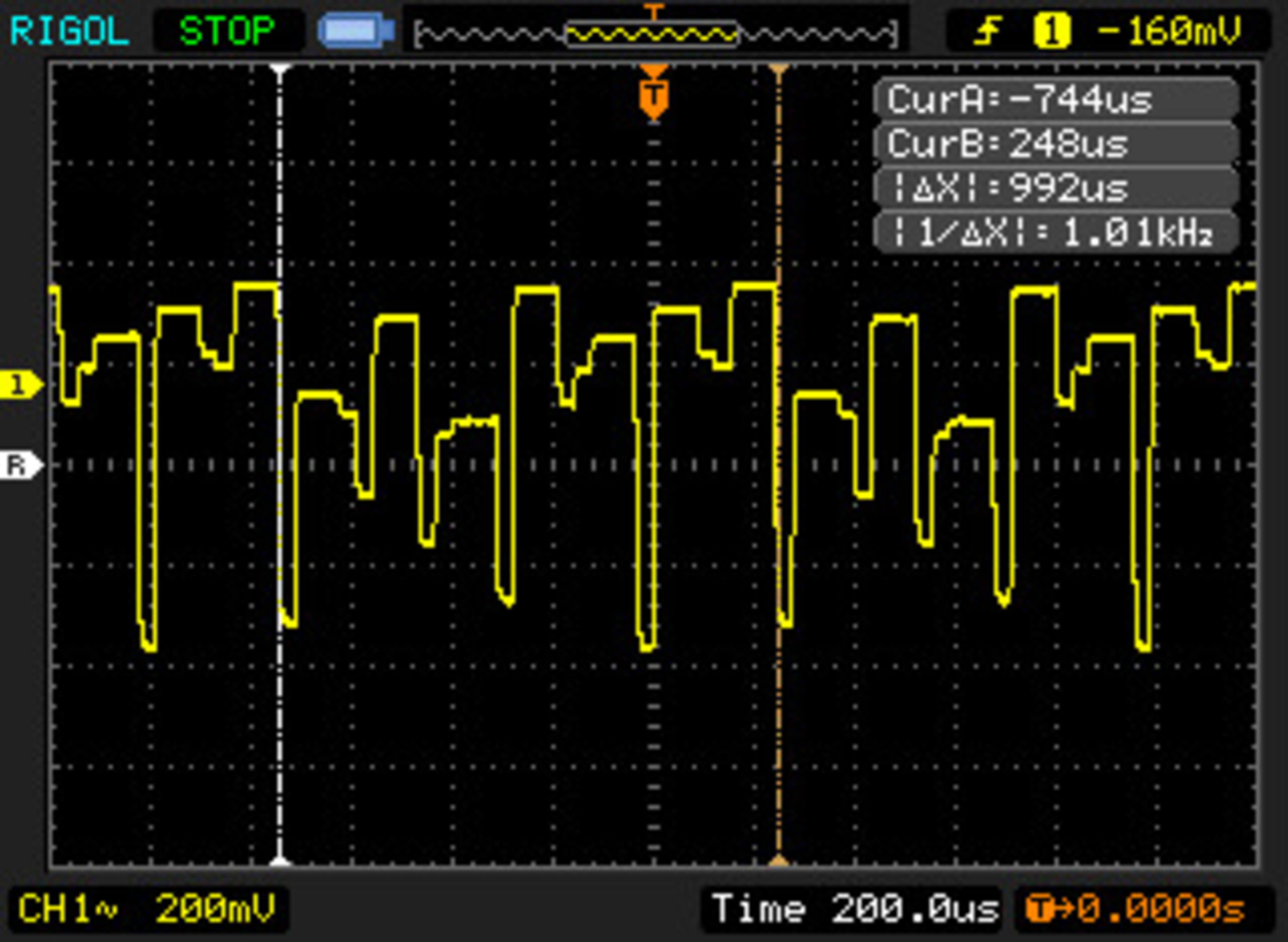
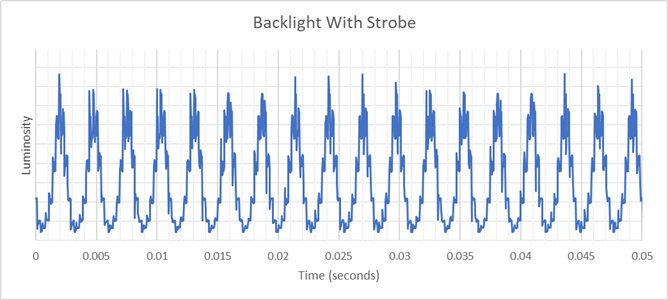
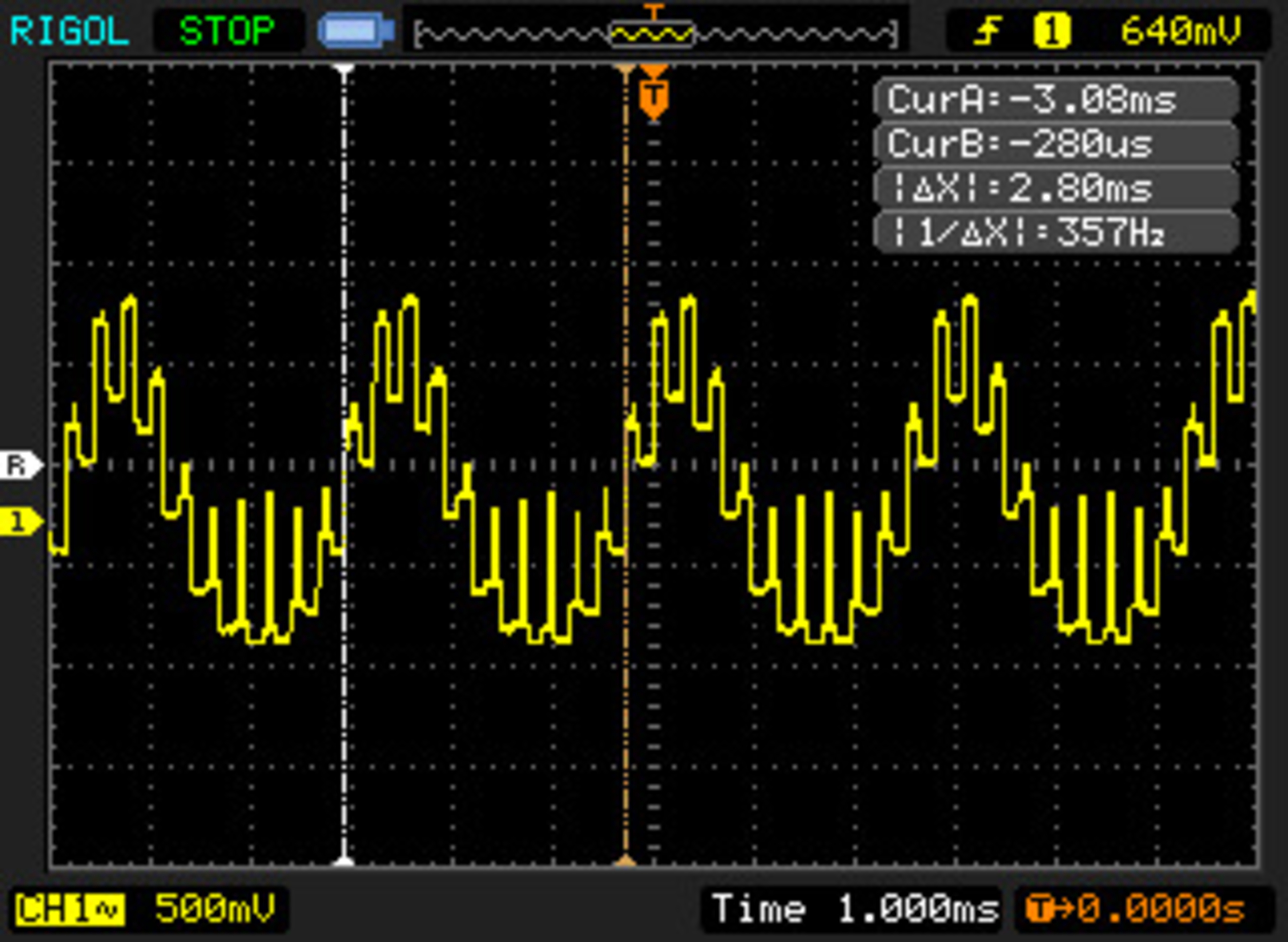
- They included some oscillographs. With the way they formed it, I'm assuming these are Pulsar:
Max brightness,
Min brightness,
Outside FPS range. Pulsing is more stepped compared to MUB and TFTCentral's graphs.
ULMB 2:
- ULMB 2 @360 Hz fps at PW:
100,
50,
10
- ULMB 2 @120 Hz fps at PW:
100,
50,
10
- ULMB 2 @60 Hz fps at PW:
100,
50,
10
- The poor diffusion of edge-lights raises the minimum MPRT floor due to way pulse/zone time is shortened. The shorter the PW, the more MPRT deviates from intended target (in the higher refresh rate range). What used to be a straight forward duty cycle setting (PW 100-10) no longer scales as consistently.
- Multi-strobing/stepping effect becomes increasingly noticeable as PW decreases (motion speed dependant). A good example is 120 Hz with PW 10. A perceived blur closely matches the shape of the pulse. At 60 Hz this is imperceptible for the most part.
- At 360 Hz pulse width does almost nothing in terms of MPRT
(roughly 38-30% duty cycle, merely a ~0.3 ms range). There may be some minor crosstalk improvements somewhere below PW 50. Rtings did not test, but probably same goes for 240 Hz. At 120 Hz pulse width does something, but is still held back quite a bit
(roughly 31-16% duty cycle).
- At 60 Hz, duty cycles are achieved via different method. It seem to behave more consistent with previous-gen ULMB where PW 100-10 is 25-2.5% duty cycle. It is adjustable in ~0.25% increments (steps of 1). Each increment exchanges ~4.8 nits for ~0.25%. Fun fact: If that is the case, CRT-like clarity without phosphor trails should be at PW ~12 (
~0.5 ms). Another fact is that ULMB is on average 3.7x brighter than XG2431 PureXP at same/siimlar MPRT. At higher rates story is a bit different. This is based on average ULMB brightness data we have online, do keep in mind they can vary from reviewer to reviewer.
- At 120 Hz, I can see a very faint leading-ghost image positioned exactly at
half the frame, just like Pulsar, which suggest they didn't completely remove the compensation pulse from the non-VRR mode. Same was visible on
MUB shots. Possibly a slip from Nvidia. At 60 Hz there's no signs of crosstalk, at least at the recorded screen section.
- Same comment regarding GtG vs crosstalk physics applies here.
- Measured brightness: longest PW is 470 nits, shortest PW is 50 nits.
- As always
flicker photo @max Hz is included. I'm again assuming this is ULMB, but it is unclear. There is also
oscillograph @360 Hz.
I'm still trying to solve this edge-lights physics puzzle. I'll keep you guys updated.
Outside blur reduction:
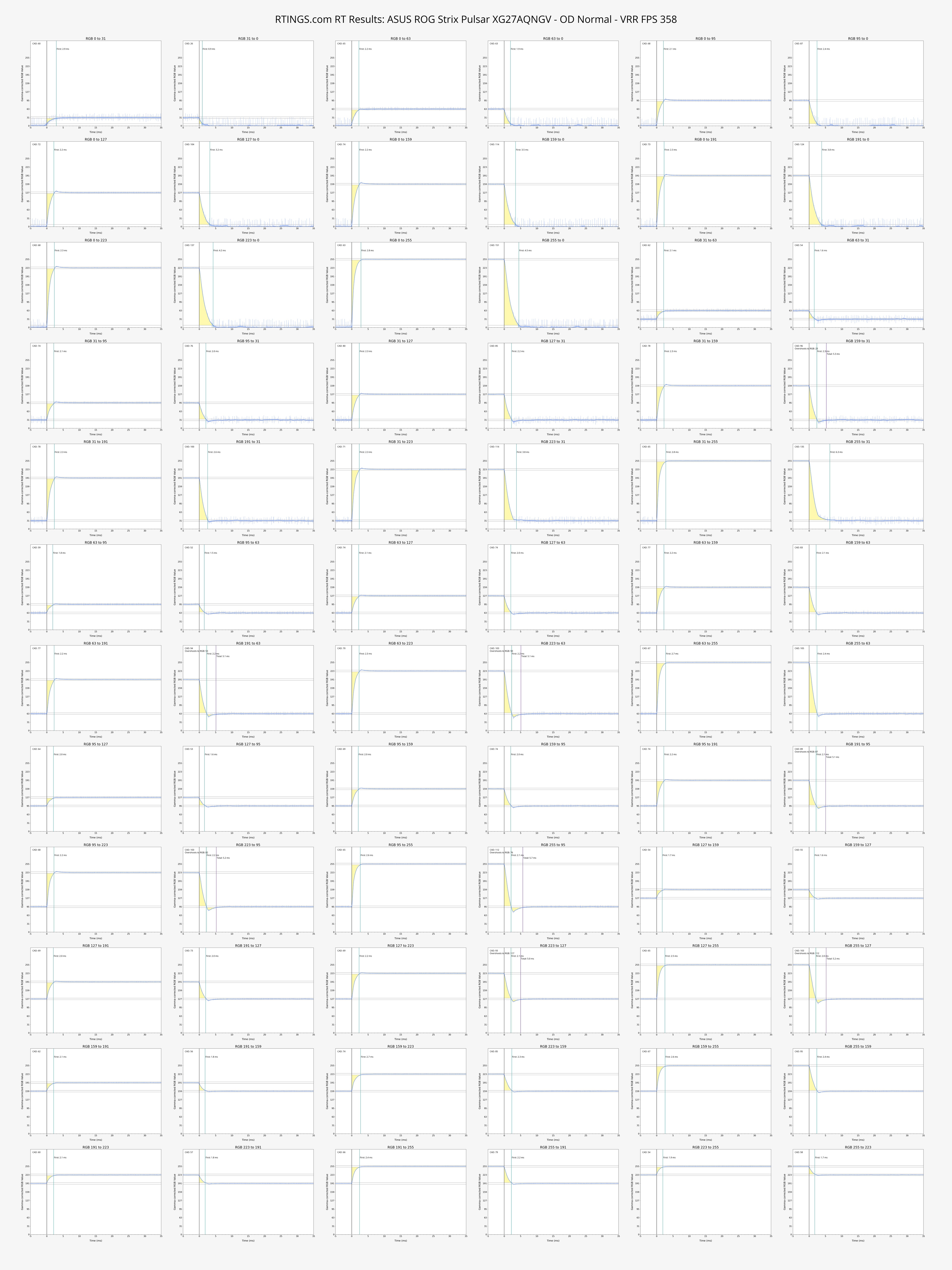
- Somehow I missed it or no one mentioned that there is now a user customizable overdrive on the Asus. 0-400 gain adjustable in increments of 1. It's probably a gain multiplier that simply offsets factory tuned range line (multiplier on top of multiplier). Basically a variable overdrive gain offset. Nvidia finally listened. This is what we were waiting for since forever.
- OD 95 or
Normal is pretty much spot on for all frame rates.
- Perhaps they could have included a larger “LFC-like GtG multiplier” boost across a wider range. Like the PG248QP was doing x3 for ~60-80 fps, and x2 for ~100-144 fps. Here only 60 Hz is doing a x2 boost.
Now that Rtings revamped things I'm not sure if they'd appreciate me sharing their photos, but I guess it was their choice to make things shareable?
 I edited my post.