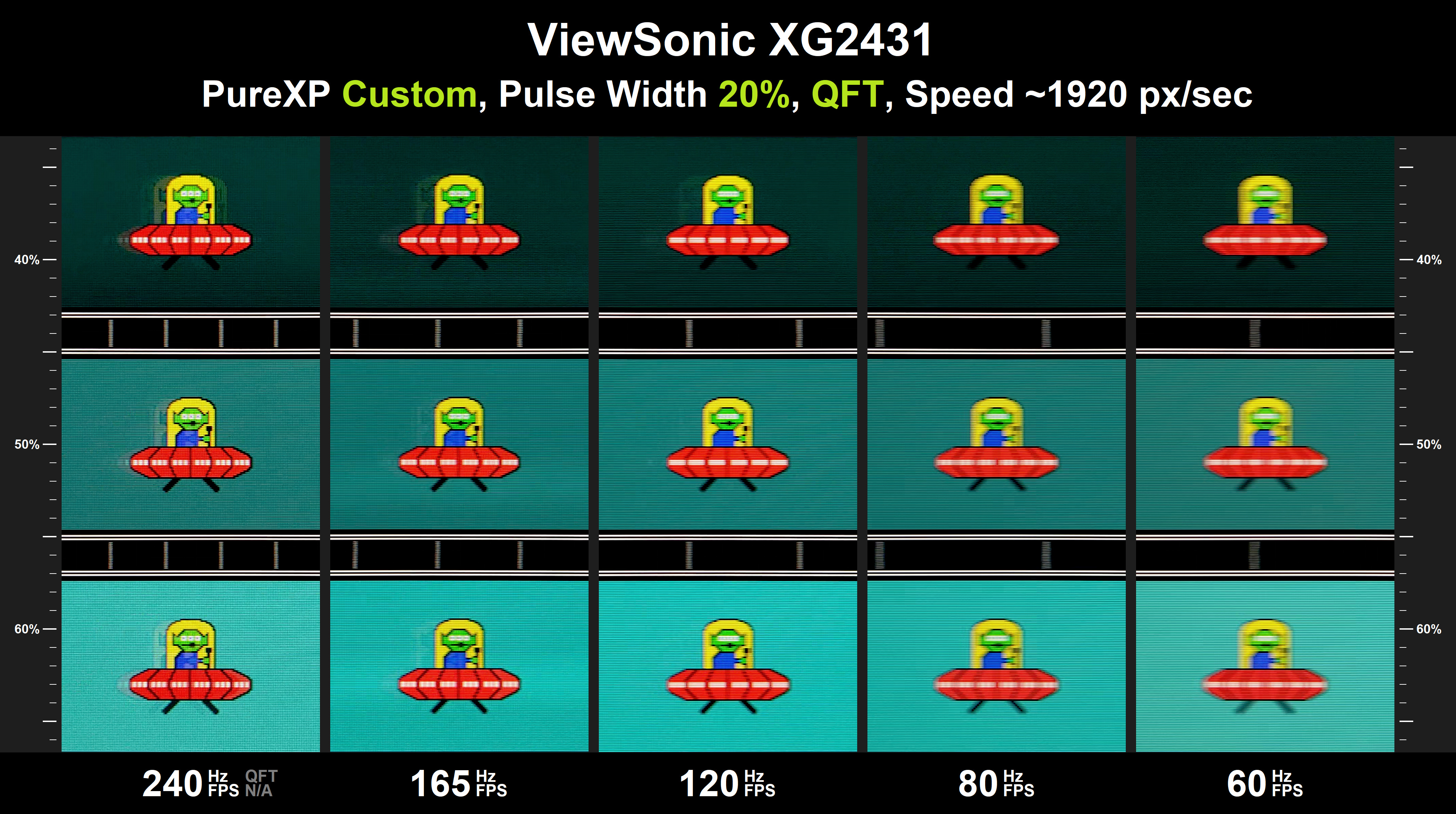
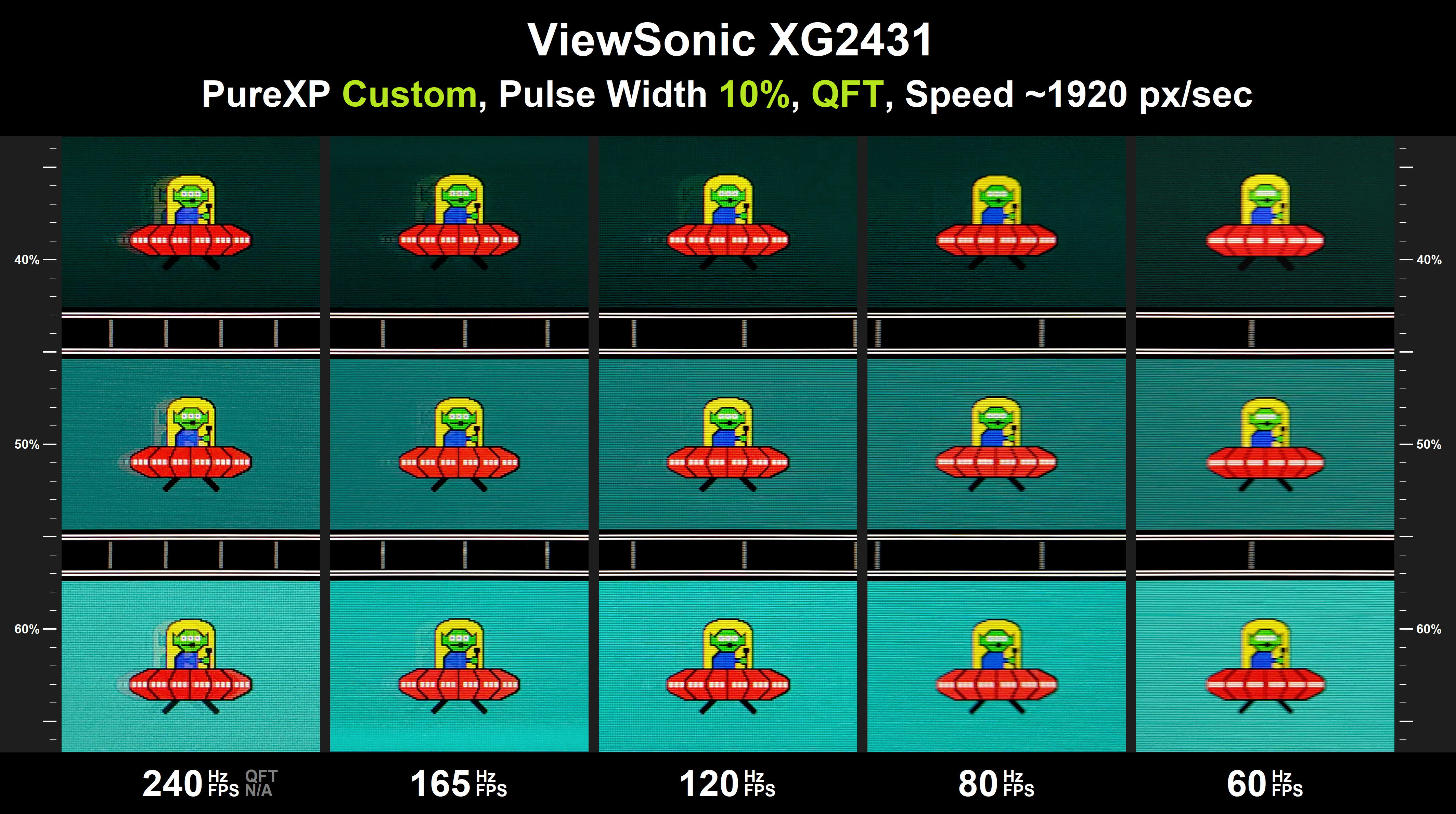
I’m starting to think that everyone’s experience with the 60 Hz ULMB2 mode varies quite a bit depending on the panel brand and how it’s tuned. On my Acer it feels pretty good, noticeable when switching from Pulsar, but it kind of “fizzles out” after a while and only really shows on full white screens. The MSI version sounds much worse with no pulse width adjustment. I’d love to see the ASUS side-by-side for a proper comparison. However, as your sesitive to flicker maybe thats just why.CriticalHit_NL wrote: ↑22 Apr 2026, 17:49I was hoping to see the 48Hz lower limit but I can fully understand that it gets too much, I tried the 60Hz ULMB2 mode with the default 24 PWM and wow I am not someone who can handle that kind of black-frame flashing for a very long time, but the picture was definitely clear and for the people who want this perfect motion-blur-less 60Hz content that is perfect.
Update: just seen a new review that shows the MSI version only does 128 nits in the 60hz mode https://www.displayninja.com/msi-mpg-272qrf-x36-review/
On the 10-bit colour thing, it made the Nvidia control panel look pink, so I switched back to 8-bit. I'm not sure if the colours are correct? it looks very different to my OLED thats next to it.CriticalHit_NL wrote: ↑22 Apr 2026, 17:49The monitor is also working perfectly fine with it at 360Hz 10-bits with and without HDR.
Its so good at 200–300+ FPS, even with MFG although i find MFG makes the image softer? I tried Pragmata the other day with path tracing + MFG and it looked incredible, Capcom’s engine just feels buttery smooth with consistent frame times.CriticalHit_NL wrote: ↑22 Apr 2026, 17:49That being said I am absolutely loving how sharp the image stays during 200-300+ FPS situations, even with 6x MFG in games like Cyberpunk 2077 and Avatar Frontiers of Pandora going beyond 300 FPS it works incredibly well even for that
I’m really interested to see how this technology evolves. A 4K version with decent HDR would be an instant buy for me.CriticalHit_NL wrote: ↑22 Apr 2026, 17:49Maybe in the future we can see MiniLED displays with Pulsar combining the best of both worlds together as MicroLED/OLED can't support Pulsar due to the self-emitting nature.
Big thanks to Baddass on the Overclockers forums — he’s the one who listened and relayed the ghosting issue to NVIDIA, and I think he’s a big reason why they’ve started engaging in this thread. I mentioned we needed a better way to pass feedback on, and it seems like it worked.CriticalHit_NL wrote: ↑22 Apr 2026, 17:49In any case, thanks for all the updates and information everyone has shared thus far, and thanks to brownvim getting in touch with Nvidia over that ghosting issue (I did as well but by other means) and thanks ManuelG for giving us a heads-up!
I completely agree the motion clarity is addictive. It’s genuinely hard going back to my OLED now — even with MFG, the inconsistency and occasional stutter in some games makes me appreciate Pulsar even more at lower frame rates. Sometimes it really does come down to how well the game is frame-paced.CriticalHit_NL wrote: ↑22 Apr 2026, 17:49it is a joy panning around the camera and things being actually trackable and readable in many games.